







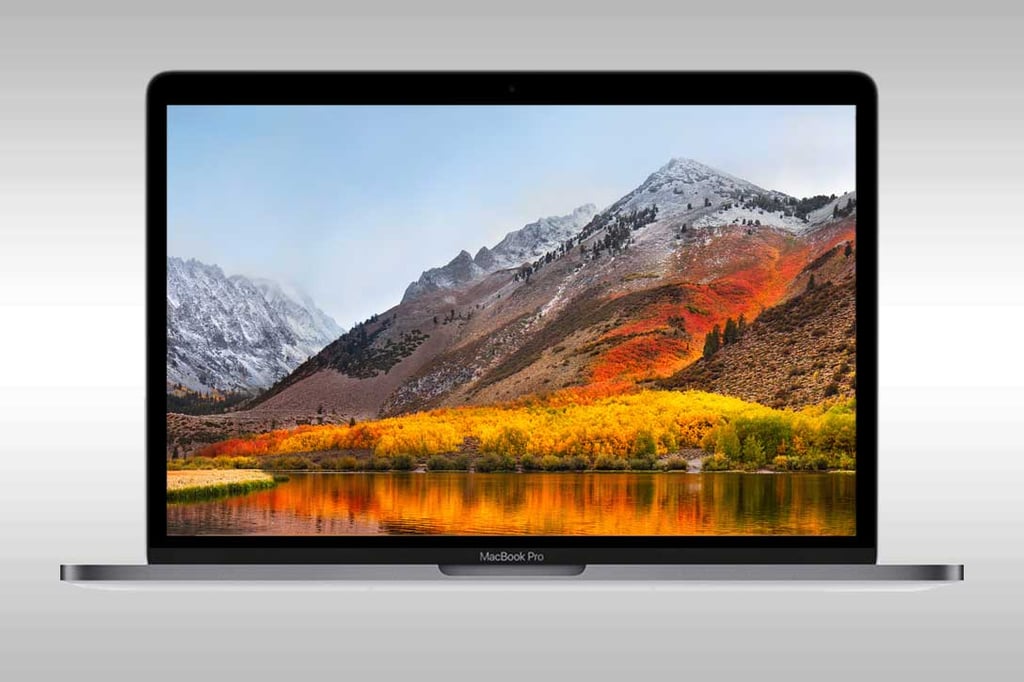
- macOS High Sierra Low on Big New Advances, But Has Valuable Features
- The Apple File System Arrives
- High Sierra Supports a New Video Standard
- There Are Significant Improvements in Graphics Performance
- There Are Improved Tools for Image Editing
- Better Privacy in Safari
- Siri Keeps Improving
- Spotlight Gets Smarter
- There’s Small, But Important Mail Boost
- Notes Apple Support Tables
- Apple Has Paid Attention to Backward Compatibility
macOS High Sierra Low on Big New Advances, But Has Valuable Features
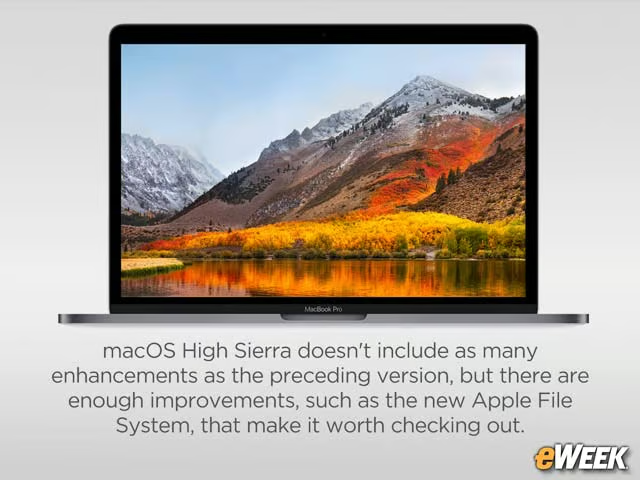
Now that iOS 11 has been pushed out to iPhones and iPads, Apple is turning the spotlight to the desktop with macOS High Sierra. The operating system, which was introduced at Apple’s Worldwide Developers Conference in June, is a relatively a minor upgrade over last year’s macOS Sierra, but it includes some important improvements, such as a new Apple File System for better performance. Users also will find tweaks to built-in apps, as well as improved graphics and video support. There are enough improvements to make working with Mac desktops and laptops a more productive or even pleasant experience after it’s released Sept. 25. Take a look at this eWEEK slide show to learn more about High Sierra’s new features.
The Apple File System Arrives
Apple is revamping the file system in macOS High Sierra, for the first time in decades. The new Apple File System uses a 64-bit architecture and is far more responsive. It also has built-in encryption and other tools to boost the platform’s security. Apple File System should improve the macOS user experience dramatically.
High Sierra Supports a New Video Standard
Apple is moving to a new video standard in macOS High Sierra called High Efficiency Video Coding (HEVC), or H.265. According to the company, HEVC can compress videos up to 40 percent more effectively than H.264, with image quality far better than the older technology.
There Are Significant Improvements in Graphics Performance
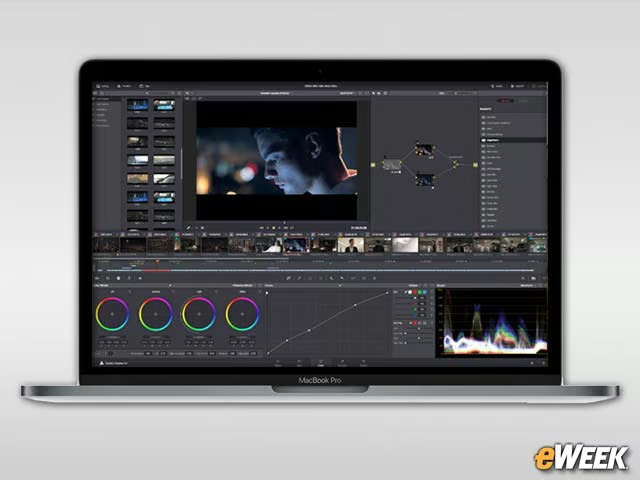
To expand its graphics appeal, High Sierra works with the Metal 2 graphic processing system, which significantly advances how the operating system leverages the GPU chip for optimal performance. Metal 2 also uses utilizes machine learning and virtual reality to improve app performance across video games, creative apps and more.
There Are Improved Tools for Image Editing
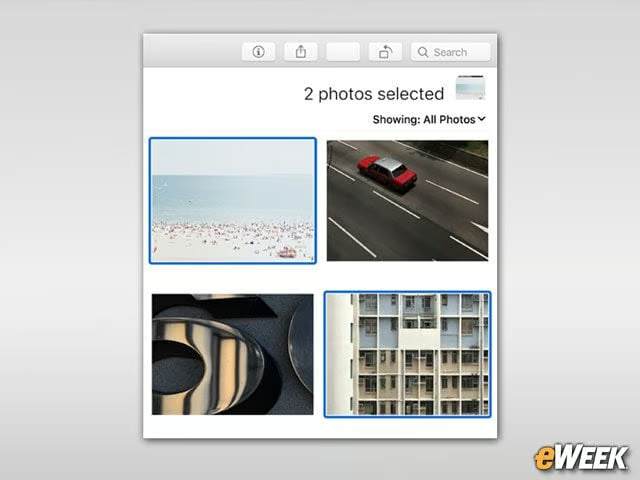
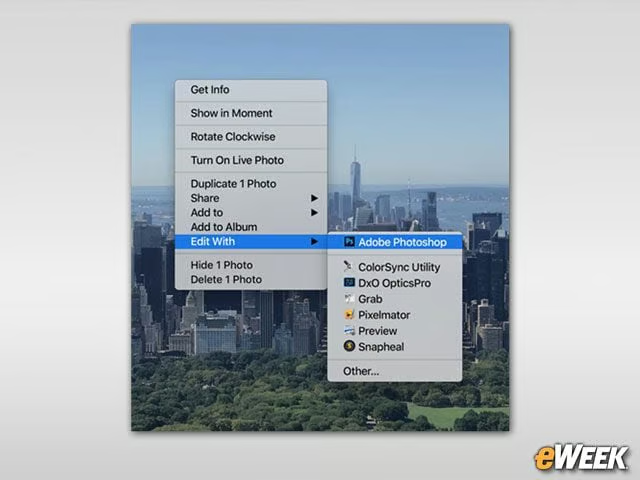
Apple’s Photos app has received the biggest update of any built-in app in High Sierra. Photos now includes a variety of photo-editing tools and filters, and organizing photos has become much easier. It’s also easier to transfer images from inside Photos to third-party apps such as Photoshop.
Better Privacy in Safari
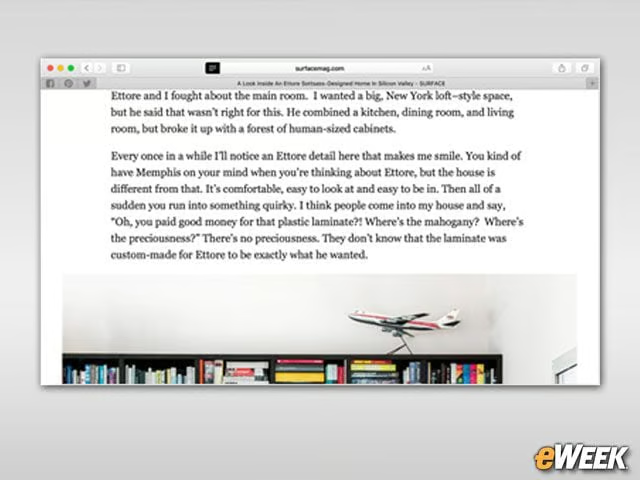
Apple has bolstered several privacy features in Safari. This includes a new Intelligent Tracking filter in the browser to stop advertisers from tracking user web browsing activity. The new Safari also stops videos from auto-playing. Advertisers have cried foul over the features, but Apple says they’re important to improving privacy and security.
Siri Keeps Improving
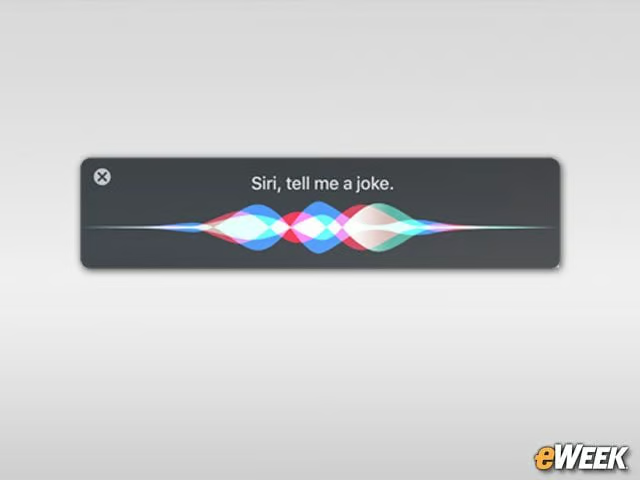
Each year, Apple improves Siri, and the same is true in macOS High Sierra. Siri now can learn user music preferences and provide audio recommendations. It also has been updated with a more natural voice that will sound more far more like a human. Finally, Siri should be able to understand and respond to more queries.
Spotlight Gets Smarter
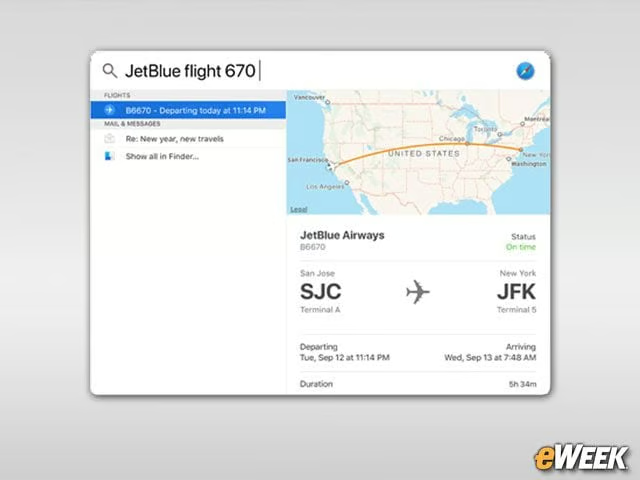
The Spotlight search feature in macOS High Sierra now provides access to more than just files and folders on the computer. Spotlight also can find information on the web, and understand contextual queries and respond with relevant results. If users input a flight number, for instance, Spotlight will display arrival and departure times and terminal and gate information.
There’s Small, But Important Mail Boost
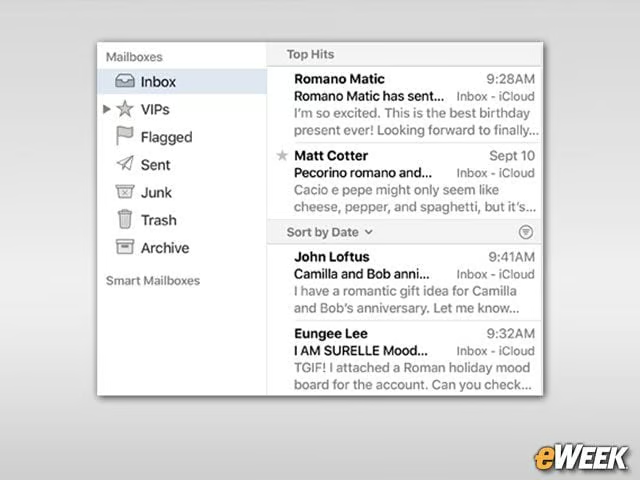
Apple’s Mail will look the same in High Sierra, but the app’s search features have received a big improvement. It now does a better job of understanding a search query and delivering so-called “Top Hits” that it believes are most relevant. The Mail search also learns over time, so the more a user searches, the better it understands.
Notes Apple Support Tables

It might seem like a small change, but Apple’s decision to add table support to Notes is an important addition. Apple Notes also can be used to pin important notes, such as grocery lists and meeting agendas. Look for Notes to keep users far more organized than in the past.
Apple Has Paid Attention to Backward Compatibility

To its credit, Apple has done a good job of ensuring macOS High Sierra works with the most Macs in the wild now. High Sierra will work with all Macs unveiled in mid-2010 or later and MacBooks and iMacs introduced in late-2009. Apple is planning to make High Sierra available Sept. 25 as a free download from the Mac App Store.