









- New Features Likely to Impress OS X Yosemite Pre-Beta Testers
- Improved Design for Productivity
- iOS Lovers Will Love the Full Phone Integration
- It’s No Longer Just an iMessage Platform
- Full Device-to-Device Synchronization With Handoff
- Look for a Better, Faster Safari
- iCloud Drive Should Come in Handy
- Better Organization Across All Apple Products
- AirDrop Will Work Cross-Platform
- Apple Improved the Notification Center
- All-New Photos Experience Coming Next Year
New Features Likely to Impress OS X Yosemite Pre-Beta Testers
by Don Reisinger
Improved Design for Productivity
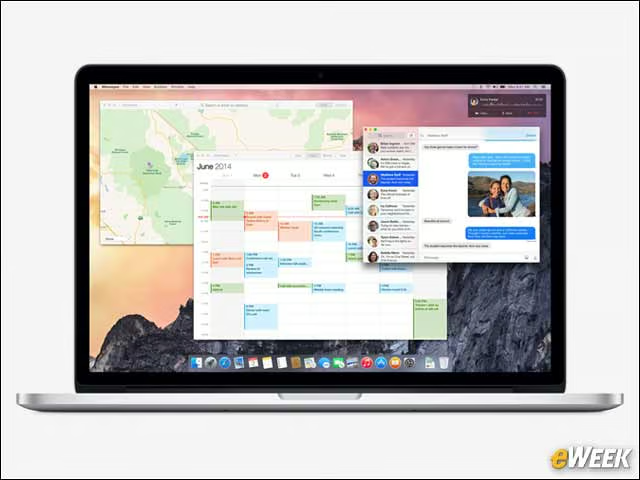
One of the big changes to the software design in Yosemite is its translucence. Apple said the Dock will now be partially transparent and squared off to allow for more use of screen real estate. In addition, the Finder windows will be translucent so users can now see more easily what’s behind a particular folder or application window. It might not seem like much, but Apple said the new Yosemite design will vastly improve productivity.
iOS Lovers Will Love the Full Phone Integration

iOS lovers will be extremely pleased with the integration of calling in Yosemite. The feature will allow users who have an iPhone within proximity to a Mac to accept or decline a phone call from a Mac. Users can also communicate with the callers from their computers. All in all, it’s a great feature.
It’s No Longer Just an iMessage Platform

Although current OS X users can employ the operating system to send and receive iMessages, that’s not the case with Short Message Service (SMS). In the new Yosemite, users will be able to receive and answer SMS messages, as well. That’s a big change that could dramatically alter how supposedly mobile messages are answered when users are in the office or at home.
Full Device-to-Device Synchronization With Handoff

Handoff is a nice feature that shouldn’t be overlooked in the new Yosemite. The feature essentially allows users to end up working on an app or document on an iPhone or iPad and then pick up where they left off on a Mac. The same can be done when work is started on a Mac and continued on an iPhone or iPad. It’ll be a nice feature for enterprise users.
Look for a Better, Faster Safari

Safari has been given an important overhaul. The app has an improved toolbar that provides more room for actual Web pages, rather than application components. In addition, Apple said the new Safari browser will do a better job of loading pages, thanks to an improved JavaScript engine and better support for Web standards.
iCloud Drive Should Come in Handy
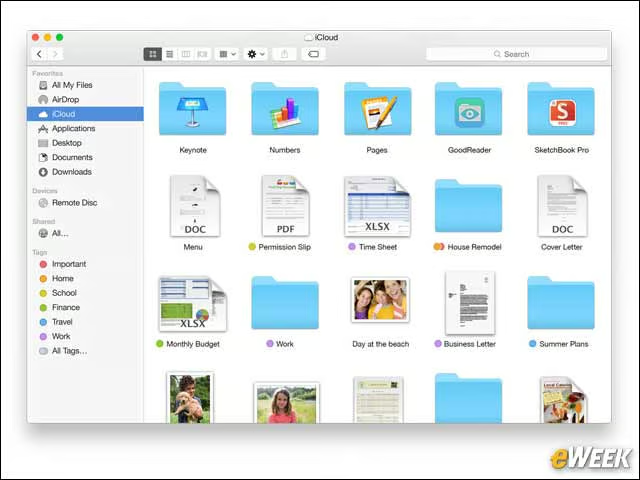
Apple has built a new feature into its Finder that lets users synchronize documents and files across iCloud to all other devices. The iCloud Drive feature also will take better use of tags to make it easier to arrange documents and find what users want. And it works with iOS, too.
Better Organization Across All Apple Products
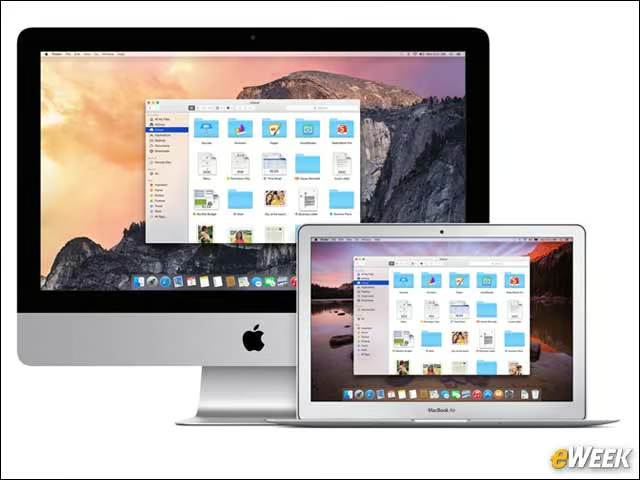
Organization has been a real concern for OS X users. Finder’s addition of tags has been somewhat helpful, but the platform still doesn’t provide the same level of organizational opportunities as even Windows. Apple is trying to fix that with OS X by integrating iCloud Drive, as well as making it easier for users to find different apps and files and improving search to ensure the right files are found each time. From an organization perspective, Apple’s Yosemite will be a step up.
AirDrop Will Work Cross-Platform
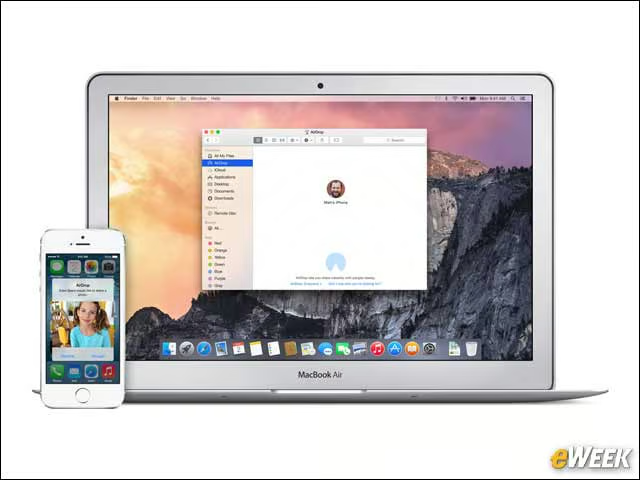
AirDrop, the platform that wirelessly transmits data and files between Apple products, will now work across iOS and OS X. That’s important. Right now, AirDrop is the easiest way to wirelessly transfer files between Macs, and adding iOS support makes the feature even more useful. It’s nice to see.
Apple Improved the Notification Center
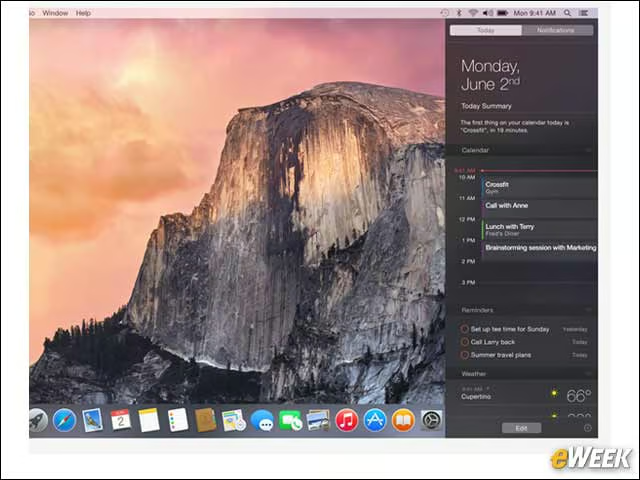
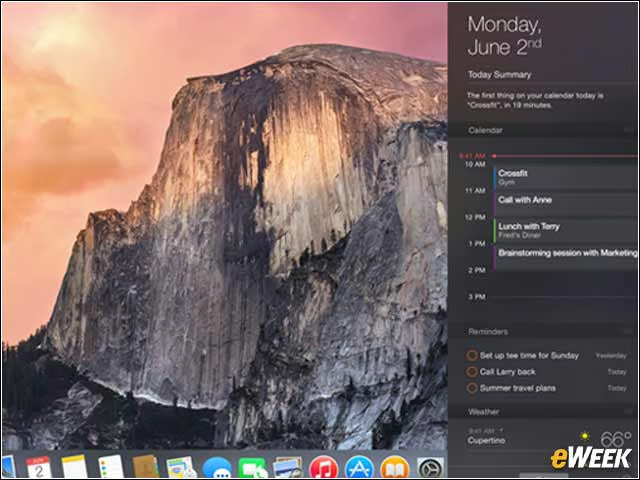
Notification Center has gotten a bit better in Yosemite. The feature gives users everything they need to know about the current day, as well as weather information, stocks, calculator access and reminders. Notification Center is already useful in OS X, but it’s a bit more this time around.
All-New Photos Experience Coming Next Year

The Photos app will be coming to Yosemite next year to bring about the biggest change to OS X’s handling of photos in recent memory. The app will allow users to share and collaborate on photos across devices, and editing is also possible with the feature built-in.