






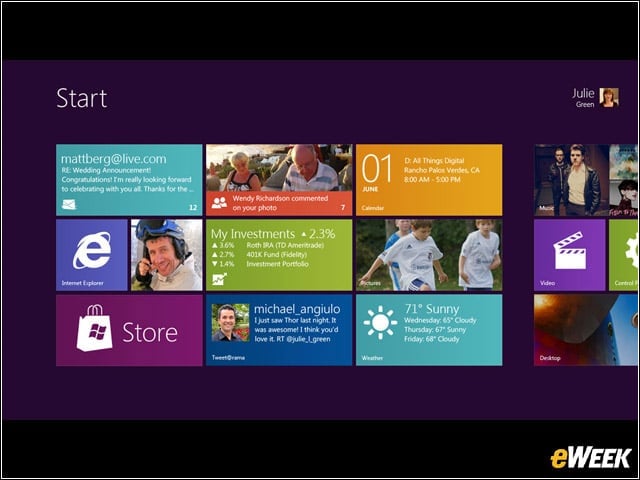

New Interface
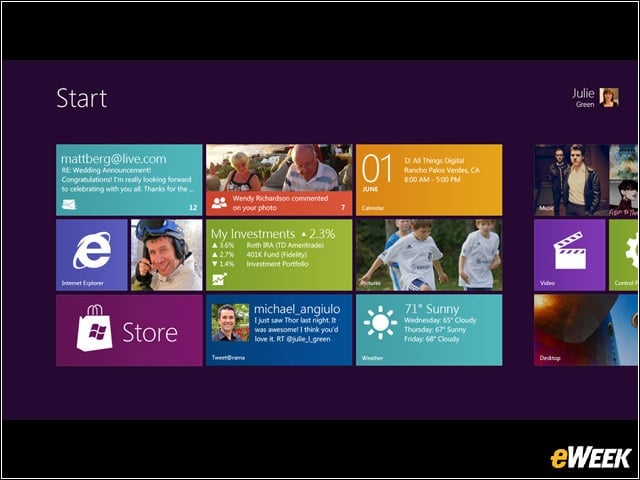
Windows 8 will abandon Windows’ traditional “desktop”-style interface in favor of one centered on colorful tiles, itself heavily reminiscent of Windows Phone.
Start Screen
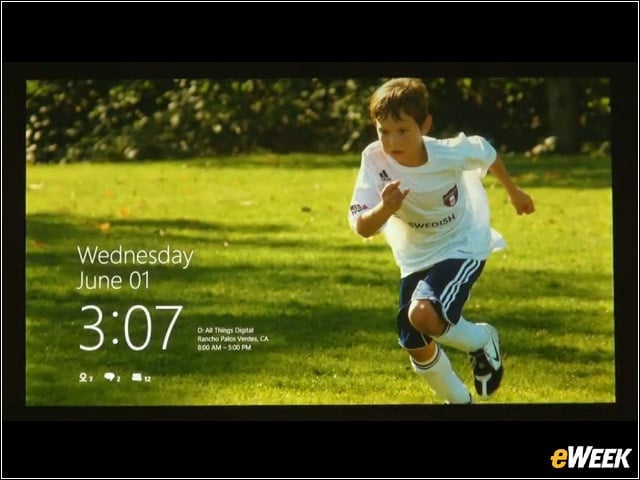
Windows 8’s start/unlock screen, at least in the early builds, is also heavily reminiscent of the one currently available for Windows Phone, complete with icons alerting the user to new emails, etc.
Tablets
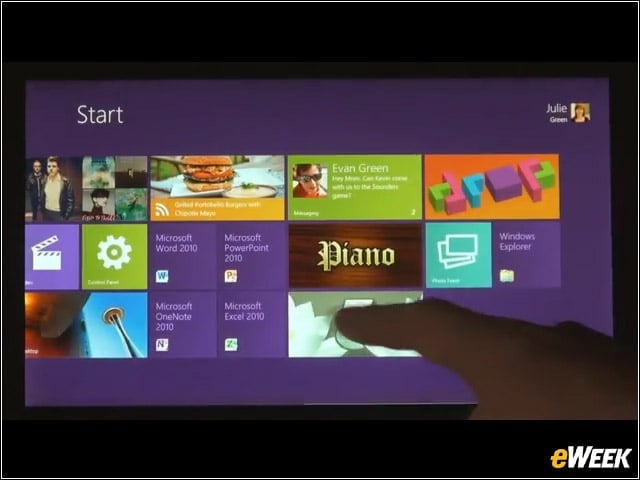
Microsoft plans for Windows 8 to run on form-factors ranging from traditional PCs to tablets.
Apps
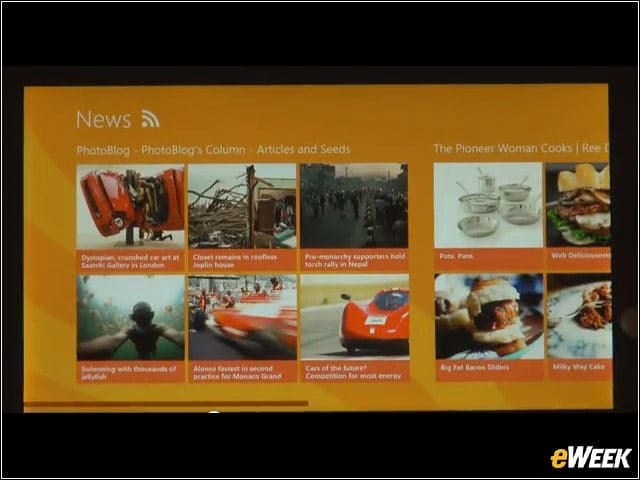
Windows 8 will offer not only apps, but also a built-in App Store. Seen here: a News app, demonstrated by Microsoft as part of an early build.
Scrolling
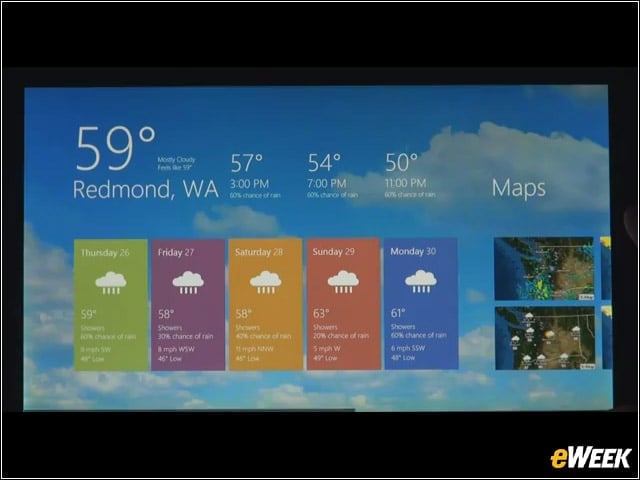
Windows 8 seems big on scrolling. Several elements demoed by Microsoft feature extensive swiping to the left or right.
Mouse and Keyboard
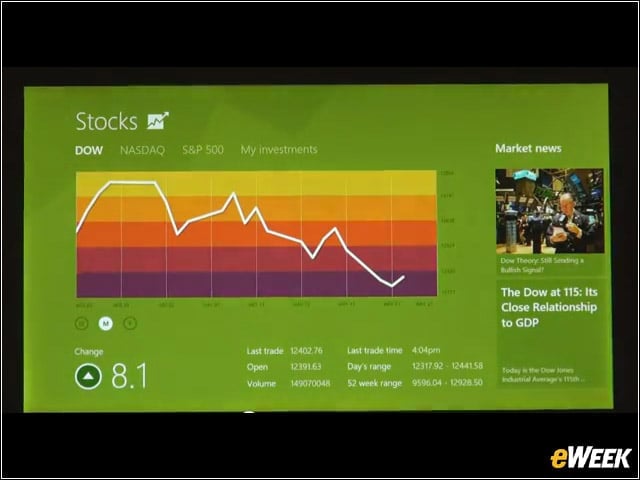
So far, Microsoft has chosen to emphasize Windows 8’s touch abilities, probably with an eye toward assuring everyone that they have a plan for the burgeoning tablet market. However, Windows 8 is also optimized for mouse and keyboard.
Mobility
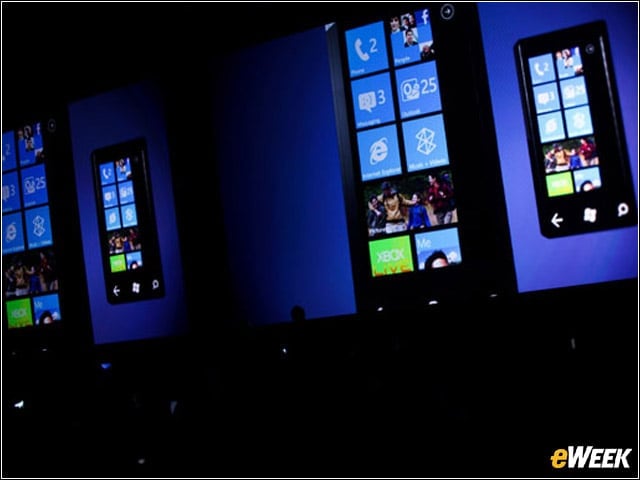
You can see how Windows Phone’s user interface had a clear influence on Microsoft’s progress in developing Windows 8.
Windows Online
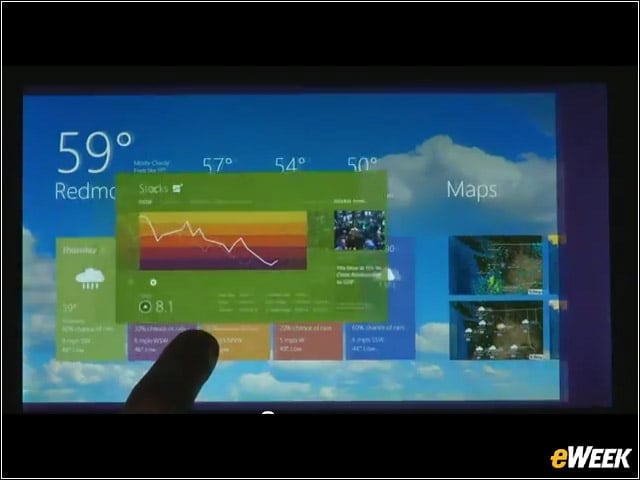
Windows 8’s engineering teams are working on a feature or area termed “Windows Online.” Details aren’t forthcoming quite yet, but it could indicate that Microsoft is examining how to best integrate Windows 8 with its “all in” cloud strategy.??Ã
Questions
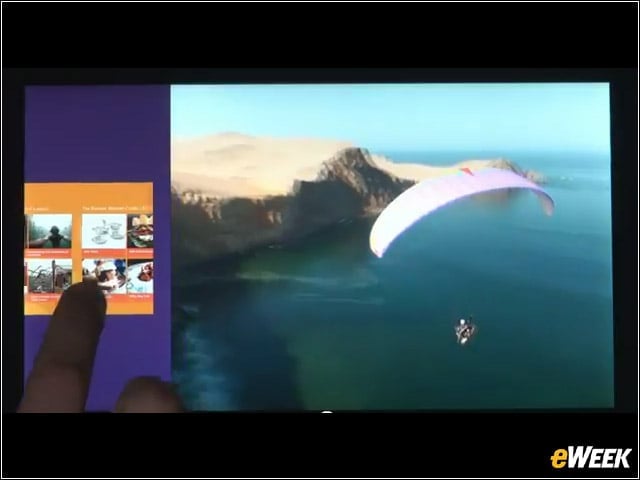
At September’s BUILD conference, Microsoft will (hopefully) begin to answer some burning questions about Windows 8, such as how well legacy applications will run on ARM-based Windows devices.
Kinect
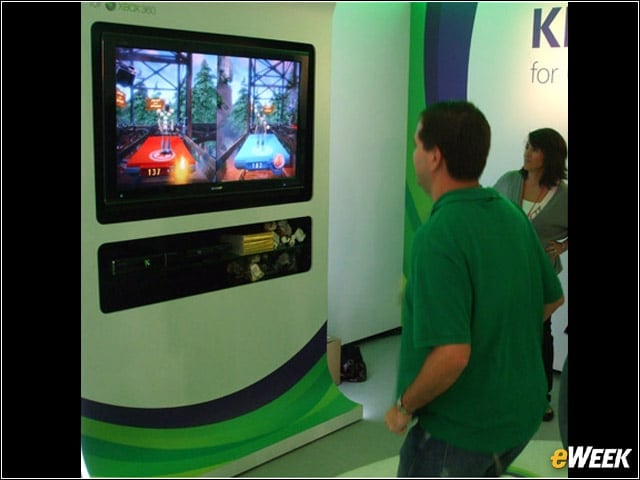
At this juncture, it’s unclear whether some other new Microsoft technologies, such as its hands-free Kinect controller, will find their way into the Windows 8 ecosystem.