







TrueOS Succeeds PC-BSD Desktop-Friendly Unix OS
TrueOS offers FreeBSD users an easy-to-use desktop as well as a new release cadence. Here’s a look at the TrueOS desktop-friendly Unix OS.
TrueOS Is Based on FreeBSD
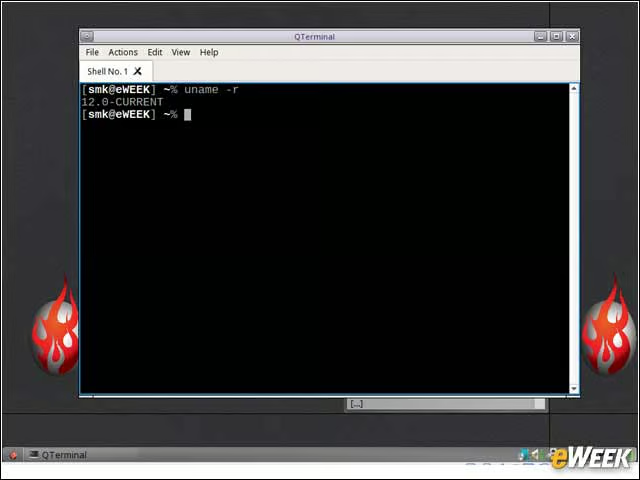
The TrueOS operating system is based on the latest FreeBSD 12.0-Current code branch, which is under active development.
PC-BSD No More
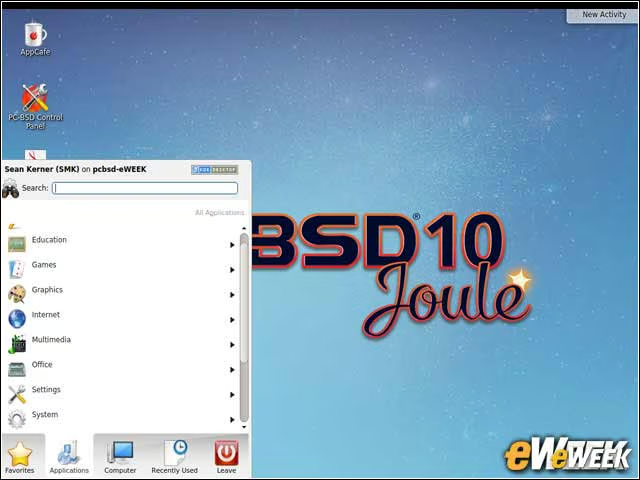
TrueOS is the successor to PC-BSD, which had been issuing releases after each FreeBSD milestone, providing users with a desktop-friendly operating system.
TrueOS Is a Rolling Distribution
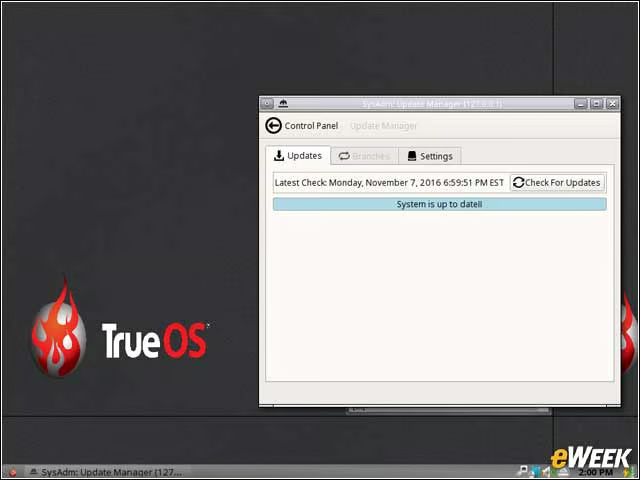
As opposed to the traditional model of operating system releases, where a new milestone update debuts when ready, TrueOS is a rolling release distribution. With the rolling release model, new package updates are delivered to users on a so-called “rolling” or continuous model, rather than waiting for an incremental milestone release of the entire distribution.
PersonaCrypt Provides User Security
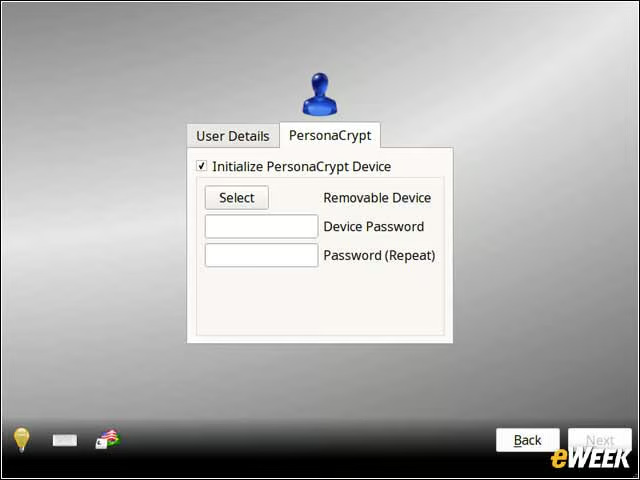
The PersonaCrypt feature in TrueOS enables users to create and use encrypted external media.
Lumina Desktop Is the Default
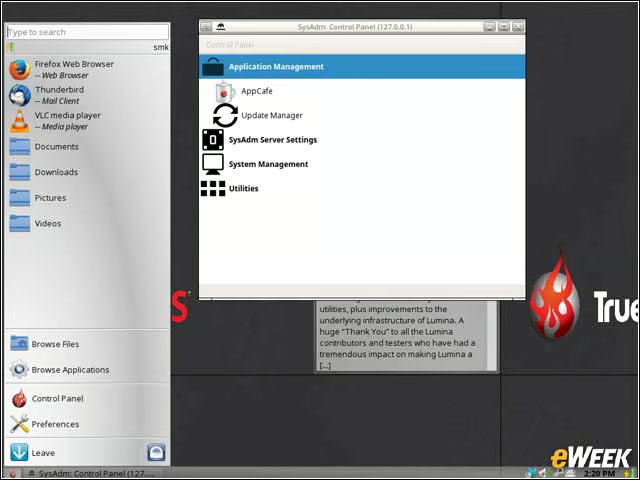
TrueOS provides users with a Lumina open-source desktop environment, which is a change from the KDE desktop that had typically been the default under PC-BSD. Lumina is based on the open-source Qt graphical toolkit.
New Applications Can Be Added With AppCafe
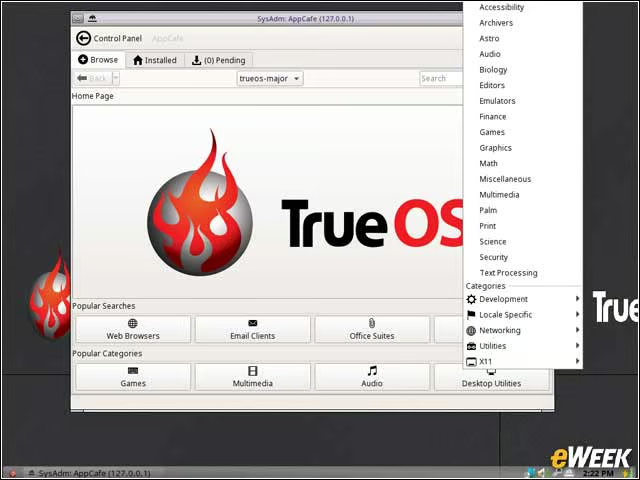
New applications can easily be added to TrueOS via the AppCafe utility, which provides users with access to multiple types of apps.
Life Preserver Secures Data
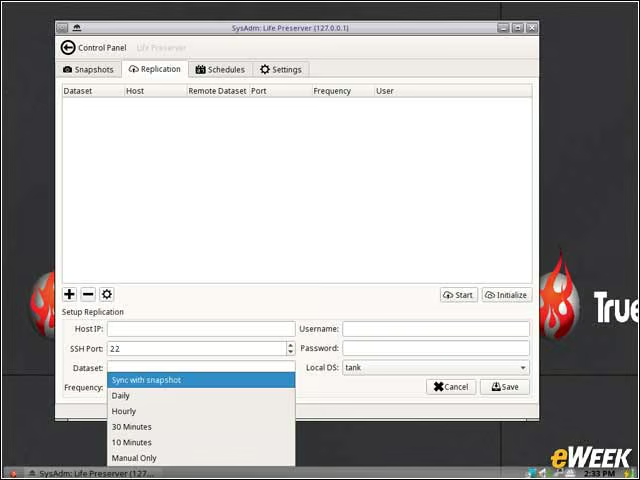
Among the integrated utilities with TrueOS is the Life Preserver back-up and recover utility. Life Preserver benefits from the zettabyte file system (ZFS) that powers TrueOS enabling snapshotting and rollback capabilities.
Firefox Is the Default Browser
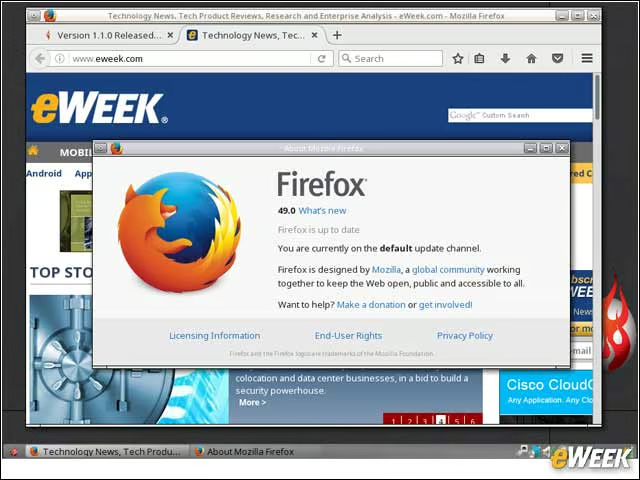
While users can choose to install a different browser, Mozilla Firefox is the default browser included with TrueOS.