








- Why 2016 Razer Blade Notebook Stands Out in a Crowded PC Market
- The 14-Inch Display Is Awfully Nice
- Graphics Performance Is a Key Feature
- There’s Plenty of Processing Power
- Yes, That’s a Touch-Screen You See
- As Many Peripheral Ports as Customers Could Want
- Pick Your Solid-State Drive
- This Is a Windows 10 PC
- Chroma Keyboard Is an Important Selling Point
- It’s a Highly Mobile Notebook
- This Isn’t a Cheap Computer
Why 2016 Razer Blade Notebook Stands Out in a Crowded PC Market
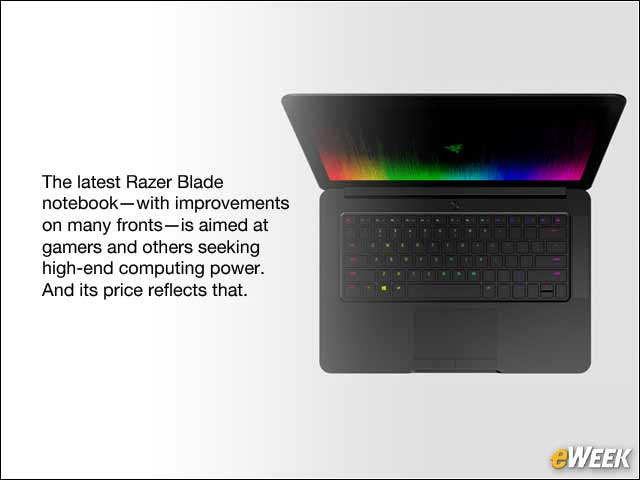
The latest Razer Blade notebook—with improvements on many fronts—is aimed at gamers and others seeking high-end computing power. And its price reflects that.
The 14-Inch Display Is Awfully Nice
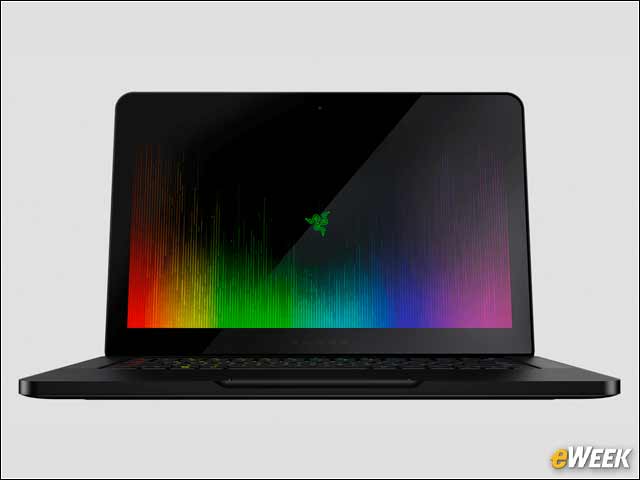
Although a 14-inch screen might not seem like the best option for gamers, Razer makes up for its smaller size with top-of-the-line quality. The screen features a resolution of 3,200-by-1,800 pixels and LED backlighting. In addition, it features a 16:9 aspect ratio, which is perfect for graphics apps, like those from Adobe.
Graphics Performance Is a Key Feature
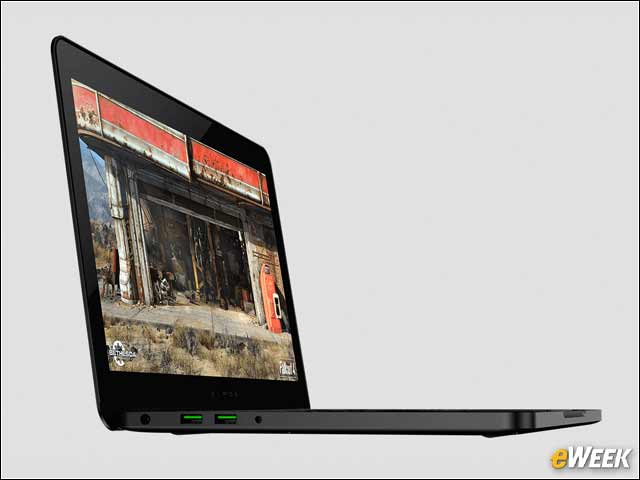
Graphics performance may be one of the key differentiators between the Razer Blade and competing PC models. The device ships with the high-end Nvidia GeForce GTX 970M graphics chip. Most impressively, the chip features 6GB of VRAM, ensuring Blade can handle just about any game or graphics-intensive app.
There’s Plenty of Processing Power
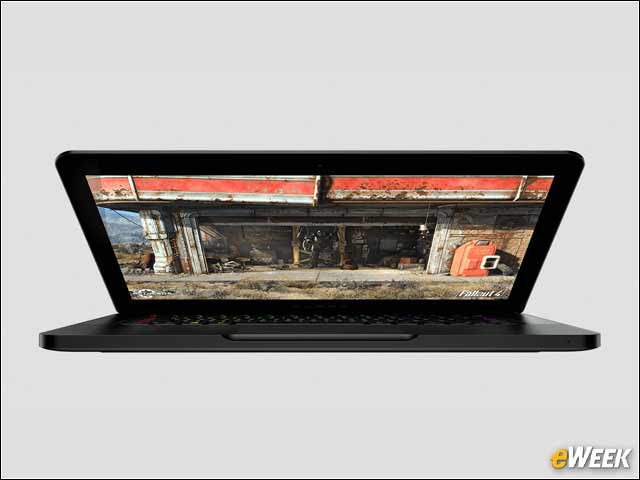
The high-end Blade wouldn’t be so appealing without its processor. The device ships with the sixth-generation Intel Core i7 CPU. The quad-core processor has a 2.6GHz clock speed, which can be turbo-boosted to 3.5GHz. Its hyper-threading support will also help it handle more tasks without significant slowdowns.
Yes, That’s a Touch-Screen You See
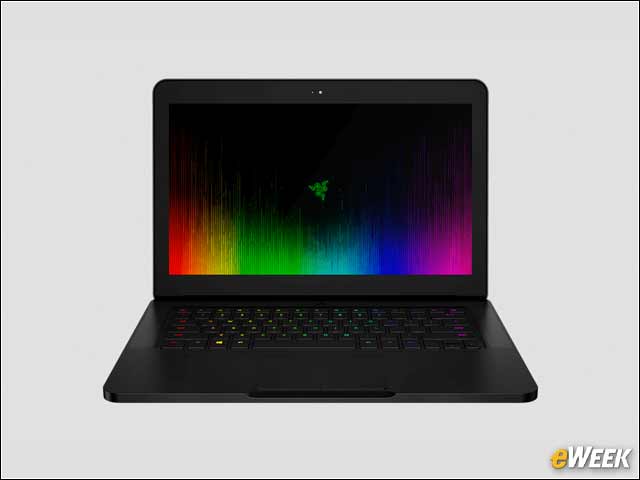
Thanks in large part to Windows 10’s touch-friendliness, many notebooks today launch with touch-screens. The Razer Blade is no different. The device comes with support for multi-touch, so users can pinch to zoom, swipe around the screen and more. Although it’s unknown how the multi-touch works, considering Razer has spent so much on its screen, it’s likely quite responsive.
As Many Peripheral Ports as Customers Could Want
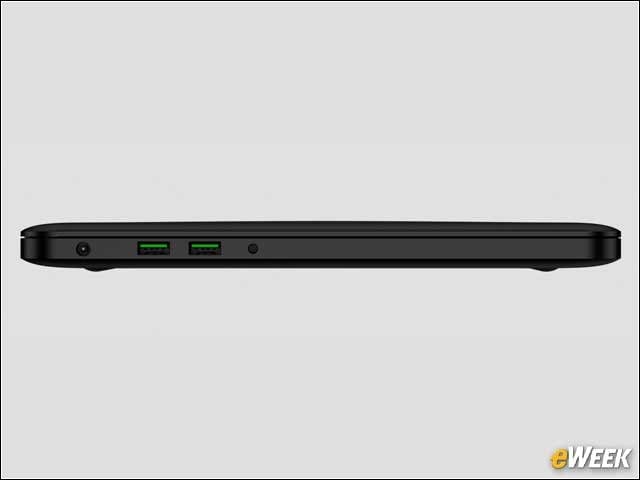
Like any true gaming notebook, the Razer Blade ships with a wealth of ports for peripherals. Owners will find Thunderbolt 3, along with three USB 3.0 ports. In addition, the device ships with a headphone/microphone combo port and HDMI 1.4b for video and audio output. That should cover just about any accessory users may need.
Pick Your Solid-State Drive
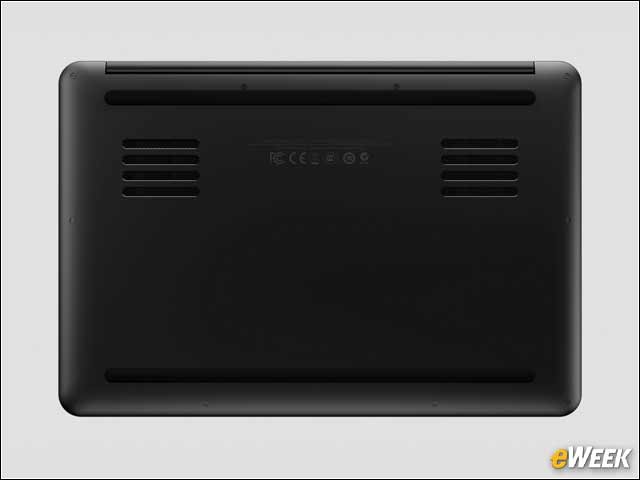
To keep things speedy, Razer has bundled solid-state drives with its Blade notebook. The base Razer Blade model ships with 256GB of storage, while the higher-end version features a 512GB solid-state drive. Both support the M.2 interface that enhances solid-state data access speeds.
This Is a Windows 10 PC
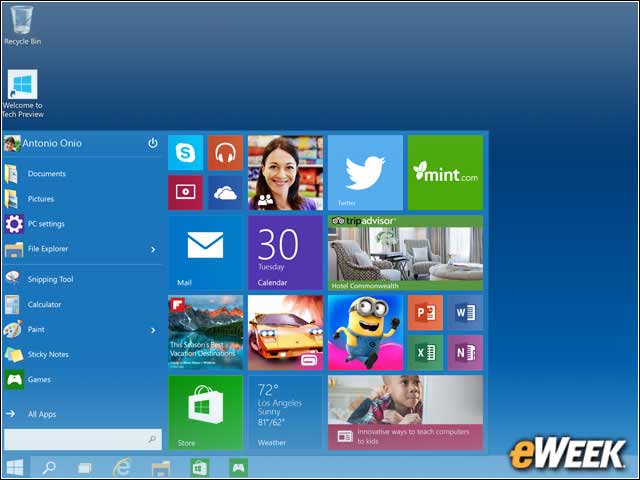
Windows still reigns supreme among gamers. Perhaps it’s no surprise, then, that the Razer Blade runs on a 64-bit version of Windows 10. Razer was quick to note that it chose Windows 10 for the Blade because the operating system resembles Windows 7 and includes support for streaming games from the Xbox One to the computer.
Chroma Keyboard Is an Important Selling Point
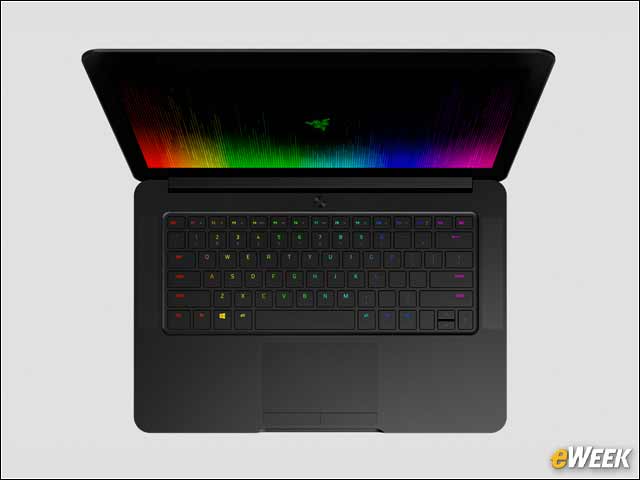
The Razer Blade’s keyboard is an important selling point. The keyboard is capable of displaying 16.8 million color options for each key. In addition to color differences, the keyboard, dubbed Chroma, can register simultaneous key presses without confusing the software and boasts the ability to remap keys for any need. The Chroma Keyboard is arguably one of the Razer Blade’s biggest selling points.
It’s a Highly Mobile Notebook
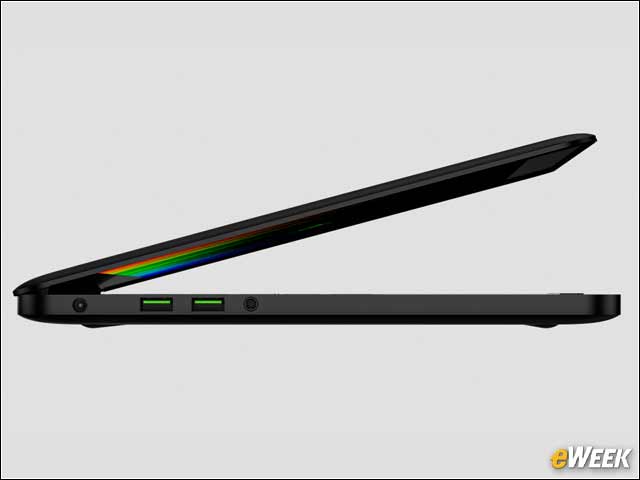
The Razer Blade might be a powerful computer, but it’s also mobile-friendly. The device is just 0.7 inches thick when closed and 13.6 inches wide. It’s also just 9.3 inches deep, thanks to its screen’s small bezel. And at just 4.25 pounds, it should be easy to carry around.
This Isn’t a Cheap Computer
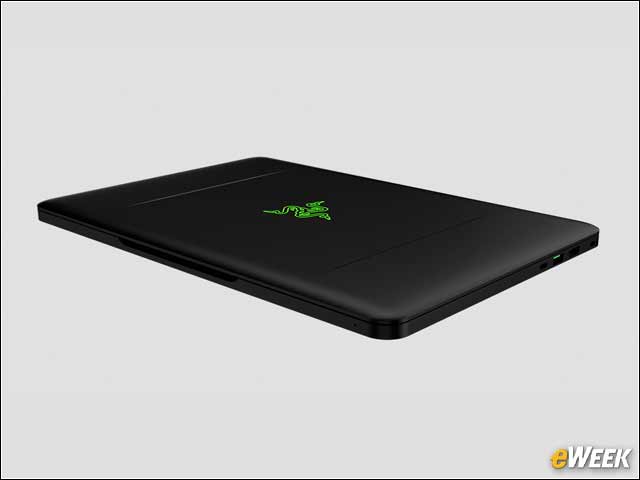
It might be considered a lightweight notebook, but the Razer Blade is by no means cheap. The 256GB version is available for $2,000, while those who want the 512GB option will need to pay $2,200. The computer also comes with a free copy of Tom Clancy’s “The Division” video game, as well as FL Studio 12 Producer Edition. Pre-orders are available now, but the Razer Blade won’t ship until March 31.