







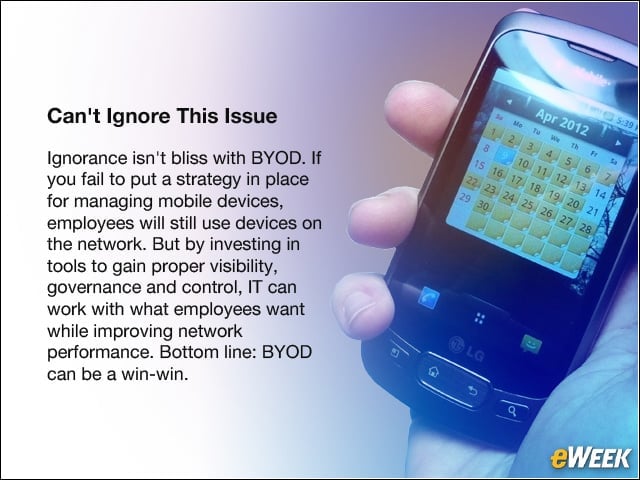
Cant Ignore this Issue
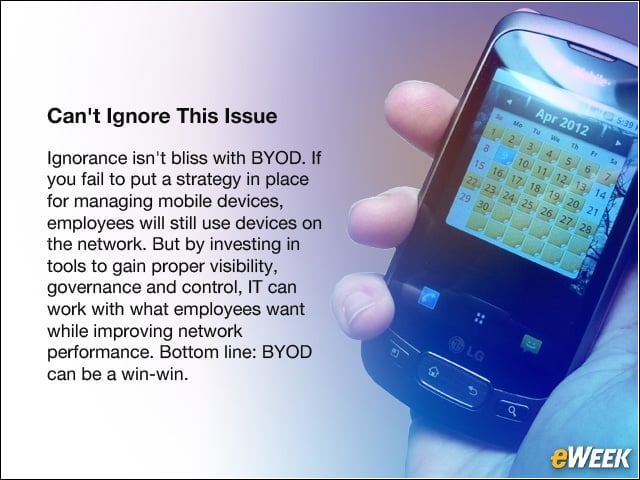
Ignorance isn’t bliss with BYOD. If you fail to put a strategy in place for managing mobile devices, employees will still use devices on the network. But by investing in tools to gain proper visibility, governance and control, IT can work with what employees want while improving network performance. Bottom line: BYOD can be a win-win.
Another Security Gap to Fill
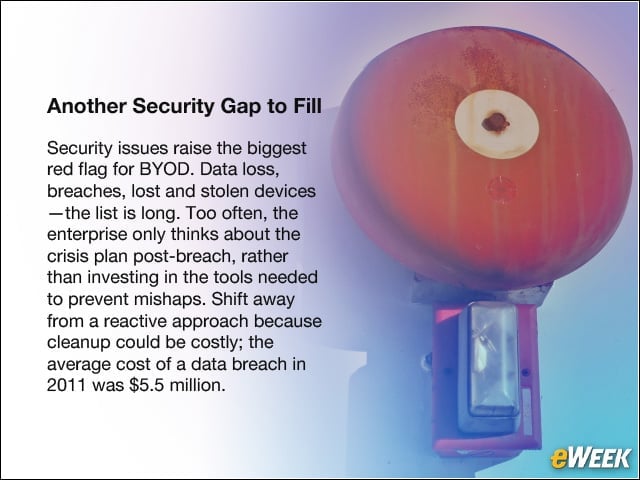
Security issues raise the biggest red flag for BYOD. Data loss, breaches, lost and stolen devices —the list is long. Too often, the enterprise only thinks about the crisis plan post-breach, rather than investing in the tools needed to prevent mishaps. Shift away from a reactive approach because cleanup could be costly; the average cost of a data breach in 2011 was $5.5 million.
Who is a Real Threat?
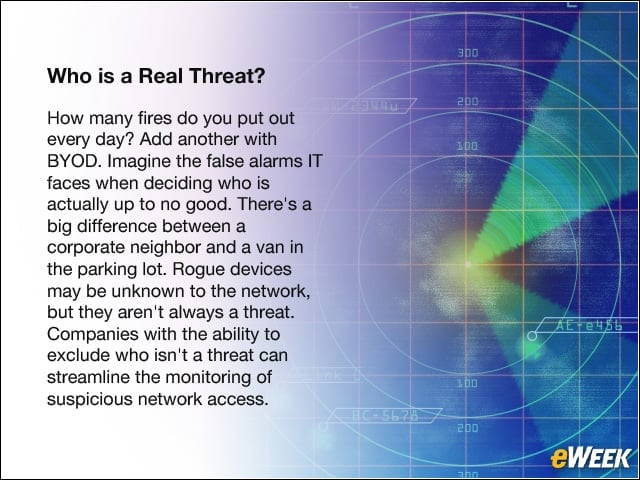
How many fires do you put out every day? Add another with BYOD. Imagine the false alarms IT faces when deciding who is actually up to no good. There’s a big difference between a corporate neighbor and a van in the parking lot. Rogue devices may be unknown to the network, but they aren’t always a threat. Companies with the ability to exclude who isn’t a threat can streamline the monitoring of suspicious network access.
Funding the Help Desk
When enterprises deploy BYOD, the help desk is expected to service multiple devices and software platforms. While the IT department doesn’t control the software, devices or policies, employees need working phones to be productive and will turn to IT for help, whether or not IT has the time or resources to provide the extra support. The solution: Regardless of whether you employ BYOD, make sure the IT team has the resources to help with devices.
Snapshots Dont Show the Whole Picture

Can you track and store who accessed your networks—when and where via wireless? Historical data has bigger implications than you think, especially when it comes to compliance and security. It’s important to capture real-time data but also to log user behavior over time.
New Offices Are Everywhere
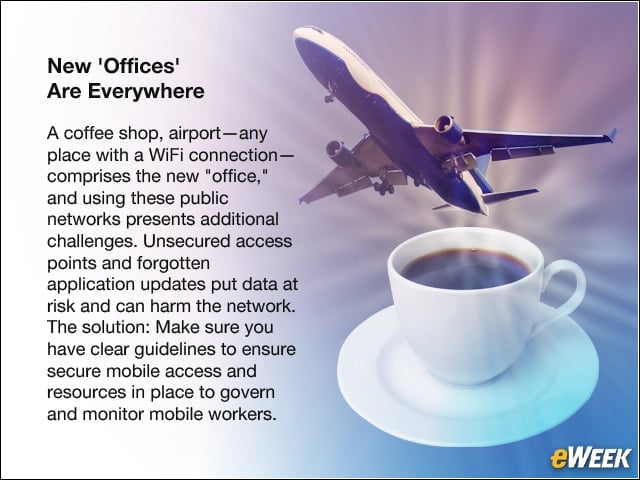
A coffee shop, airport—any place with a WiFi connection—comprises the new “office,” and using these public networks presents additional challenges. Unsecured access points and forgotten application updates put data at risk and can harm the network. The solution: Make sure you have clear guidelines to ensure secure mobile access and resources in place to govern and monitor mobile workers.
Face It: BYOD Means a Larger Operational Role for IT
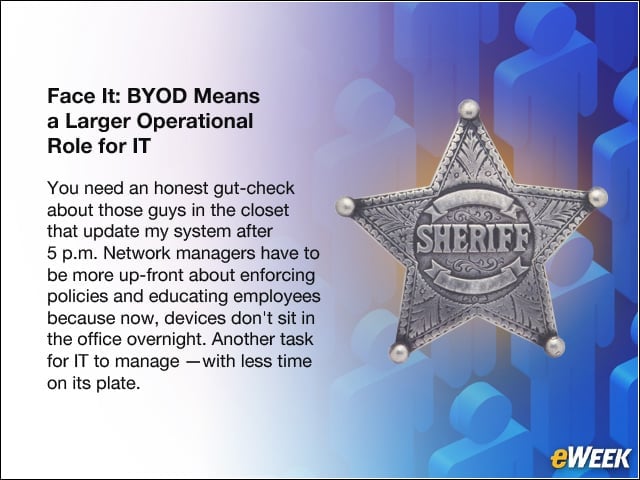
You need an honest gut-check about those guys in the closet that update my system after 5 p.m. Network managers have to be more up-front about enforcing policies and educating employees because now, devices don’t sit in the office overnight. Another task for IT to manage —with less time on its plate.
Frugal Wont Cut It
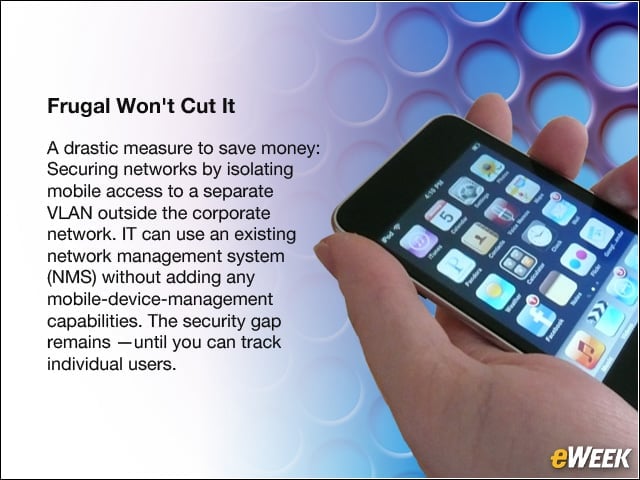
A drastic measure to save money: Securing networks by isolating mobile access to a separate VLAN outside the corporate network. IT can use an existing network management system (NMS) without adding any mobile-device-management capabilities. The security gap remains —until you can track individual users.
Youre Late to the Game

Start with the legwork; you need to understand who is already using personal devices during work and off hours. Take the up-front investment to have honest conversations about how the use of technology is shifting in your organization to position you well for 2013 budget planning.
Dont Forget About Wireless Bandwidth
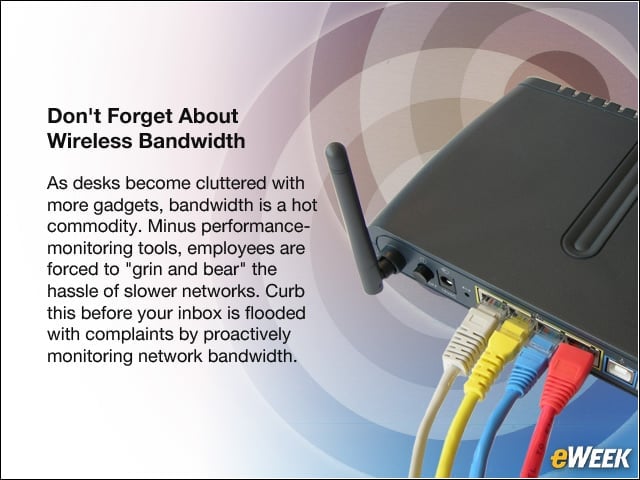
As desks become cluttered with more gadgets, bandwidth is a hot commodity. Minus performance-monitoring tools, employees are forced to “grin and bear” the hassle of slower networks. Curb this before your inbox is flooded with complaints by proactively monitoring network bandwidth.