








- Eight Steps to Eliminating Security Risks in WordPress
- Keep Your Server Software Updated
- Enable Automatic WordPress Updates
- Update All Plug-Ins and Themes
- Use Secure Sockets Layer for Log-In
- Consider Using Two-Factor Authentication
- Use WordPress Plug-In Security Tools
- Don’t Be an Attacker
- Follow WordPress Hardening Guidelines
Eight Steps to Eliminating Security Risks in WordPress

by Sean Michael Kerner
Keep Your Server Software Updated
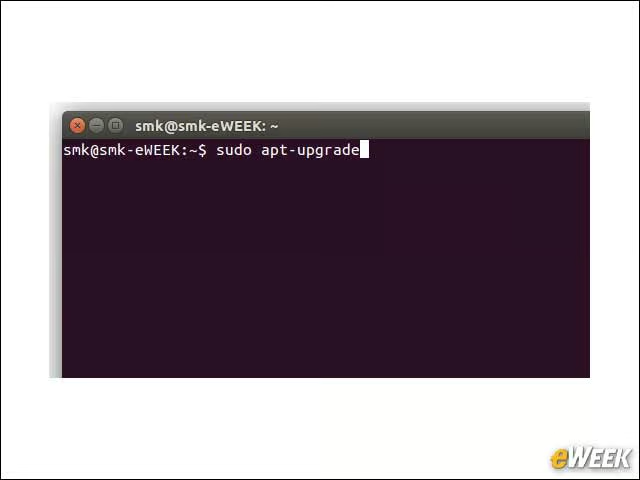
If you’re self-hosting WordPress on your own server, keep the core server software updated, including the operating system, Web server, PHP and MySQL applications.
Enable Automatic WordPress Updates
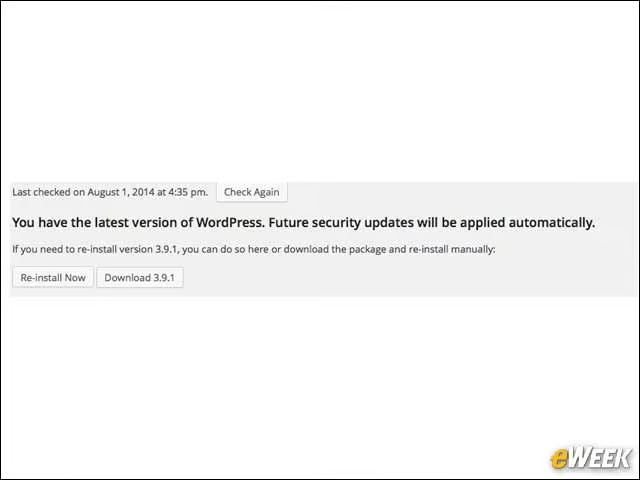
All versions of WordPress since the 3.7 update in October 2013 can be enabled to automatically update the WordPress application for important bug and security fixes.
Update All Plug-Ins and Themes
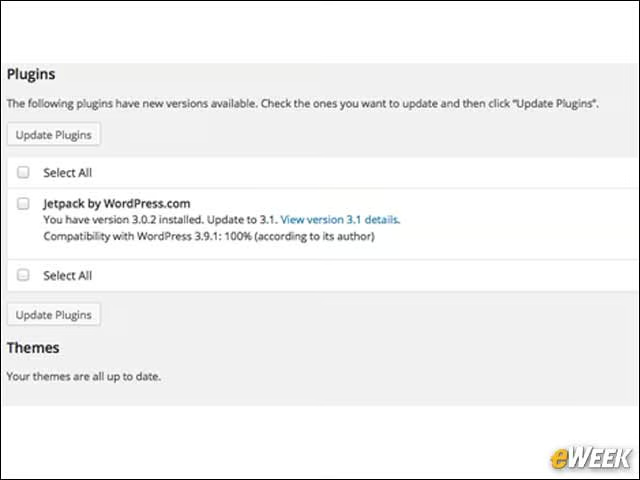
Keeping the server and WordPress itself updated is not enough. It’s critically important to make sure that both plug-ins and themes are always updated. WordPress provides an easy-to-access view that provides full visibility into items that must be updated.
Use Secure Sockets Layer for Log-In
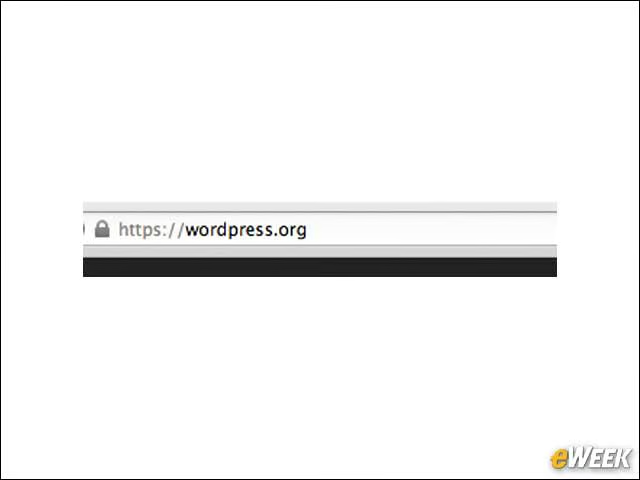
It’s important to configure the WordPress administrator log-in page (/wp-admin) to be accessible via HTTPS/SSL. Otherwise, the administrator password is being sent in the clear and can easily be intercepted by an attacker.
Consider Using Two-Factor Authentication
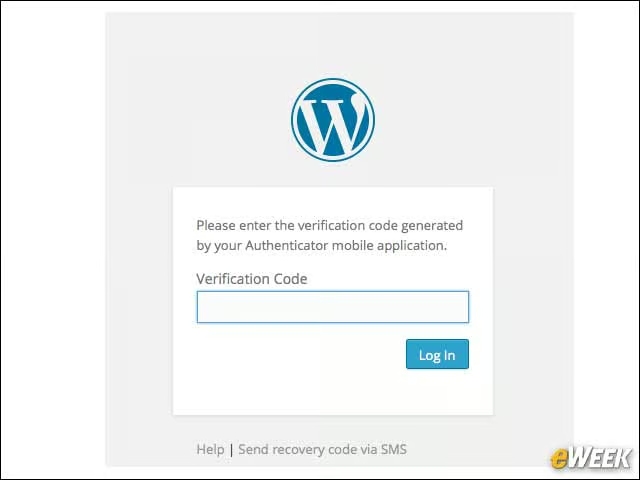
For both WordPress.com as well as self-hosted sites, users should employ two-factor authentication, which requires a second password (or factor) to log into the site, providing an additional measure of security.
Use WordPress Plug-In Security Tools
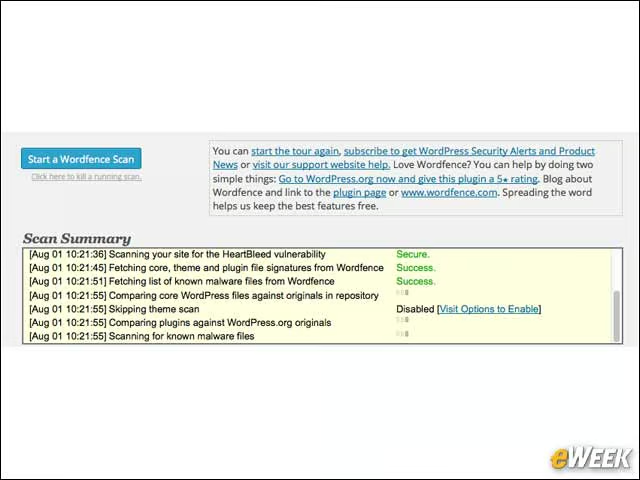
Multiple vendors provide WordPress security add-ons to help users lock down their sites. Among them are Wordfence and Sucuri, which can easily be found by searching in the WordPress plug-in listings.
Don’t Be an Attacker
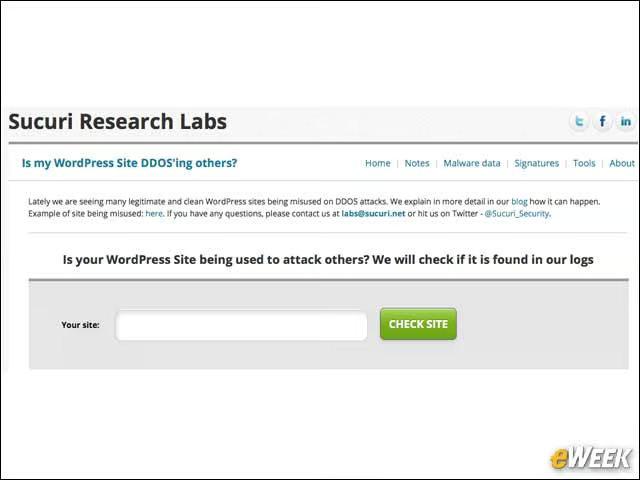
Another useful tool from Sucuri is the WordPress distributed denial-of-service (DDoS) checker, which can identify if a given site is being used as part of an attack against others.
Follow WordPress Hardening Guidelines
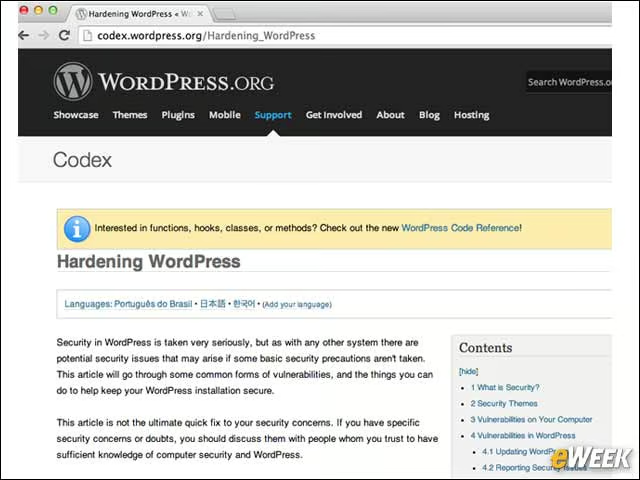
WordPress regularly updates its listing of best practices on how to harden and secure sites.