







Facebook Privacy: Protecting Personal Information on the Social Network
by Brian Prince
Remote Logout
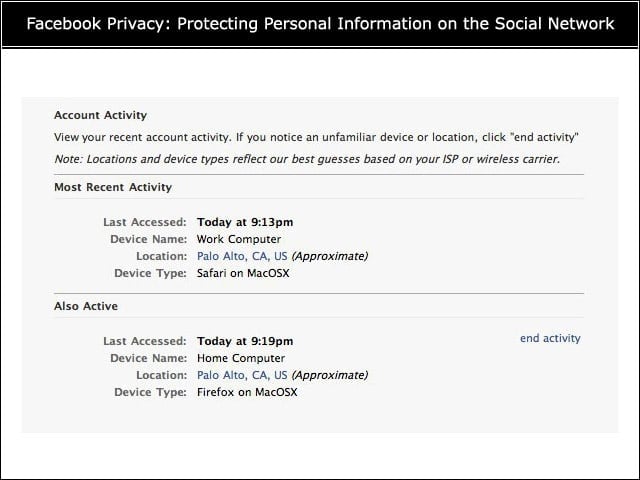
This time, Facebook is giving users the ability to log out of any Facebook session they may have left active on another computer or device. For example, if a user logs into Facebook on a friend’s computer and then leaves without logging out, thanks to the new feature the user can now end the session from another machine.
One-Time Password
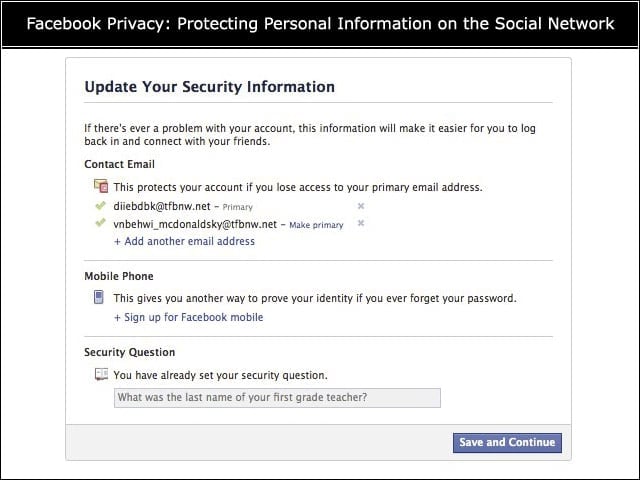
The social networking site is gradually rolling out the ability to text message a one-time password to users concerned about working on machines other than their normal computers, such as public computers in hotels, cafes or airports. To get it, users must text “otp” to 32665 on their mobile phone.
Groups Feature
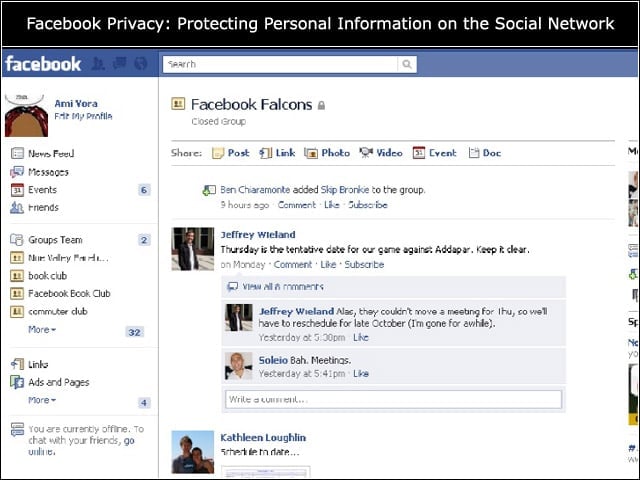
Facebook announced a new Groups feature to allow users to create small groups of friends to share information. The Groups are set to “closed” by default, meaning the names of members are visible to the public but content posted to the group is not. Other settings include “secret,” where the names and content are hidden, and “open,” where everything is visible.
New Application Dashboard
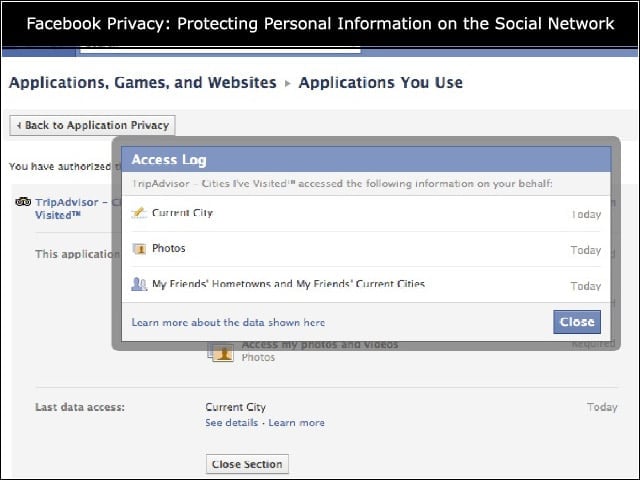
Facebook updated its application view to provide users with a more detailed view into how applications are accessing their information. Click edit settings, and you can see all of the applications you have authorized, when they last accessed your data and what data they accessed. These settings also allow you to remove optional permissions for an application or block it completely from accessing your data.
Suspicious Logins
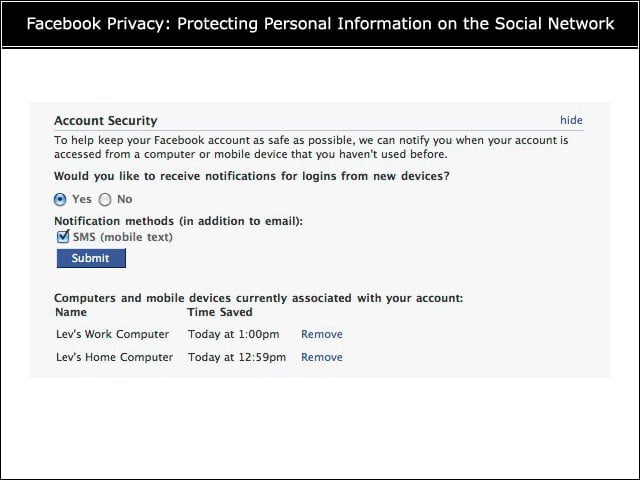
Facebook can detect whether someone is logging in from a device you havent approved. Users can select the option to receive notifications for logins from new devices. To do this, you have to name and save the various devices you use to access Facebook.
Suggestion: Opt-in for Groups
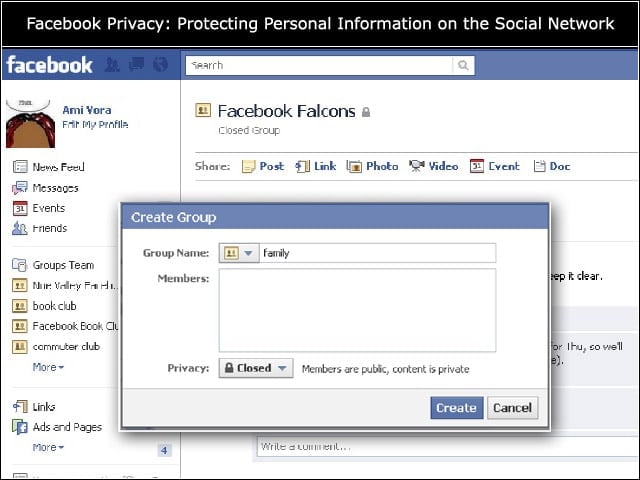
Controversy broke out when it was revealed that Facebook does not allow users to have the power to approve whether a friend adds them to a group. Facebook should add this to give users more control and to avoid potentially embarrassing incidents caused by practical jokers or bad actors.
Suggestion: Added Authentication
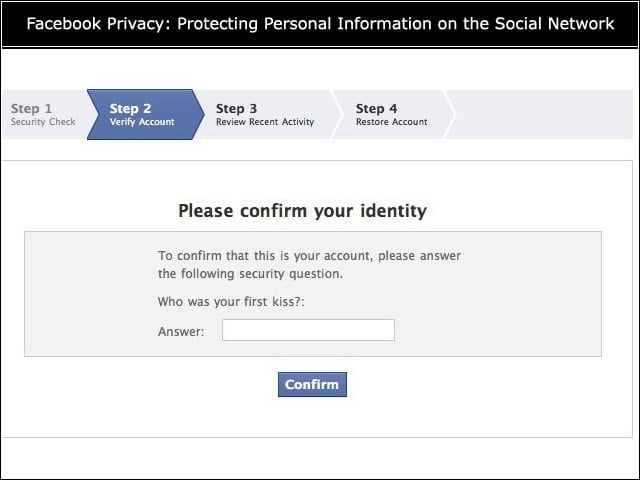
The one-time password feature does not take into account the prospect of a mobile phone that is lost or stolen being used by someone other than an owner to access a Facebook account. A possible solution is for the one-time password to be sent to the persons e-mail, which the person could access from their mobile phone. Another solution could be to have a challenge where the person would have text their normal Facebook password to verify their identity before the one-time password is issued.
What Not to Share
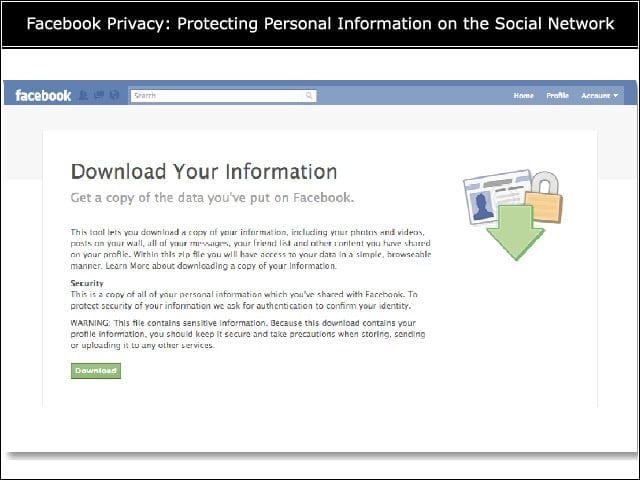
Several sites have lists of information probably best left offline. This includes data that could be used by criminals thieves, such as your mothers maiden name, etc., as well as information such as your address or an indication of when you will not be home if you are going on vacation.