








- Iron Mountain Offers 10 Smart Ideas for Keeping Data Safe From Hackers
- Encryption of Data Is a Must
- Mobile Devices Are a Challenge
- Getting Rid of Old Information
- Keep an Eye on the Stored Data
- Disposing of IT Assets
- Pay Attention to Passwords
- Protect Against Viruses
- Don’t Forget Firewalls
- Privacy Should Be a Primary Concern
- Keeping a Focus on Employee Education
Iron Mountain Offers 10 Smart Ideas for Keeping Data Safe From Hackers
by Jeffrey Burt
Encryption of Data Is a Must
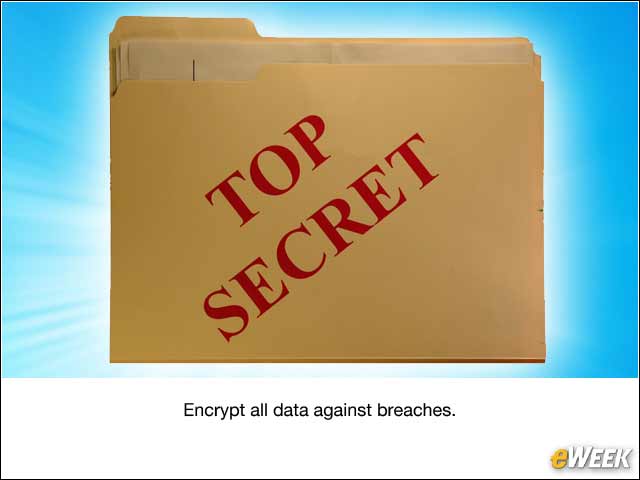
Data encryption is a key defense against breaches, according to Iron Mountain. That includes all information, whether it’s stored digitally, on tape or on employees’ mobile devices.
Mobile Devices Are a Challenge
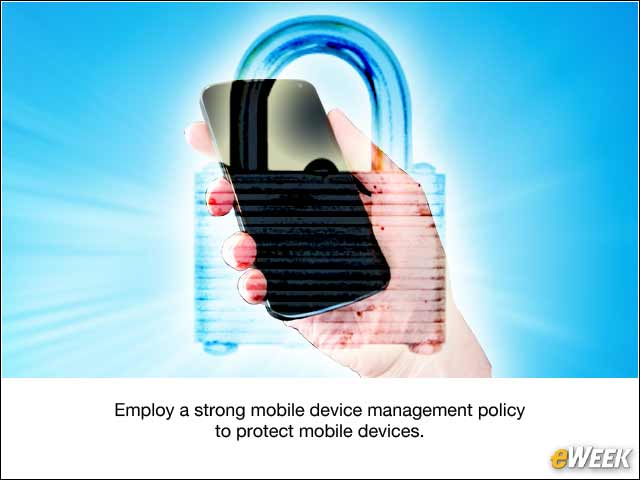
In this era of bring-your-own-device (BYOD), with more people using mobile devices for work, the amount of sensitive data on these smartphones and tablets is increasing. Organizations need a strong mobile device management policy to protect these devices, whether they’re corporate- or employee-owned.
Getting Rid of Old Information
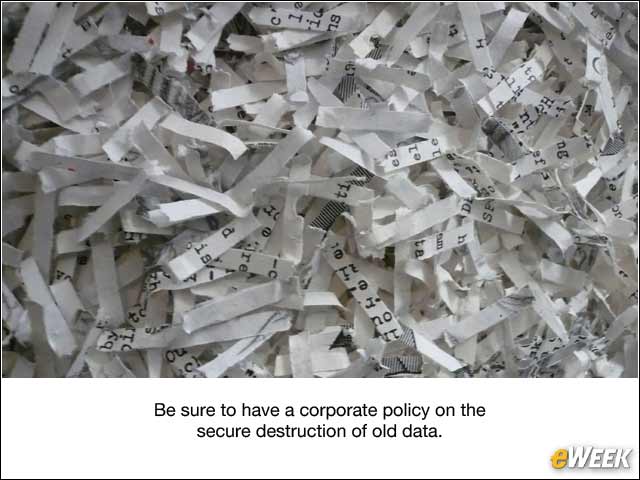
There is always some outdated and sensitive data—whether related to the company, employees or customers—that needs to be shed. Companies need a corporate policy that takes in account the secure destruction of such data.
Keep an Eye on the Stored Data
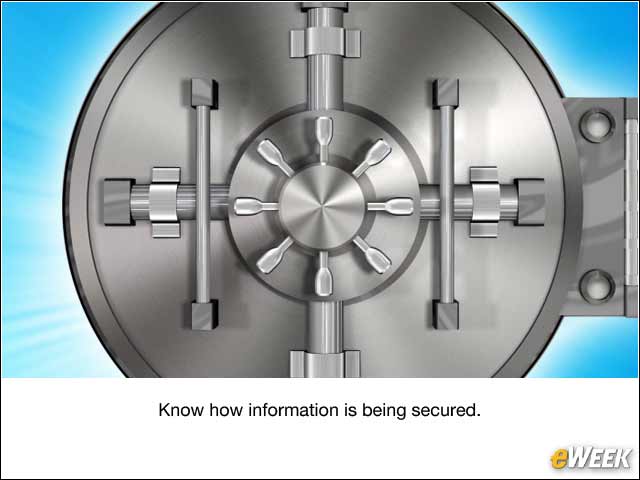
Regardless of where the data is—stored locally, in the data center or in the cloud—IT professionals should always know how the information is being secured.
Disposing of IT Assets
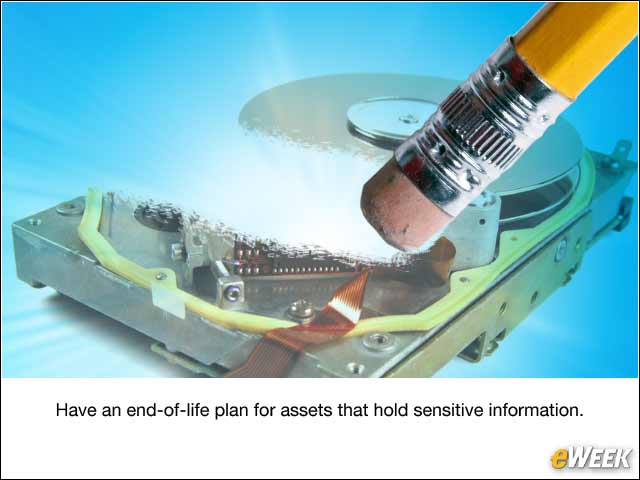
Just as with data, organizations need to have an end-of-life plan for assets that might hold sensitive information, to ensure that the information on the assets remains secure.
Pay Attention to Passwords
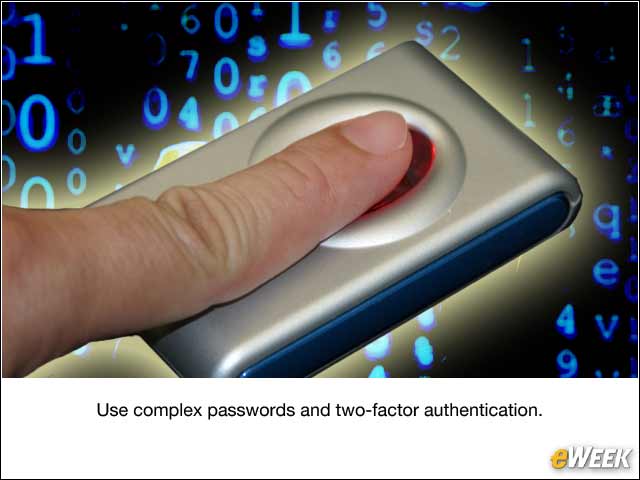
Weak passwords continue to be an easy avenue for cyber-thieves looking for information. Organizations must use complex passwords that are changed frequently. They also should use two-factor authentication when possible.
Protect Against Viruses
Companies need to ensure that their virus protection software is kept up-to-date.
Don’t Forget Firewalls
Both firewalls and intrusion-detection software are key elements to the larger data protection effort.
Privacy Should Be a Primary Concern

An enterprisewide policy aimed at protecting private information from unauthorized access or inadvertent disclosure is the best policy for keeping the data safe.
Keeping a Focus on Employee Education
Employees can be a source of problems and a key line of defense. Businesses need to ensure that workers are properly trained to treat information appropriately, and that all employees are up-to-date on the latest corporate policies and procedures.