








Passwords or PINs

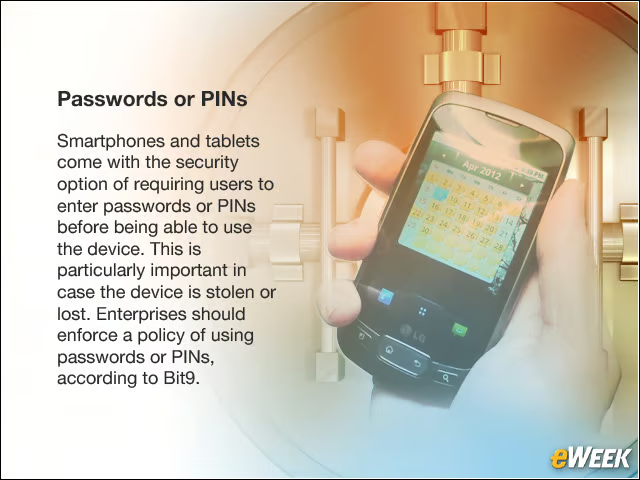
Smartphones and tablets come with the security option of requiring users to enter passwords or PINs before being able to use the device. This is particularly important in case the device is stolen or lost. Enterprises should enforce a policy of using passwords or PINs, according to Bit9.
Re-entering Password or PIN
As part of the policy, users should be required to re-enter the password or PIN if the smartphone or tablet has not been used for 15 minutes.
Complex Passwords
Businesses should require that the passwords being used on the mobile devices should contain both alphabetical and numerical values.
Remote Wipe
Security products are available that enable companies to remotely wipe information from a smartphone or tablet that has been lost or stolen. Employees should be required to enable such features if they’re to be allowed to use their personal devices for work.
Remote Disable
There’s also technology that will let businesses remotely disable connected work accounts from personal mobile devices when the person resigns from the company or is fired. The company’s BYOD policy also should include such a security feature.
Jailbroken Devices
Companies should deny mobile devices access to corporate networks or data if the devices have been rooted or jailbroken.
Unapproved Applications

In the first quarter, McAfee reported that almost 7,000 Android threats were identified and collected, a 1,200 percent increase from the same period last year. Most of the threats came from third-party app stores, rather than the official Google Play site. Enterprises should prevent unrooted Android smartphones or tablets from gaining access to the company network if they are carrying unapproved apps from third-party markets, Bit9 says.
New Passwords
Employees should be prompted to create a new password for their mobile devices every 90 days, making the smartphone or tablets that much more secure.