






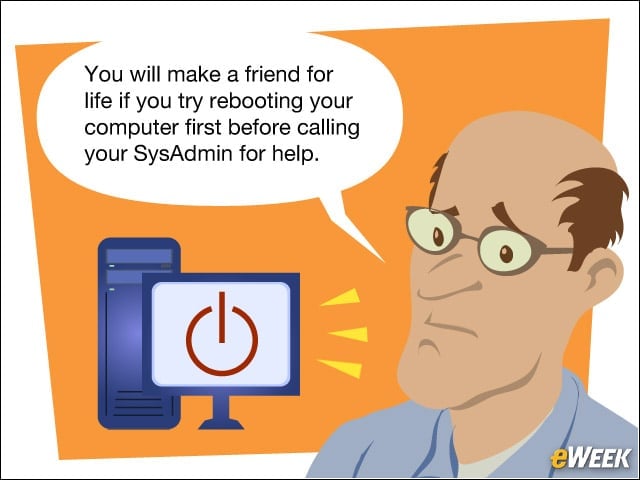


Reboot Your Computer
Many issues, such as applications not launching, not being able to reach Websites or getting certificate errors, can be fixed by restarting your computer. Try it before crying malware.
Patience Is a Virtue
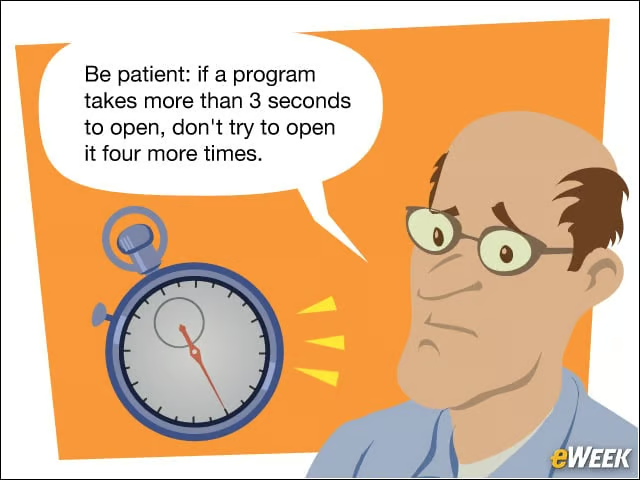
This is a corollary to the first rule, some applications take longer than others to open. Give it time before freaking out.
Password Insecurity
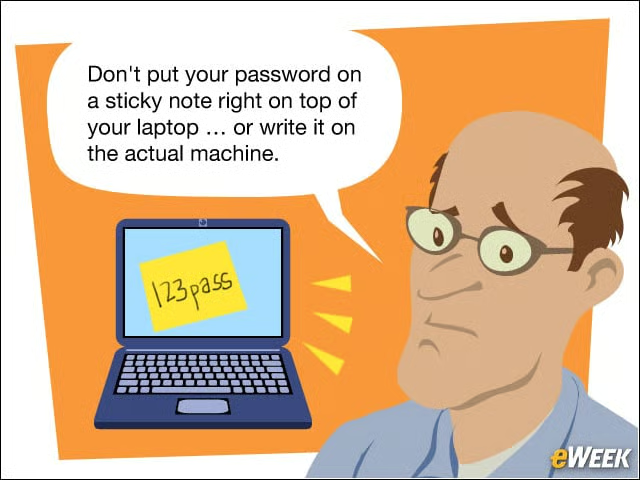
While it’s a challenge to remember passwords, especially if they are long and complex (as they should be), leaving the password for anyone to see means anyone walking by has access to your data. Store the paper in your wallet if you must.
Scams Are Often Great Deals

Users often click on ads and emails promising great deals for either free or for a bargain. Links “from” friends on Facebook or in ads about these deals are scams out to steal money and credit card numbers, or can download malware onto the systems.
Technology Works; Dont Doubt It
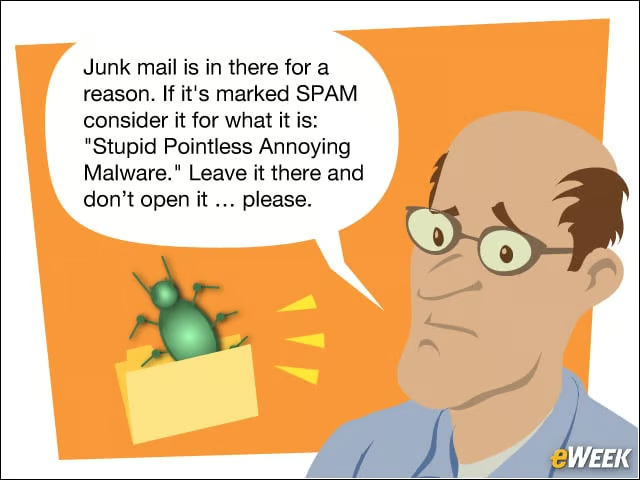
There have been several cases recently, notable at RSA Security, where an organization was breached and let attackers in because an employee opened a booby-trapped file that had been correctly shunted to the Junk folder. Let the spam filters do their job and stay malware-free.
Be Aware of Your Assets

Users need to be careful of how and where they use their mobile devices. Be alert and lock your device so that not just anyone can use it.
Backup, Backup, Backup
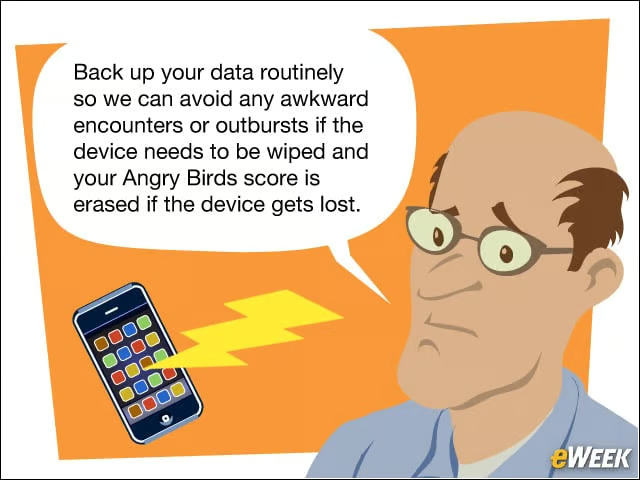
Don’t lose the device, but if it does get lost, the company has to remotely wipe the data to protect its sensitive information. Back up all data elsewhere (and not just to the SD card inside) so that everything can be restored.
Report Issues Promptly
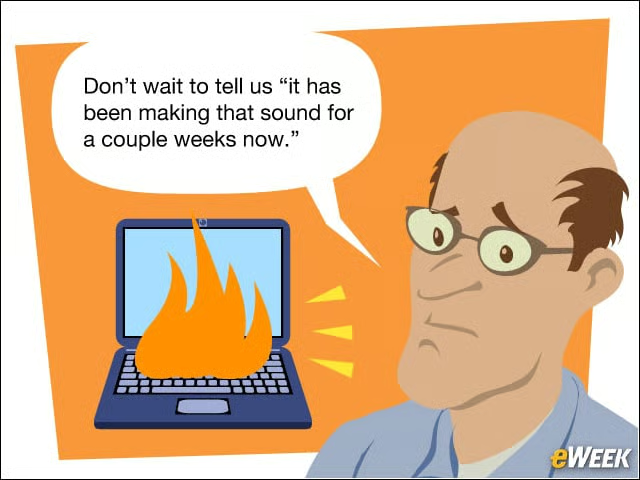
If there really is a problem, don’t wait to report it. If the problem is caused by malware or some kind of an attacker, every second delayed is time for the attackers to steal more information.
Company Equipment: Company Data
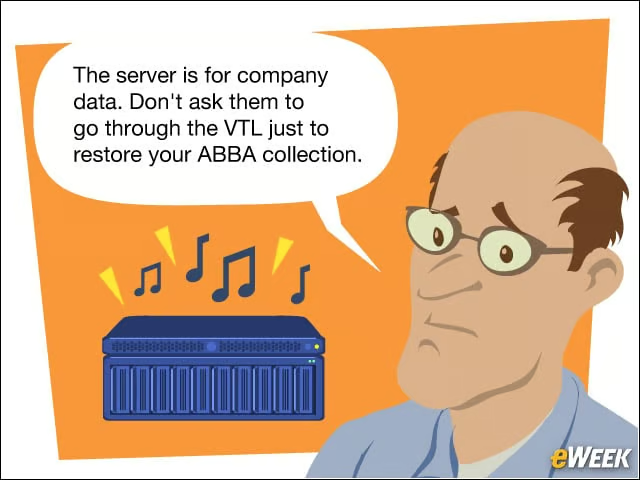
Don’t store personal files or download non-essential files onto company servers. The last thing the IT department needs is to have to deal with malicious content that piggy-backed in, or illegal content.
Email Responsibly
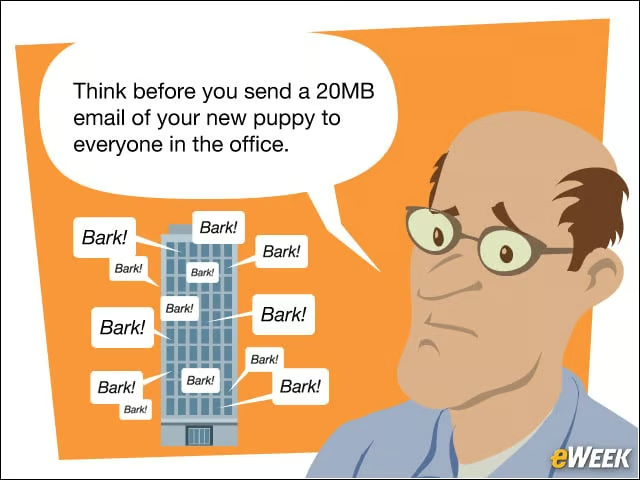
Or videos, for that matter. Not only do these images wind up consuming corporate resources, it gets employees used to opening files that seem to come from someone they know even if the messages are non-work related.
And Finally …
It’s just a nice thing to do.