







Open-Source MonoDevelop 2.2 IDE Does Windows
Open-Source MonoDevelop 2.2 IDE Does WindowsBy Jeff Cogswell
No Title
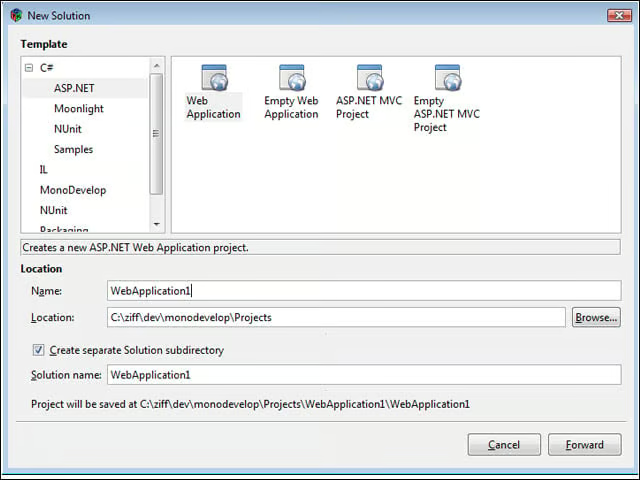
MonoDevelop has several project types available that you can choose from when creating a new solution. In this case I’m creating a new ASP.NET Web application.
No Title
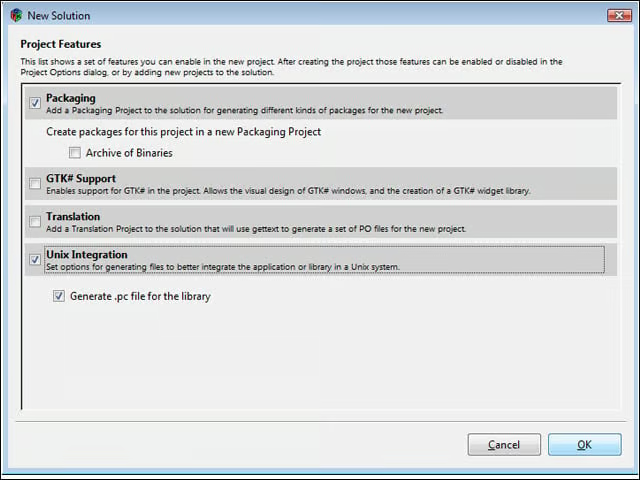
When you create a new project, you have several additional options including packaging options, translation and Unix integration.
No Title
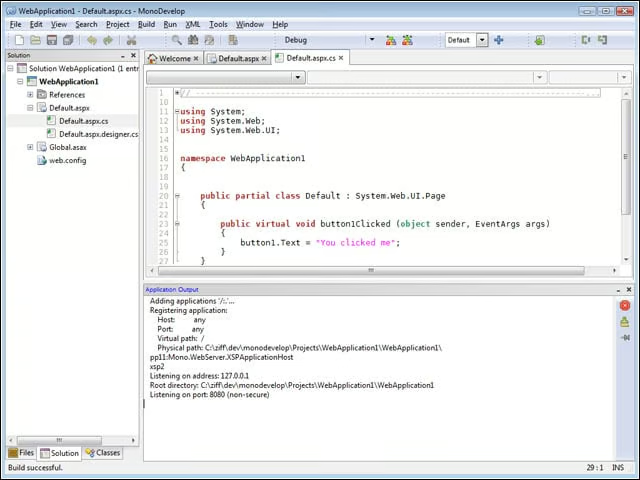
When you run your Web application, MonoDevelop will launch Mono’s built-in ASP.NET Web server, xsp2.exe.
No Title
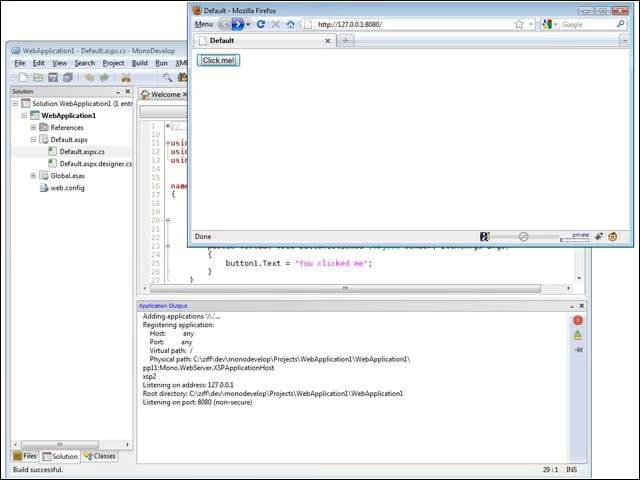
Additionally, MonoDevelop will launch your application inside the Web browser, allowing you to test both the client and server side of your application.
No Title
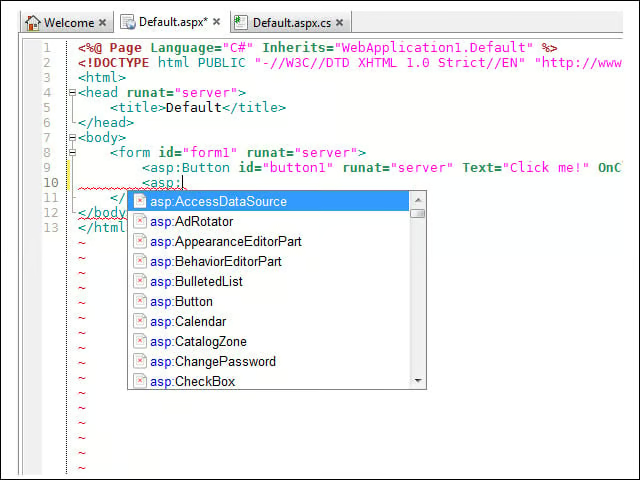
For now, adding controls to a Web application takes place via code. But the drop-down code completion makes that easy.
No Title
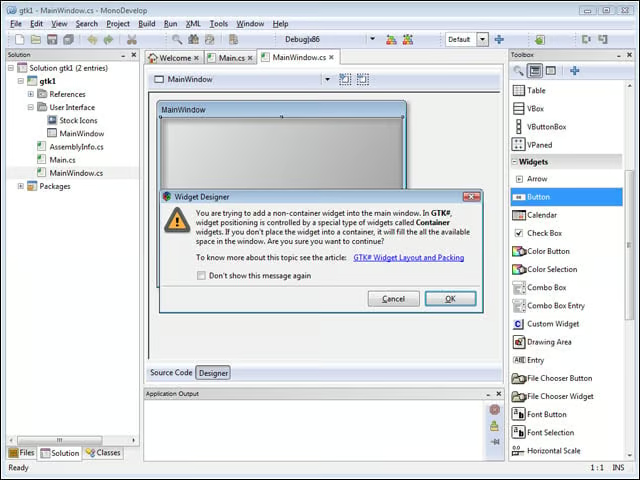
A toolbox is present, however, for local windowing applications that use the Gtk# framework. But you have to understand the layout mechanism before dropping controls on the form.
No Title
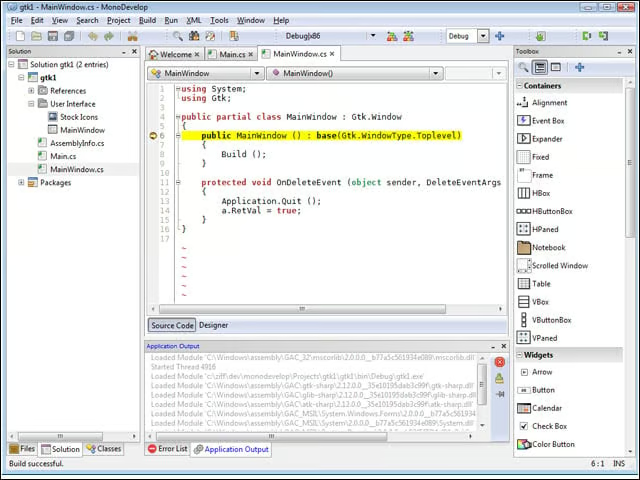
The debugger has everything you would expect from a modern debugger, including breakpoints, watch windows and inspectors.
No Title
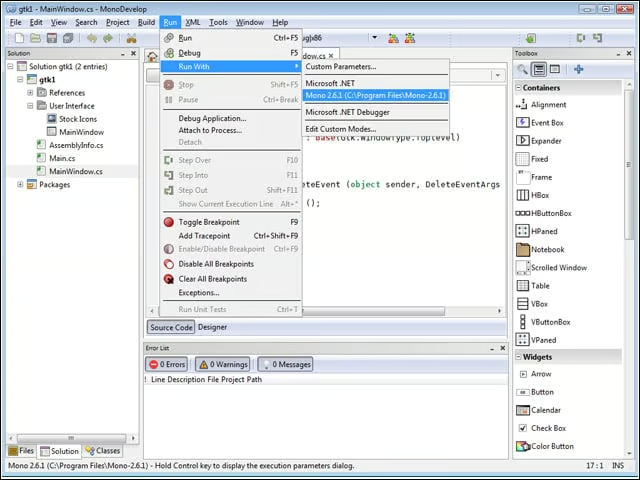
When you launch a local windowing application, you can choose which runtime you want the application to run under—Mono or the built-in Microsoft .NET.
