







- 10 Best Practices for Spring Cleaning Your Data Center
- Rationalize Your Apps
- Eliminate Servers in Your System Center Infrastructure
- Monitor Your Power Management
- Empower Your Employees
- Make the Switch
- Freshen Up Your Data
- Stop Putting Off Software Compliance
- Embrace and Optimize Your BYOD Policy
- Automate as Much as Possible
- Go Forth and Prosper
10 Best Practices for Spring Cleaning Your Data Center

by Chris Preimesberger
Rationalize Your Apps
Insane amounts of money are spent on outdated or unused apps in the enterprise, so it’s time to understand what your organization is really using, and then get rid of the rest. On average, organizations have more than $400 of unused software sitting on every PC—money that could better be used elsewhere in an IT budget.
Eliminate Servers in Your System Center Infrastructure
Cut back on your server footprint and the administrative overhead associated with it by eliminating the need for desk-side visits.
Monitor Your Power Management
Make it a priority to understand just how much money you’re spending on wasted energy. Use techniques such as PC power management to cut back.
Empower Your Employees
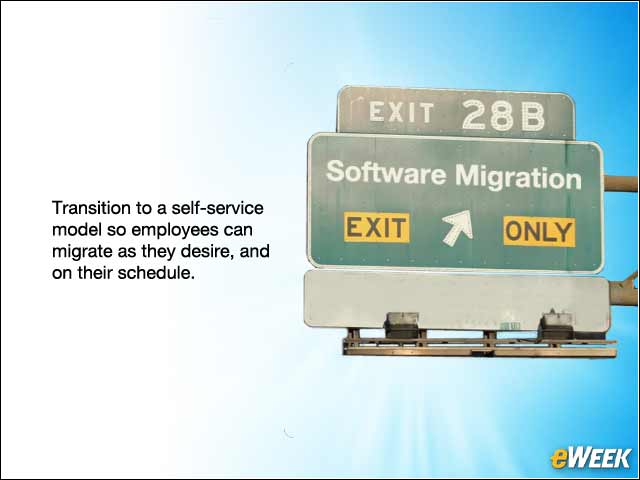
With timely migrations such as the end of Microsoft XP and System Center Configuration Manager (SCCM), use this opportunity to transition to a self-service model in which you allow employees to migrate as they desire, and on their schedule. Enterprise app stores are also an opportunity to have employees focus on what they need, rather than have your IT team spend time on individual requests.
Make the Switch
For those who missed Microsoft’s April 8 support deadline, it’s time to move off Windows XP. Similarly, Microsoft ends support of SCCM 2007 on July 8, so make sure your organization is ready for SCCM 2012.
Freshen Up Your Data
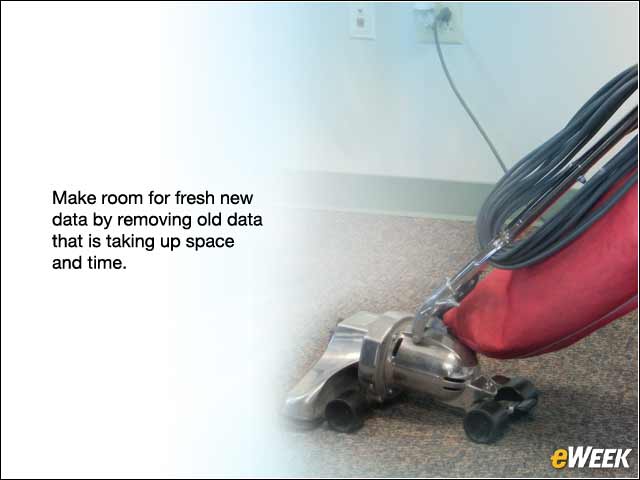
It’s possible for once-good data to go bad. Review and remove old data that is taking up space and time (old user accounts, etc.) to make room for fresh new data.
Stop Putting Off Software Compliance
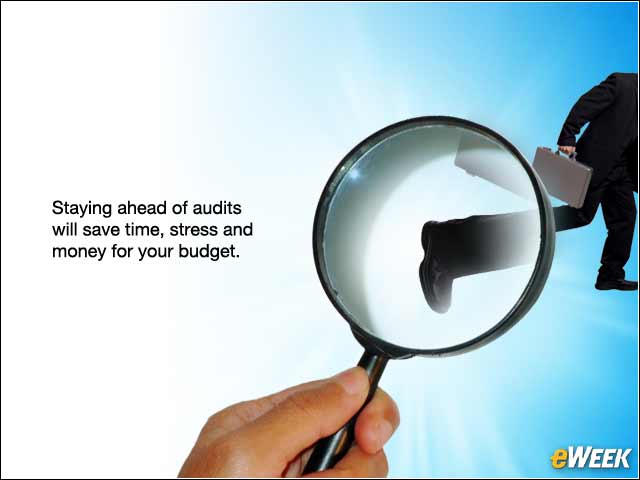
Use this time to revisit your licenses to make sure you’re ready for spring/summer audits. Staying ahead of audits will save time, stress and money for your budget.
Embrace and Optimize Your BYOD Policy

There are plenty of mobile phone/tablet options out there, so use this time to add them into your BYOD plan. Make sure you have a thorough understanding of which devices will be most efficient for employee needs but will also fit within your compliance standards.
Automate as Much as Possible
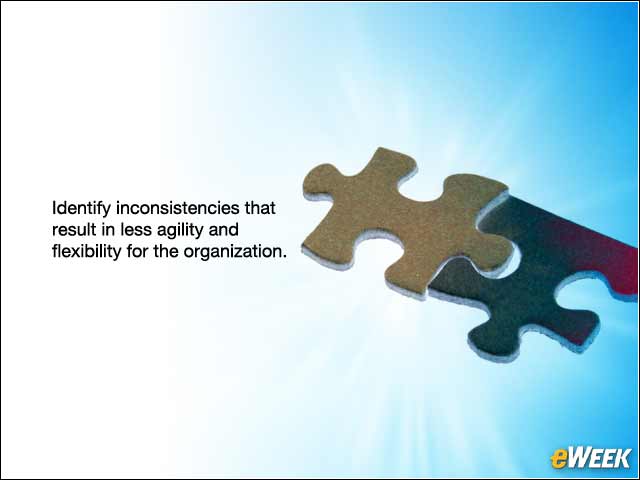
2014 is the year of IT automation. Identify inconsistencies that result in less agility and flexibility for the organization, such as incompatible software that doesn’t allow business units to talk to each other.
Go Forth and Prosper

Now that you’ve cleaned house, use your newfound funds and time to formulate what your next season’s goals are and prioritize your spend appropriately.