







- Avoiding Data Storage Nightmares: 10 Tips for SMBs
- Your Server Dies and the Backup Is a Month Old
- Suddenly Youre Out of Storage Space
- Sensitive Company Data Stolen by an Outside Hacker
- You Just Found Out Youre Being Audited
- CEOs Laptop Stolen
- Malware and Rootkitson Your Network
- Your Google Docs Get Exposed to the Outside World
- Your Payroll Data Becomes Open to Everyone in the Company
- A Departing Employee Leaves with Company Secret Data
- Data Is Not Accessible to Remote Users
Avoiding Data Storage Nightmares: 10 Tips for SMBs
by Chris Preimesberger
Your Server Dies and the Backup Is a Month Old
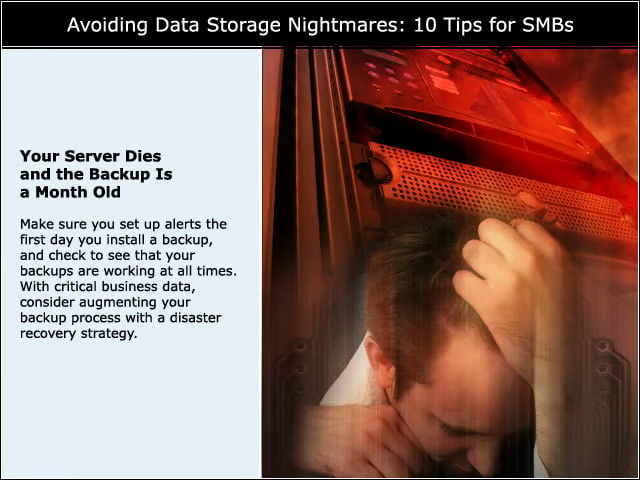
Make sure you set up alerts the first day you install a backup, and check to see that your backups are working at all times. With critical business data, consider augmenting your backup process with a disaster recovery strategy.
Suddenly Youre Out of Storage Space
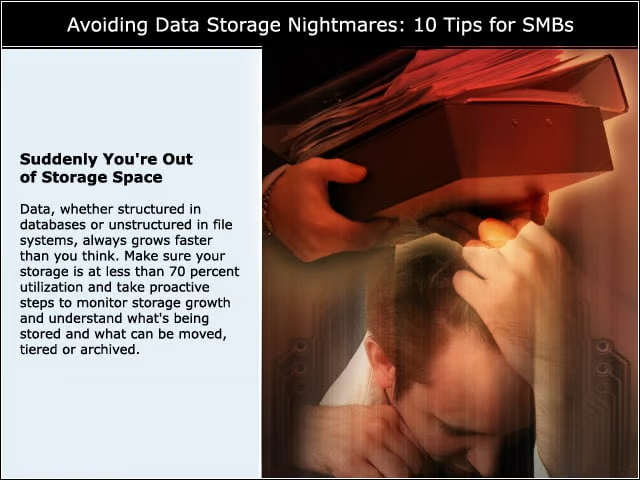
Data, whether structured in databases or unstructured in file systems, always grows faster than you think. Make sure your storage is at less than 70 percent utilization and take proactive steps to monitor storage growth and understand what’s being stored and what can be moved, tiered or archived.
Sensitive Company Data Stolen by an Outside Hacker
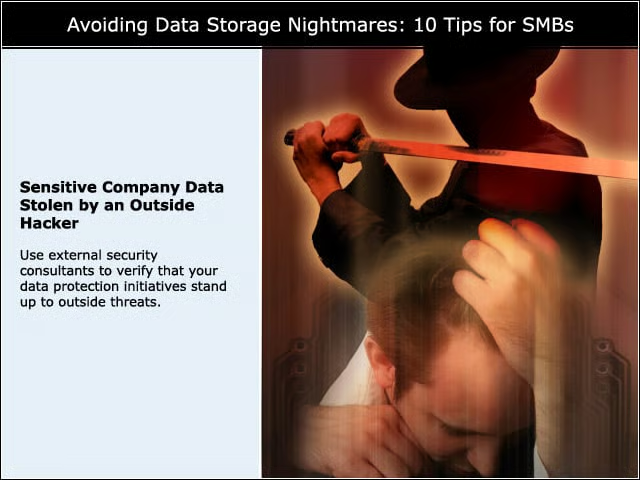
Use external security consultants to verify that your data protection initiatives stand up to outside threats.
You Just Found Out Youre Being Audited
First, take a deep breath. Then establish a process that highlights your organization’s data governance policy.
CEOs Laptop Stolen
Encryption or remote wipe. They’re the only things you can do, aside from chaining the laptop to your CEO’s arm.
Malware and Rootkitson Your Network
Use a tool that will find contraband files and will alert you. This is an ongoing battle.
Your Google Docs Get Exposed to the Outside World
If you’re using a cloud provider such as Google Docs make sure your Google Docs are not shared with the Internet. Find a workable software platform to secure Google Docs and other cloud applications.
Your Payroll Data Becomes Open to Everyone in the Company
Employ a “least privileged access policy” so only approved users and groups are granted permissions to data.
A Departing Employee Leaves with Company Secret Data
Audit file activity to know if and when a departing employee has copied data before leaving.??Ã
Data Is Not Accessible to Remote Users
Use a??Ãsecure cloud service to make sure important data is accessible to everyone.??Ã