






Before choosing free accounting software, freelancers and new business owners should examine how they manage their finances. Do they regularly review transactions, track customer payments, and check upcoming bills? Those habits provide the foundation for evaluating whether a particular plan will support the business.
When the owner also delivers the work, handles customers, and pays the bills, bookkeeping competes with more urgent tasks. A new tool creates a place for financial information, but the owner still needs to keep records current and understand what they show.
Start by assessing that routine or making a practical plan to establish one. Then compare the software’s capabilities and limits with the work it needs to support. The right free plan should fit both your financial activity and a process you can realistically maintain.
Financial visibility starts with regular review
A bank connection can reduce the need to reconstruct transactions manually. Yet a transaction record alone cannot establish why money moved or whether a purchase belongs in the business’s expenses — a distinction that also matters when automating routine accounting work. That context remains with the owner.
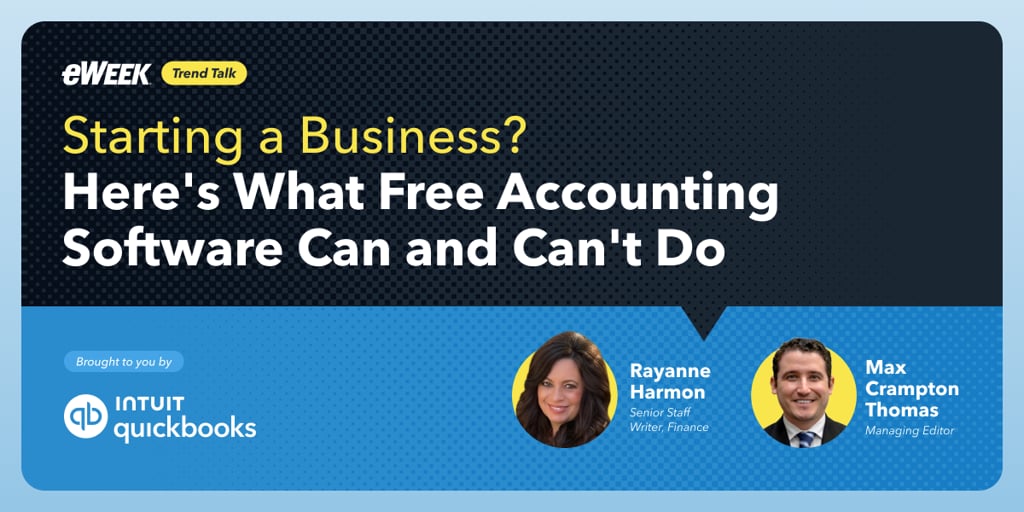
Rayanne Harmon, senior staff writer covering finance, captured the distinction in a recent eWeek discussion with managing editor Max Crampton-Thomas. “A spreadsheet someone updates every Friday can be more useful than software that sits untouched for three months.”
This is a useful standard for evaluating any financial tool. The question is whether it helps someone keep usable records within the time they can realistically commit.
For a solo operator, a modest weekly review is a sensible starting point. Familiar transactions are easier to investigate than old charges. Consistency also makes the later monthly review more useful, because the owner can spend that time examining the business rather than reconstructing it.
A solo business can outgrow a simple workflow
Headcount is a weak guide to bookkeeping needs. One freelancer may invoice twice a month, while another sends invoices after multiple jobs each week. Both work alone, but the administrative demands differ.
The same applies to bank accounts, travel, and supporting records. An owner who receives payments through one account and pays expenses through another has a different workflow than someone who handles most activity through a single account.
Selecting software by business size alone can therefore miss the relevant constraint. Owners should examine the frequency and variety of their financial activity. How many customer transactions must the system support? How often are receipts collected? Will another person need to help?
This changes how you should consider an upgrade. Reassess when the workflow and the plan’s capabilities don't match. An owner does not need employees or a particular revenue milestone before that mismatch becomes meaningful.
Better records should lead to better questions
Keeping records current is necessary, but it is only the beginning. Their value grows when the owner uses them to question pricing, spending, and the financial consequences of taking on work, turning financial visibility into better business decisions.
A rising expense category, for example, deserves investigation before it prompts a decision. A one-time equipment purchase tells a different story from subscriptions that keep becoming more expensive. An incorrectly categorized transaction tells another story entirely.
Harmon made the broader point plainly: “One month's numbers don't always tell the whole story.”
For a new business owner, monthly review should create room for that interpretation. Is a change temporary? Is it recurring? Does it affect what the business needs to charge? These questions connect bookkeeping to the work of running a business.
Software can organize the information needed for that conversation. But responsibility for financial decisions remains with people, including which costs the owner’s priorities justify and whether a project remains worthwhile.
Profit and payment timing require separate attention
Financial confidence becomes fragile when one number stands in for the whole business. Revenue may show demand without explaining the costs of meeting it. Profit may show performance without establishing how much cash is available today.
A freelancer can finish work and issue an invoice while still waiting for money needed to cover an upcoming expense. That gap requires attention even when the project itself appears financially worthwhile.
Different reports help frame different questions. A profit and loss report examines income and expenses over time. A balance sheet shows assets, liabilities, and the owner’s financial interest at a point in time. Neither eliminates the need to understand when customers will pay and when bills are due.
The owner’s task is to bring those perspectives together. Checking the bank balance remains useful, but it should sit within a broader review of obligations, outstanding payments, and business performance.
Evaluate software by the routine it supports
QuickBooks Online Free provides a grounded example of this choice. The permanent $0-per-month plan requires no credit card to begin and includes income and expense tracking and financial reports. Its limits include one connected bank account, two invoices and one estimate per month, two receipt captures, and five tracked trips per month.
Those allowances establish a key question. They may support occasional projects and straightforward finances; more frequent activity calls for a closer assessment. Optional payment acceptance also requires separate attention to terms and applicable fees.
The useful next step is to compare those boundaries with a typical month, then evaluate the process after using it. Owners can explore another QuickBooks plan as needs change while retaining financial data and history.
A sustainable financial routine should help you better explain your business’s position and make the next decision. That is the standard a free plan should meet: records that receive regular attention and inform how the business is run. Explore QuickBooks Free to see whether its capabilities fit your workload and the financial habits you’re building.
Read more: Compare your monthly workload with common free-plan allowances using these five lessons for choosing and using free accounting software.