







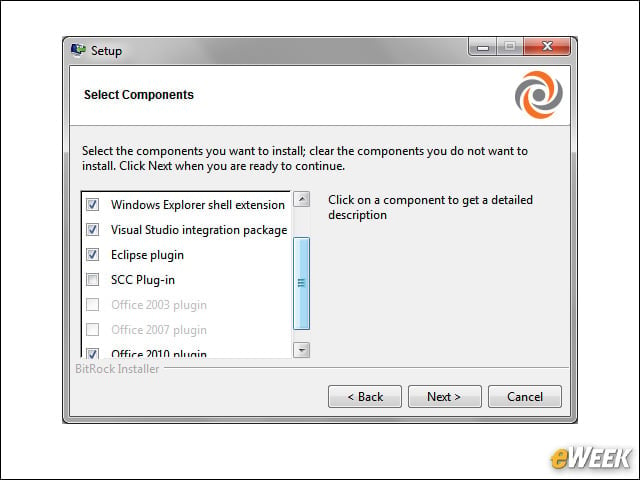
Visual Studio, Eclipse Plug-Ins
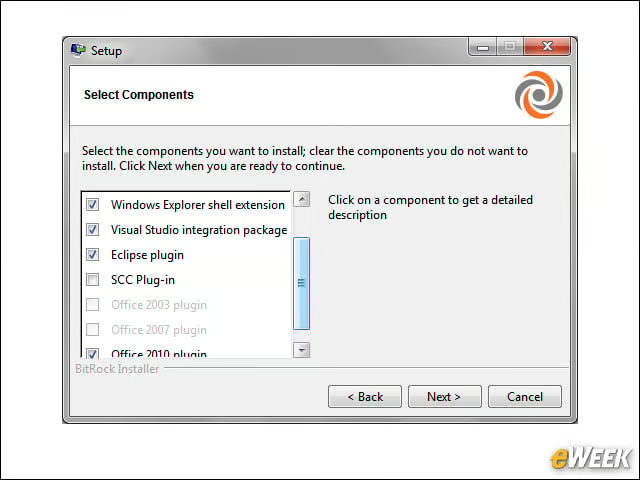
Plastic SCM includes plug-ins for Visual Studio and Eclipse, as well as tools that integrate with Microsoft Office and even the Windows standard Source Code Control (SCC) interface.
Visual Studio, Eclipse Plug-Ins
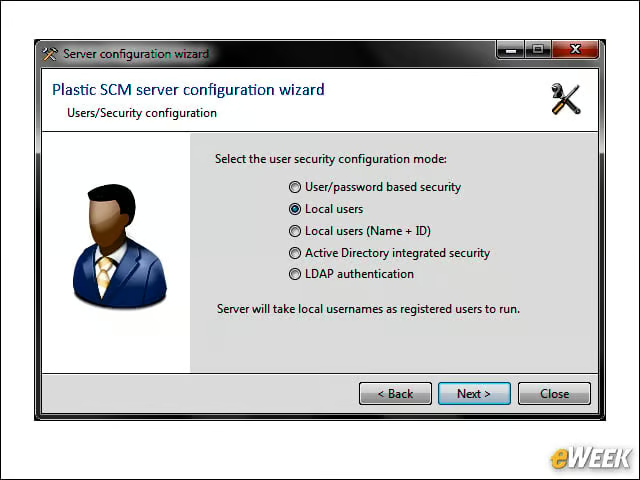
Plastic SCM includes plug-ins for Visual Studio and Eclipse, as well as tools that integrate with Microsoft Office and even the Windows standard Source Code Control (SCC) interface.
Workspace in Visual Studio
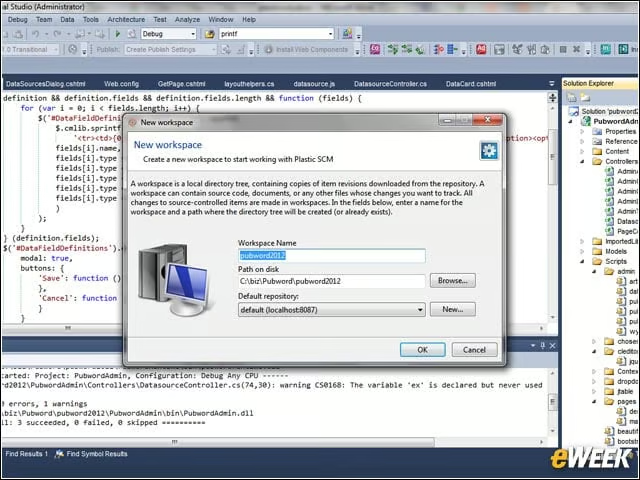
Creating a new Plastic SCM workspace in Visual Studio is simply a matter of specifying a name and location, right from within the integrated development environment.
Source Control
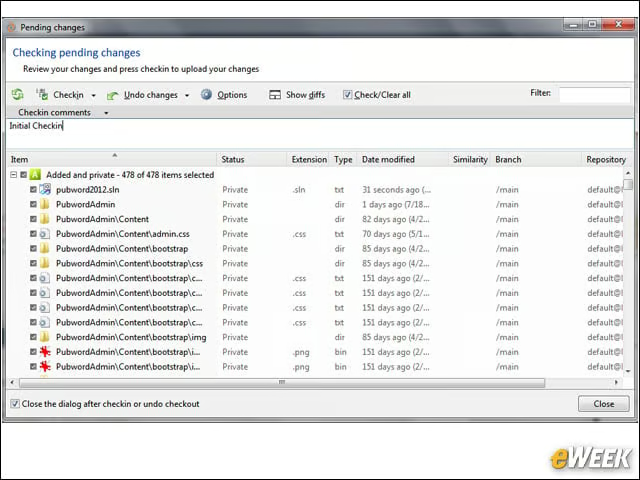
After you create your project, you can check all your files in using the same source-control techniques you would normally use in Visual Studio.
Solution Explorer
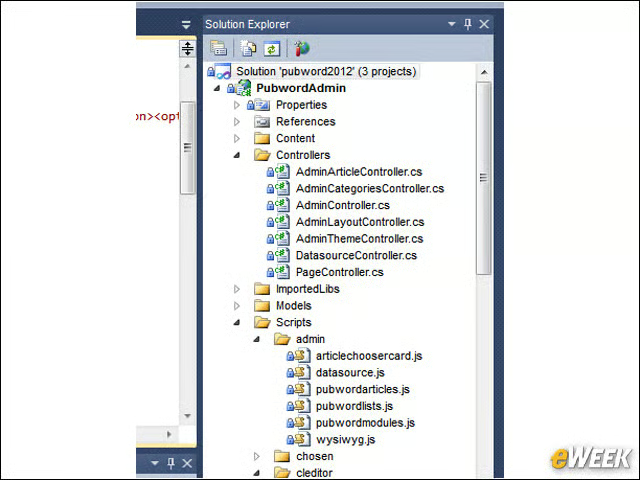
“The Solution Explorer in Visual Studio now shows the files with the locks as with other source-control systems. However, in the case of Plastic SCM, locking like this is optional.”
File Check-In
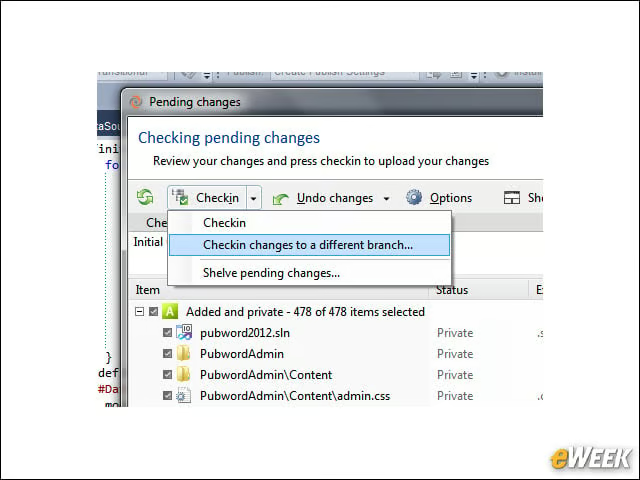
When you check in your files, you have the option of creating new branches. This is in line with the heavy emphasis on branching and merging.
Viewing Project Branches
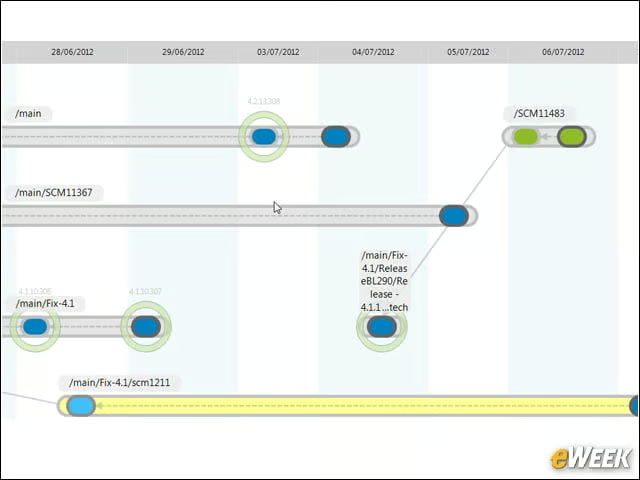
“A separate user-interface tool is included that lets you see your branches. Here we’re zoomed in to see some branch detail.”
Change Detection
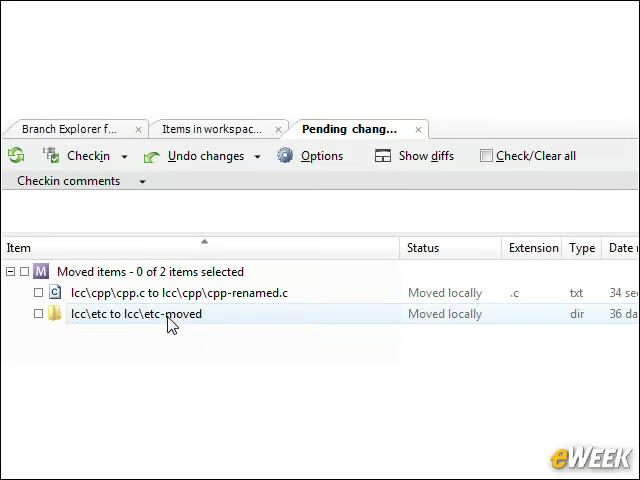
The UI uses the operating system’s ability to monitor file and directory activity, which allows Plastic SCM to detect not only changes to files, but when files are moved or renamed.
Difference Tool
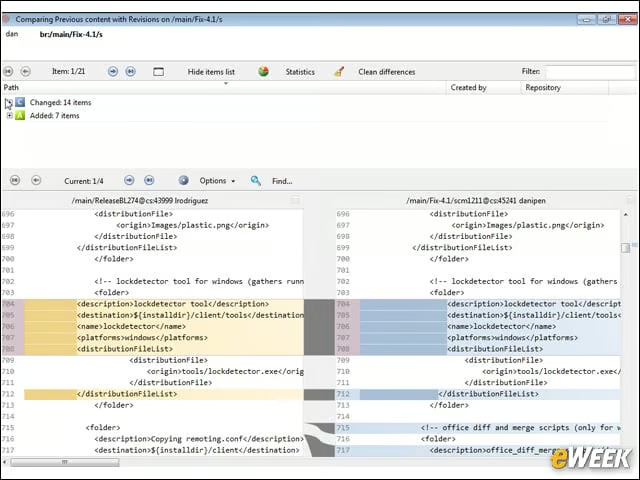
The diff tool shows all sorts of changes between files, including sources that are moved to other locations in the file, and denotes them accordingly.
Branch Management
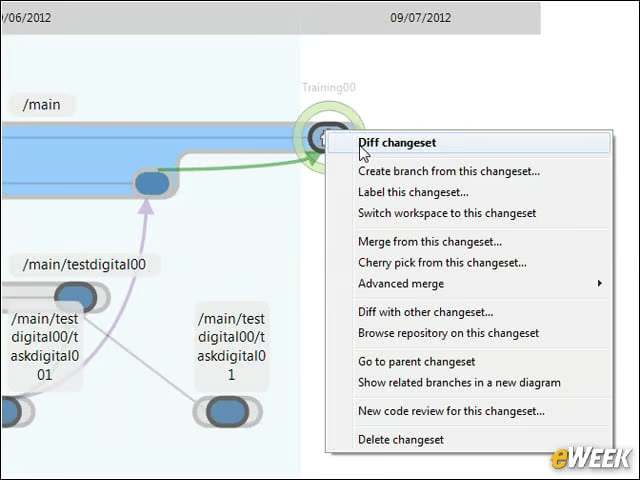
When you zoom in on your branches and right-click on a node, you have numerous tasks you can perform, such as a diff on a changeset, merge from this changeset and so on.