








BYOD Programs: A 10-Point Checklist for a Successful Strategy

by Chris Preimesberger
Establish the Objective
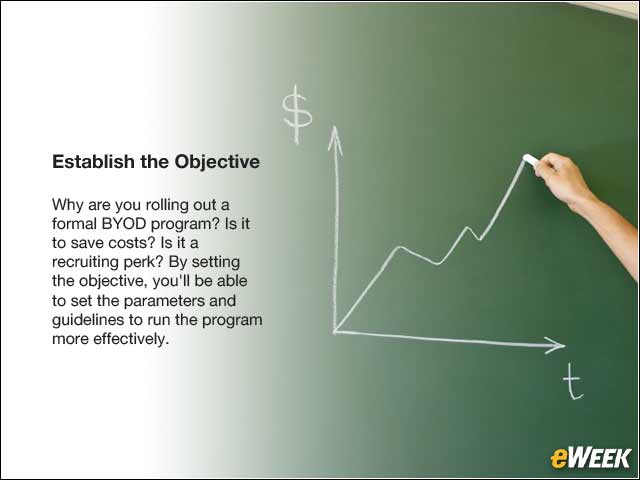
Why are you rolling out a formal BYOD program? Is it to save costs? Is it a recruiting perk? By setting the objective, you’ll be able to set the parameters and guidelines to run the program more effectively.
Get a Baseline
Figure out what your baseline environment looks like. You can use tools such as Microsoft’s System Center or ones from LANDesk as software you install, or you can use cloud-based services such as Microsoft In-Tune. These will monitor the network, giving you an inventory of what is connected to it.
Define the Allowed Devices
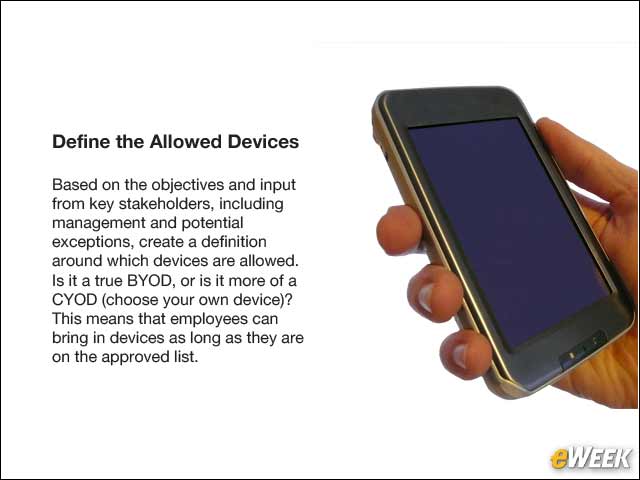
Based on the objectives and input from key stakeholders, including management and potential exceptions, create a definition around which devices are allowed. Is it a true BYOD, or is it more of a CYOD (choose your own device)? This means that employees can bring in devices as long as they are on the approved list.
Secure Apps and Data
If there are certain apps that are used by the business, or types of data you want to ensure is secure, you’ll want to evaluate whether the allowed devices allow you to manage and control the apps and data. The more important this is, the stricter your requirements might be.
Enforcing the Policy
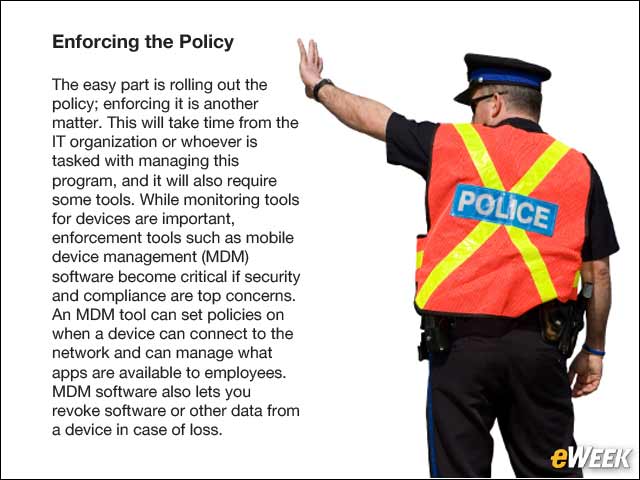
The easy part is rolling out the policy; enforcing it is another matter. This will take time from the IT organization or whoever is tasked with managing this program, and it will also require some tools. While monitoring tools for devices are important, enforcement tools such as mobile device management (MDM) software become critical if security and compliance are top concerns. An MDM tool can set policies on when a device can connect to the network and can manage what apps are available to employees. MDM software also lets you revoke software or other data from a device in case of loss.
Set Parameters
Once you have established the devices, apps and data, set parameters. Some of these are tolerance levels if you are using MDM software. Other parameters might be for exceptions, as you may have a population of users that may be eligible for exceptions to the rules. The clearer your objectives are, the easier this is to manage. The more important security is, the less flexible your exception process will be.
Employee Training
Don’t take for granted that employees don’t need training because they are using their own device. While the understanding is that employees in a BYOD program are responsible for supporting their own devices, still have a training plan to roll out the program. This should include letting employees know what devices are permitted and why the program is being rolled out, as well as best practices on keeping company data secure. As new employees join, there should be ongoing training available so the message stays consistent and doesn’t turn into word-of-mouth.
Test Before Rolling It Out
As you roll out the policy, do it in a pilot program. Test it with people who are likely to push the bounds of the device policy. Test it with management and also with employees who are more likely to give feedback. This helps you refine or catch any oversights before the entire company is given a new policy. Change is always difficult, and it is better to go in prepared and knowing what types of feedback are going to come your way.
More Complex Than One Might Think
Rolling out a BYOD program is a lot more complex than just letting employees bring whatever they want and not addressing the matter. However, it does show more responsibility in keeping the company network resilient and company data secure. There are tools available to help with monitoring and managing devices.
Use Shortcuts as Needed
You can also find some shortcuts such as utilizing hosted virtual desktops, which are available in a turnkey manner through cloud providers. A virtual desktop can run on virtually any laptop, desktop or tablet and can give employees access to company applications and data in a secure environment even as employees hop from one device to another.