







- Here Is the MyCentrify Portal Screen
- Administrators Can Quickly Define Application Settings
- Accessing the Cloud Management Console
- Device Management Is at the Core of Centrify
- Users Take a Hand in Account Control
- Working With the My Devices Interface
- Managing Group Policy Controls
- Setting Application Delivery Policies
- Centrify Provides iOS Support on iPhones, iPads, iPods
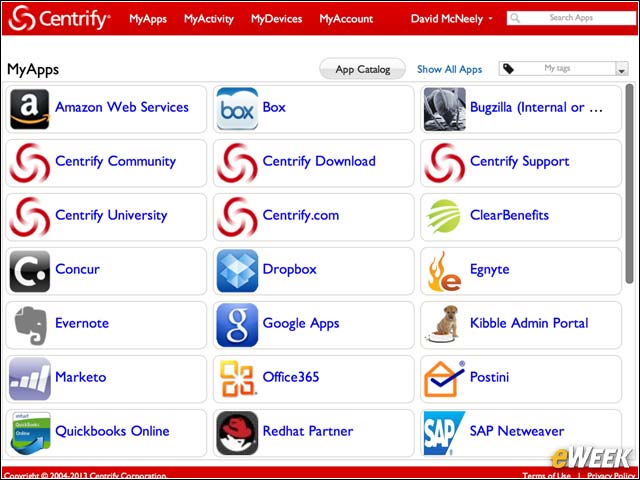
Here Is the MyCentrify Portal Screen
Ultimately the goal of Centrify for Mobile 2013 and BYOA along with Centrify for SaaS 2013 is to bring ease of use to both the mobile device user and the IT manager. The end user portal, or, in Centrify-speak, MyCentrify, offers an easy-to-understand portal for the end user, making application access a simple task while reducing help-desk calls at the same time.
Administrators Can Quickly Define Application Settings
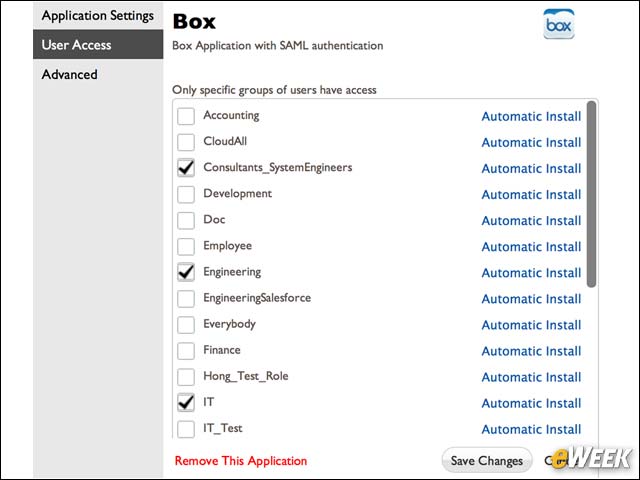
With ease of use a primary theme, Centrify has made it very simple for administrators to define access to applications, including cloud-based services. Using simple check boxes, administrators are able to quickly define who can do what from where and when. Underneath the simple interface screens lie policies, which are incorporated into active directory to drive the management interface. That brings SSO (single sign-on) and full device control into the picture.
Accessing the Cloud Management Console
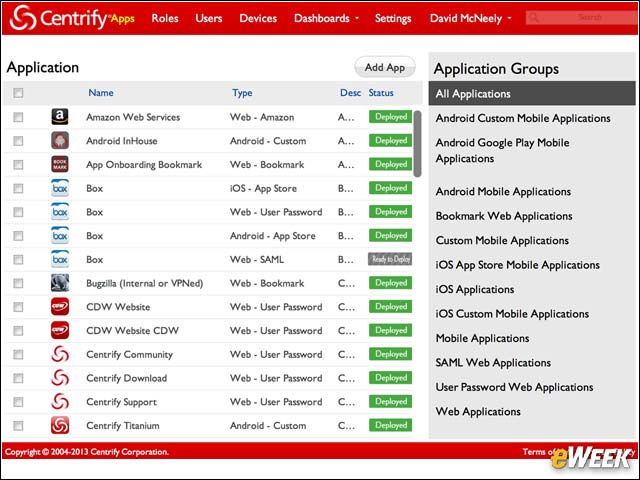
Just as the name implies, Centrify’s Cloud Management Console brings external service management into the identity- and device-management picture. The Cloud Manager’s primary screen offers wizard-based subtasks that drive the integration of cloud services into the end-user portal, while leveraging policy controls to incorporate SSO capabilities and secure access.
Device Management Is at the Core of Centrify
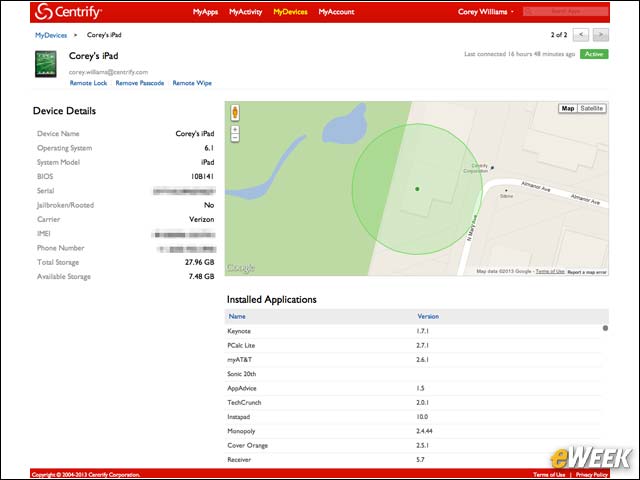
Managing mobile devices is a core competency of Centrify’s Mobile Device Management suite. The Device Details management screen offers information that is not normally available to network administrators, making it much easier to keep tabs on devices and effectively manage devices proactively to avoid service interruptions and security problems.
Users Take a Hand in Account Control
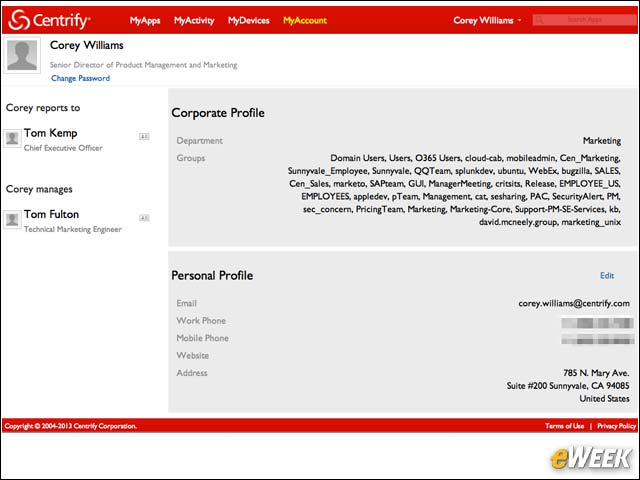
As part of the self-service philosophy, Centrify brings some management features directly to the end user, allowing those that are taking part in the BYOD movement to have a better understanding about how their accounts are provisioned. Users are able to set up and maintain their personal profiles, allowing full integration into identity management and shifting some of the management burden off to corporate IT.
Working With the My Devices Interface
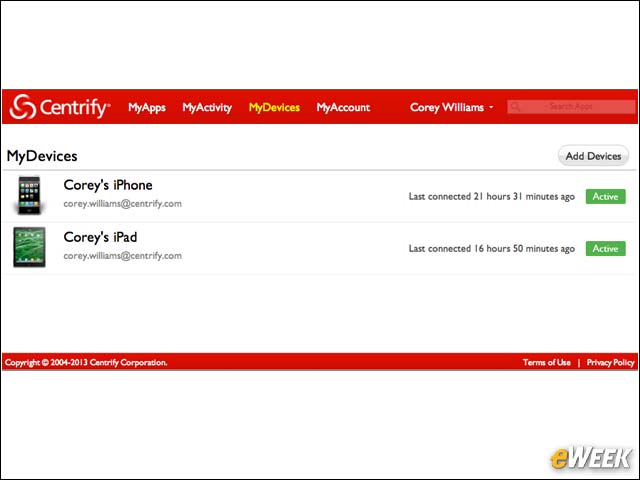
Ease of use for the end user is a primary theme throughout the product. For example, the My Devices GUI offers a simple, quick look into what devices a user is responsible for, the status of those devices and the ability to drill down further into the device statuses. The My Devices screen also serves as a self-service portal that end users can leverage to provision their own devices with a simple click of the add-devices button.
Managing Group Policy Controls
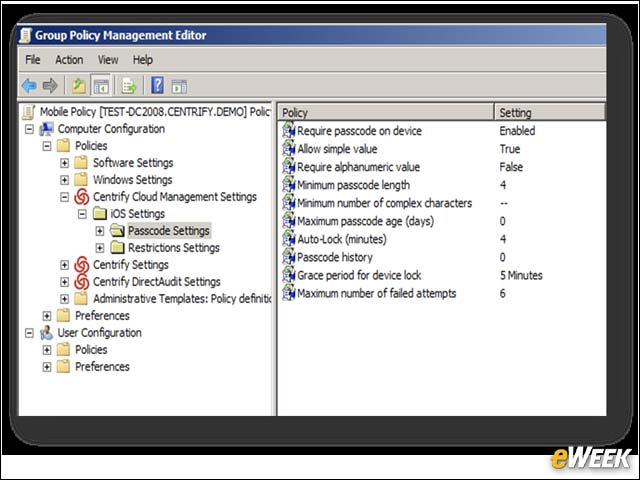
Integration with Active Directory allows administrators to leverage group policies and push those settings out to users and devices.
Setting Application Delivery Policies
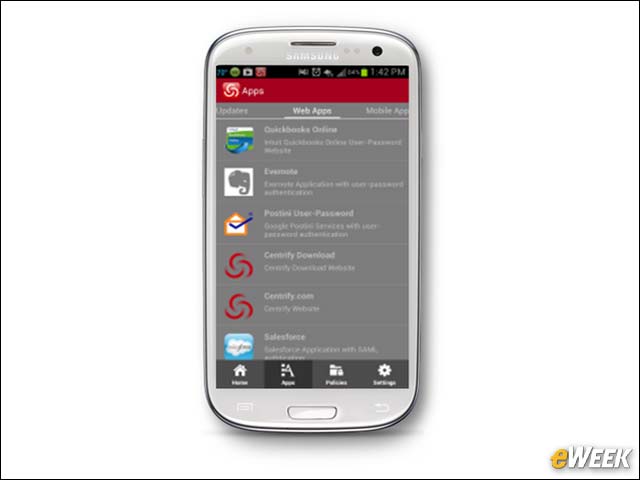
Access to applications is delivered to the mobile device using native screens with clear-cut definitions.
Centrify Provides iOS Support on iPhones, iPads, iPods
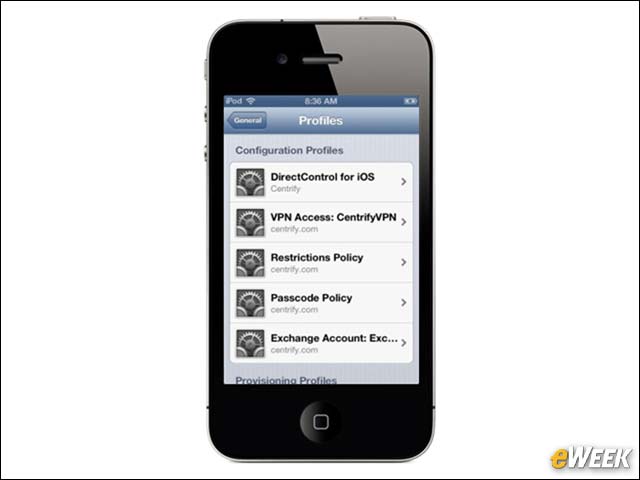
iOS devices, such as iPads, iPods and iPhones, can be natively supported with the Centrify solution and incorporated into active directory for full policy management and device control.