







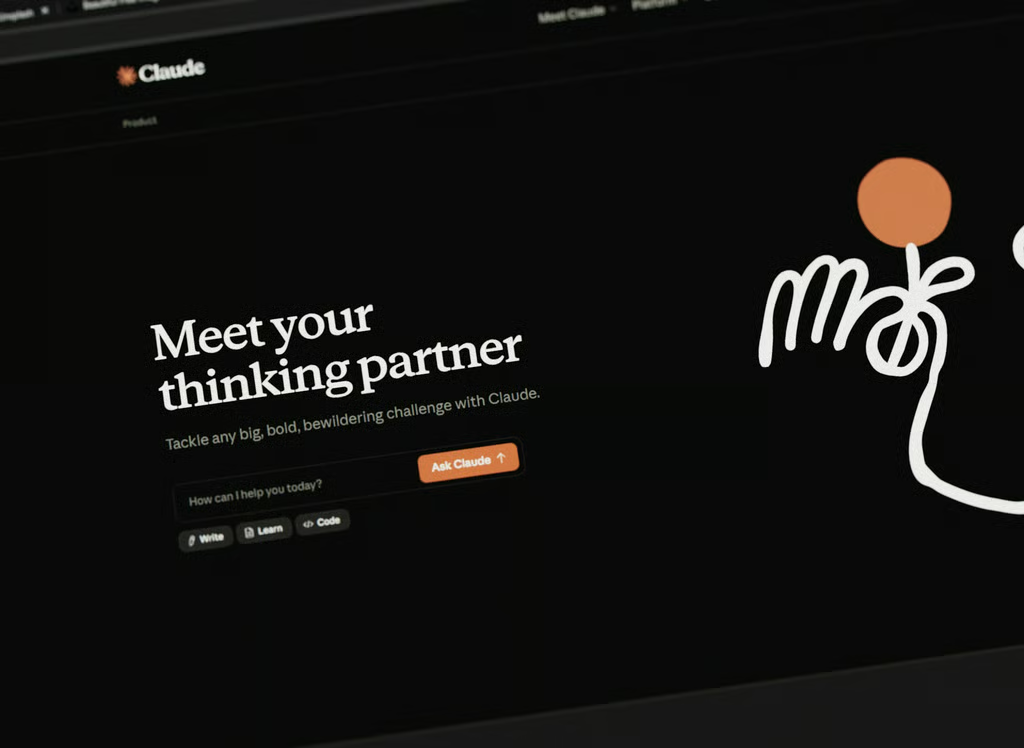
Claude no longer needs to borrow your browser to get work done on the web.
Anthropic has added a built-in browser to Claude Cowork that lets the AI navigate websites, click links, enter information, and fill out forms inside its own browser environment. The feature is designed to let users hand off web tasks without giving Claude automatic access to their personal tabs, bookmarks, passwords or existing browser sessions.
When a Cowork task requires the web, the browser opens in a side panel where users can watch Claude work while continuing with other tasks. That could make jobs such as gathering research, pulling figures from dashboards or collecting invoices from vendor portals easier to delegate, particularly when a website lacks a dedicated connector or API.
The feature rolled out last week to Pro, Max and Team subscribers using Claude's desktop apps for macOS, Windows and Linux, with Linux currently in beta. Enterprise customers can use it when an administrator enables the feature.
Your browser stays separate
The biggest change is that Claude no longer needs to borrow the user's browser for many web tasks.
The built-in browser does not automatically have access to personal tabs, bookmarks, passwords or existing browser sessions. Anthropic describes it simply as “Claude’s browser, not yours.”
Users can import login cookies on a site-by-site basis from Chrome, Edge, or Firefox on macOS, and Firefox on Windows and Linux. Banking, email and single-sign-on sites are excluded by default.
That creates a clear split between Anthropic's two browser options. The built-in browser is aimed at work users can hand over to Claude, such as research and data collection. Claude in Chrome remains better suited to an already-open CRM, inbox or document where the user's existing login matters. Users can choose their preferred option in Cowork settings.
Why it matters for Claude users
The change matters because it removes a real bottleneck for office work: countless internal dashboards, vendor portals and approval systems have no API or connector, and until now an AI agent hitting one of those had to either take over a person's actual browser or simply stop.
A dedicated, disposable browser lets Claude grind through that kind of repetitive, account-light busywork, collecting invoices, gathering research, scraping numbers off a dashboard, without exposing a user's personal accounts to an AI agent clicking around unsupervised.
The launch lands just two weeks after OpenAI shut down its standalone Atlas browser, a product that lasted less than a year before its agentic capabilities were folded back into ChatGPT itself. Anthropic appears to be drawing the opposite lesson from that failure: rather than asking people to abandon their everyday browser altogether, it's making the browser a disposable tool the AI can pick up and put down inside an app people already use.
That's a lower-friction bet than trying to win browser market share outright, and it sidesteps regulatory tripwires like the European Union's Digital Markets Act, which forces "gatekeeper" browsers to show users a choice screen, a rule that doesn't apply to a browser tucked inside an app's side panel.
What eWeek found: Claude changes where the trust boundary sits
The most important change may not be that Claude can browse on its own. Anthropic is giving users a more granular way to decide which parts of their online identity an AI agent can use.
In a traditional browser-control setup, an agent can potentially operate inside an environment already connected to email, work accounts, saved passwords, and other authenticated services. Cowork's built-in browser starts separately and requires users to deliberately bring individual login sessions into that environment.
That does not eliminate risk. Once a user imports cookies or signs in to a site, Claude can retain access to that authenticated session for future Cowork tasks on the same computer. But it changes the permission model from effectively handing an agent the keys to an already-open browser toward choosing, site by site, which doors Claude is allowed to unlock.
For businesses evaluating browser-based AI agents, that distinction could become increasingly important. The question is shifting from whether an AI agent can use the web to how narrowly organizations can control the accounts, sessions, and data it is allowed to reach.
The security tradeoff
Giving an AI its own browser removes some risks associated with handing over a user's everyday browsing session, but it does not solve the bigger security problem facing browser agents.
A malicious webpage can contain hidden instructions designed to manipulate an AI agent, a technique known as prompt injection. Anthropic says the new browser uses the same safeguards as Claude in Chrome, including checks that compare Claude's intended actions with the user's original request. High-risk sites are also blocked.
Anthropic is nevertheless clear that these protections cannot eliminate prompt injection. Its support documentation advises users to start with trusted websites and warns against using either browser system for sensitive financial, medical, or other people's personal information.
There is also a persistence issue: once users sign in to a website inside the built-in browser, Claude can retain access to that login for future Cowork sessions on the same computer. That makes careful account selection important.
Also read: Claude Cowork Comes to Chrome, Letting AI Work Across Browser Sessions for a closer look at how Anthropic is bringing its AI agent directly into users' existing browser workflows.