







- 10 Key Facts About Microsoft’s Surface Book 2-in-1 Hybrid Device
- The Surface Book Is a 2-in-1 Hybrid
- The Display Looks to Be a Solid Offering
- The Keyboard Is Full-Size and Backlit
- Bring on the Surface Pen
- Microsoft Is Offering Intel’s Core i5, i7 Processors
- Here’s a Surprise: Optional Discrete Graphics
- Yes, This Is a Windows 10 Device
- The Hinge Is Notable
- Enough Storage Options for Anyone
- An Eye on Pricing
10 Key Facts About Microsoft’s Surface Book 2-in-1 Hybrid Device
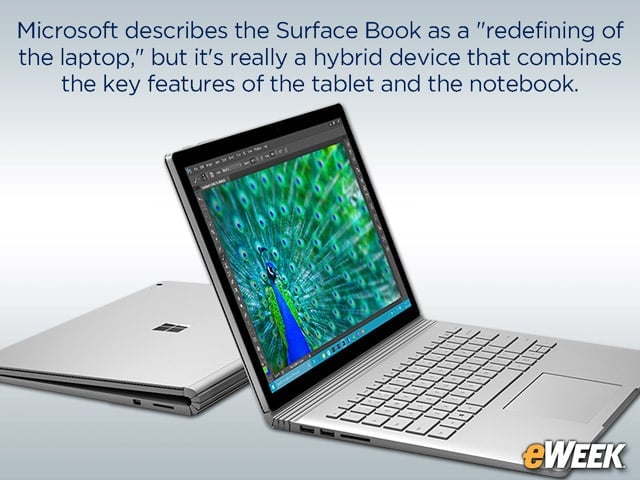
Microsoft describes the Surface Book as a “redefining of the laptop,” but it’s really a hybrid device combines the key features of the tablet and the notebook.
The Surface Book Is a 2-in-1 Hybrid
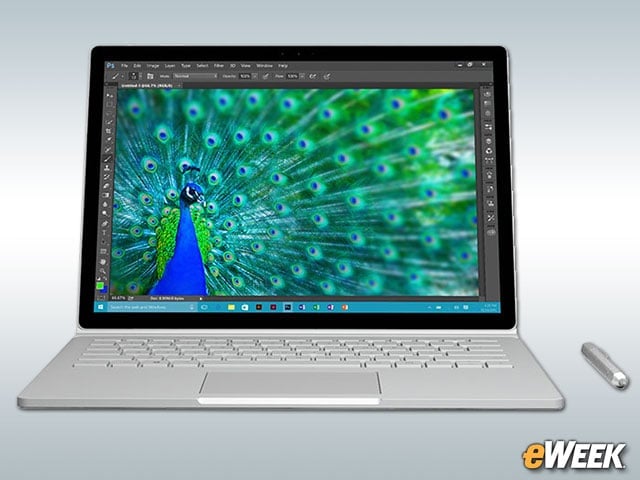
Although Microsoft is pitching the Surface Book as a replacement for a laptop, the truth is that the device is a hybrid that combines the functionality of a notebook and tablet in one. In some use cases, it’s a full-service tablet, and in others, it’s a full-fledged notebook, complete with a nice keyboard. And it appears to be a nice hybrid at that.
The Display Looks to Be a Solid Offering
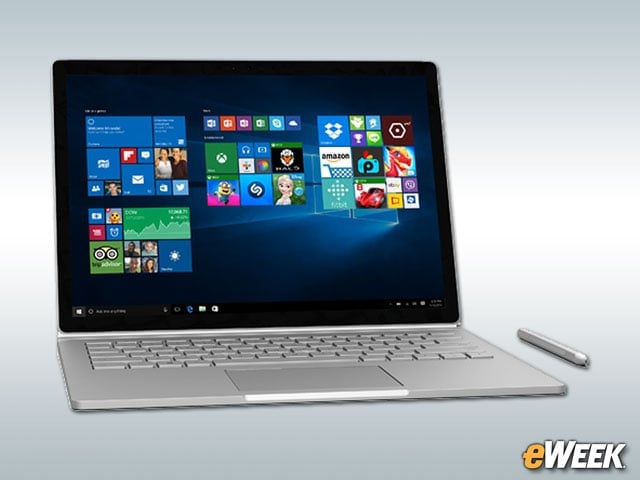
The display built into the Surface Book should appeal to the vast majority of consumers and enterprise customers. The device comes with a 13.5-inch PixelSense display boasting a resolution of 3,000 by 2,000. It also has 10-point multi-touch support. It’s a good-looking (and high-functioning) display.
The Keyboard Is Full-Size and Backlit
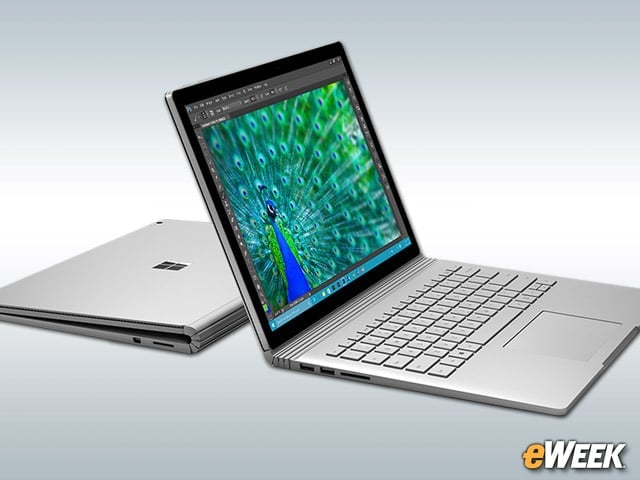
Microsoft made the smart move to bring a full-size keyboard to the Surface Book. The keyboard is sufficient for mobile workers and consumers, and thanks to its being backlit, should work just as well at night as during the day. It may seem like a simple feature, but to be successful in the hybrid space is to deliver the best of notebooks and tablets. The Surface Book delivers.
Bring on the Surface Pen
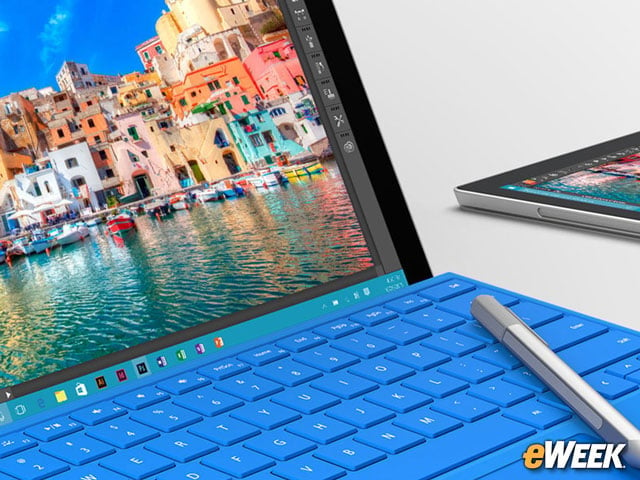
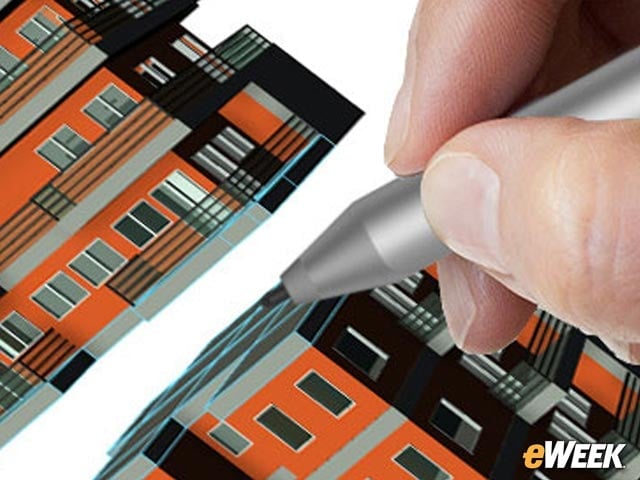
The Surface Book not only supports the Surface Pen stylus; the accessory also comes bundled in the box. That is good news for consumers and enterprise users. With the Surface Pen, users will be able to mark up the screen and write out notes. And since it’s been improved with more touch sensitivity and eraser support, it’s arguably one of the best styluses on the market.
Microsoft Is Offering Intel’s Core i5, i7 Processors
Power shouldn’t be much of a problem in the Surface Book. The device comes in several different versions based on storage, but customers can choose between the Intel Core i5 or the Intel Core i7 processor. Those processors should provide the requisite power to get the job done.
Here’s a Surprise: Optional Discrete Graphics
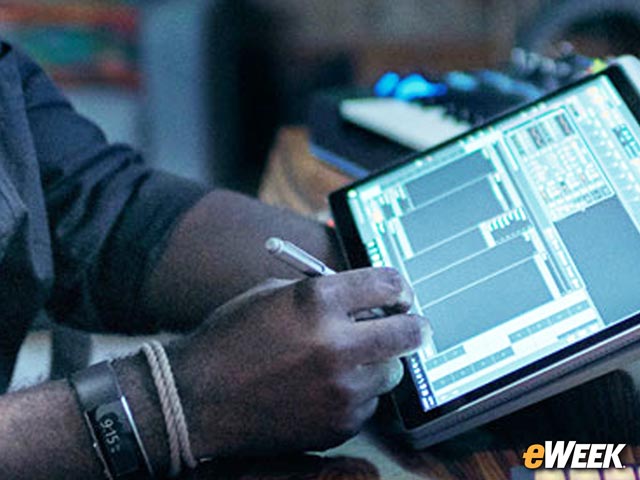
It’s surprising that the Surface Book comes with support for discrete graphics. In most mobile devices, built-in graphics chips are standard. In the Surface Book, however, Microsoft is offering an option for Nvidia’s GeForce graphics chip. While it won’t be able to deliver desktop-level value, it’ll be capable of handling graphics for most applications.
Yes, This Is a Windows 10 Device
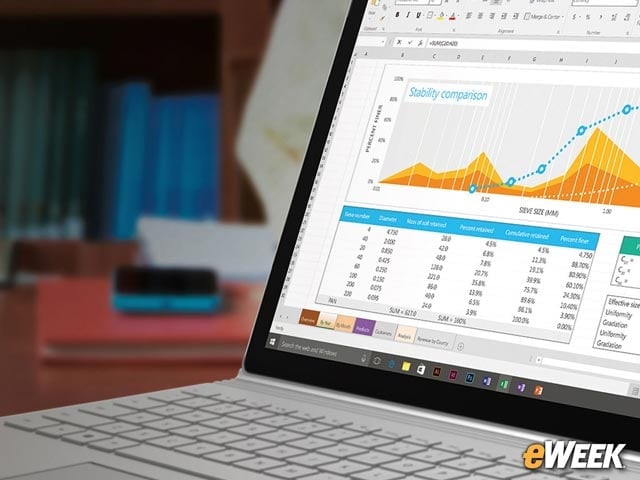
Windows 10 Pro comes bundled with the Surface Book, which means enterprise customers will find an experience they desire in the device. With Windows 10 Pro, Microsoft Surface Book owners will also find a free 30-day trial of Office, which can then be upgraded to an Office 365 subscription. Look for Windows 10 Pro to be an important selling point for enterprise customers.
The Hinge Is Notable
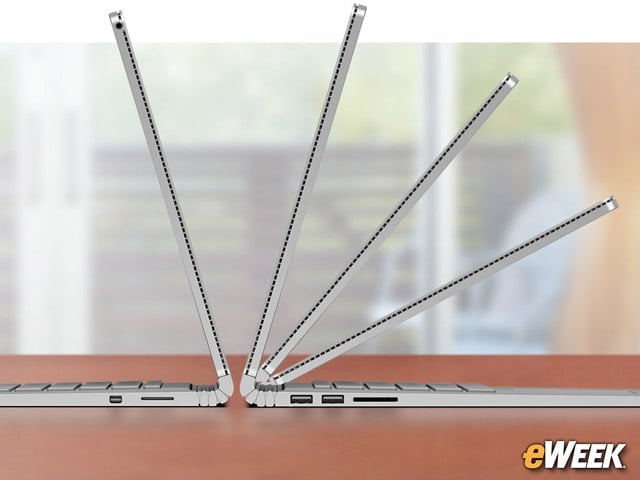
The special hinge that’s built into the Surface Book is notable. The hinge is capable of putting the screen at any degree angle that customers desire. More importantly, it even rotates the screen around to cover the back of the keyboard and becomes a handwriting-based notebook. The Surface Book hinge also comes apart for those who don’t want a tablet experience without the extra keyboard thickness.
Enough Storage Options for Anyone
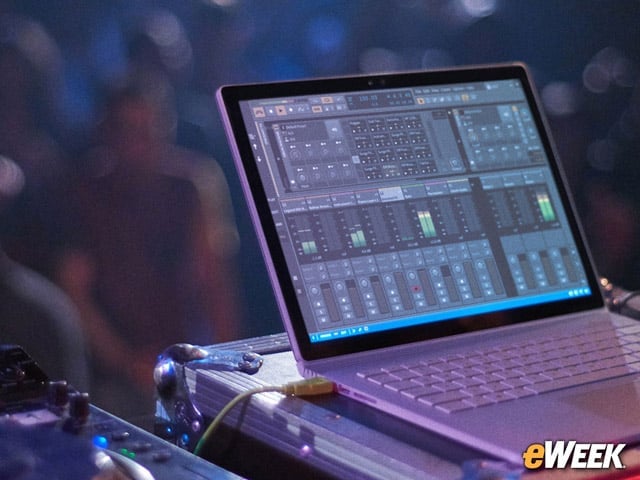
To its credit, Microsoft isn’t skimping when it comes to on-board storage. The company has several solid-state drive options for customers, ranging from 128GB to 1TB. Of course, any jump in on-board storage means a leap in price, but if companies or consumers want ample storage, the Surface Book will deliver on that desire.
An Eye on Pricing
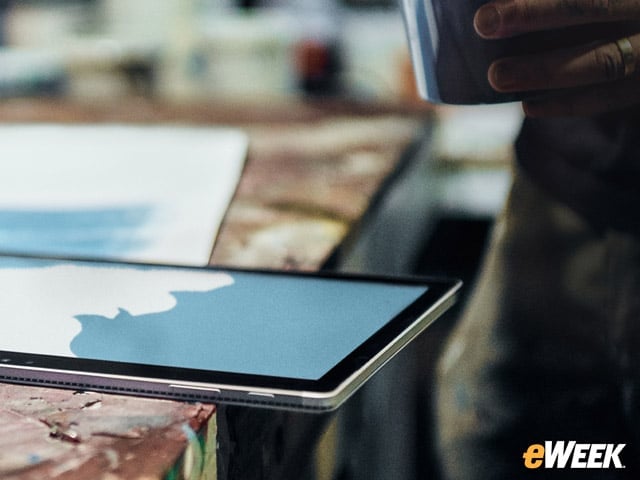
The Surface Book is not a cheap device. The computer starts at $1,499 for the Intel Core i5 and 128GB option. Customers who want the higher-end 512GB option with Intel Core i7 and a discrete graphics chip will pay $2,699. The Surface Book Pro won’t be cheap, but it may be worth the price, given its flexibility.