







Microsoft’s latest educational technology push involves more than its growing ecosystem of low-cost Windows PCs for schools and making its Learning Tools more inclusive. During the Bett education conference, taking place Jan. 24-27 in London, Microsoft is showcasing other applications intended to help teachers and students maximize the learning experience each school day.
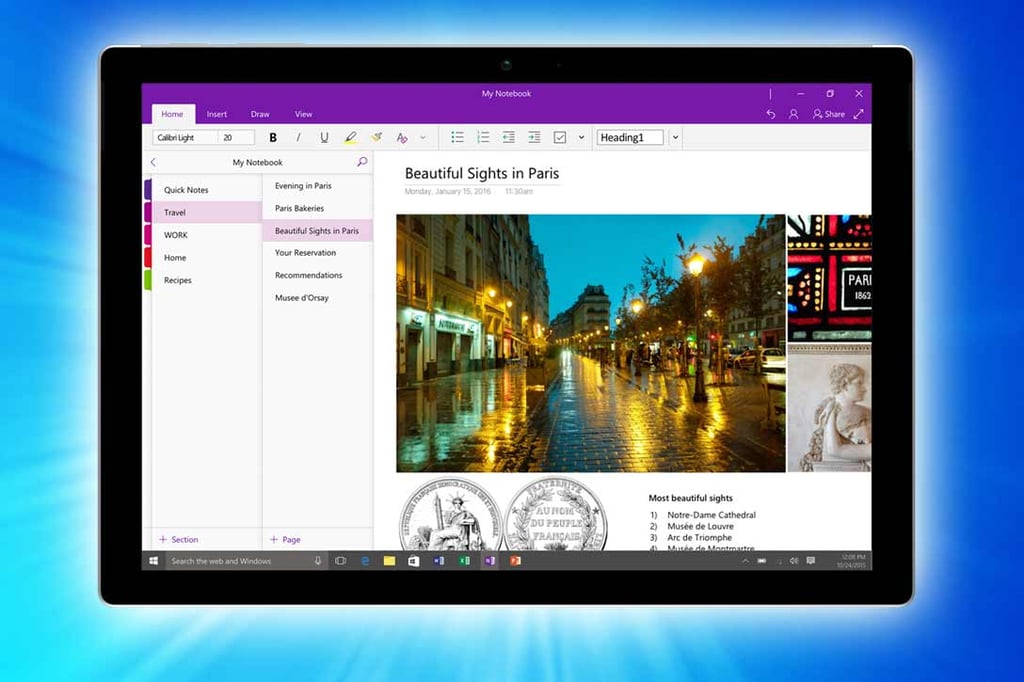
Among them are a handful of new features in OneNote that help teachers better manage their classrooms.
Teachers who use OneNote Class Notebooks will soon be able to lock pages, setting them to a read-only mode after they have given their students feedback. The feature will be available in preview in February and is set to go live in the coming months.
A new integration with Desmos now allows STEM (science, technology, engineering and math) teachers to add interactive calculators to OneNote. Desmos is a provider of graphing calculator and learning applications. Graphing calculators help with plotting graphs and solving math problems with multiple variables.
Microsoft’s OneNote note-taking software also supports the Capita SIMS, a school information management system used in the U.K.
For Teams, Microsoft is rolling out a new, three-part integration involving PowerPoint and Stream, the company’s enterprise video hosting and streaming service. It will allow users to create and publish multimedia learning experiences in the chat-based collaboration and classroom management app for Office 365.
“A teacher can use PowerPoint to build immersive class content (that includes ink, animations, and audio/video narrations), add Microsoft Forms–based quizzes, publish it to their Stream channel as a video, and have it surface in their Teams class to distribute to their students,” explained Eran Megiddo, corporate vice president of Education at Microsoft, in a blog post. “Furthermore, Stream will also add automatic captioning to the videos to make them accessible to all learners.”
Learning in Virtual Worlds
Microsoft has found another way of capturing a student’s attention, at least when it comes to learning about chemistry.
In February, the company is launching the Chemistry Resource Pack for Minecraft: Education Edition. Microsoft acquired Minecraft, which allows users to explore and create virtual worlds in a Lego-like sandbox environment, for $2.5 billion in 2014. Soon, teachers will be able to immerse their students in elements, compounds and other concepts in chemistry using the popular game turned learning tool.
Minecraft: Education Edition is an example of how Microsoft is “creating experiences that you can’t do without technology” and helping educators turn the classroom into immersive learning environments, Megiddo told eWEEK. Teachers often report that when they assign homework in Minecraft, it is the only software students remain engaged with long after they turn their homework in, he said.
Finally, Microsoft partnered with education companies to help make mixed reality—the company’s take on virtual and augmented reality technologies—a part of a school’s technology toolkit.
In March, Pearson will issue curriculum applications that work with HoloLens and affordable Windows Mixed Reality headsets. Microsoft is also expanding its mixed-reality curriculum with new content from NASA via WGBH’s Bringing the Universe to America’s Classrooms project.