







March Madness IT Management Countermeasures
by eWEEK Labs
Websites vs. Web Filters
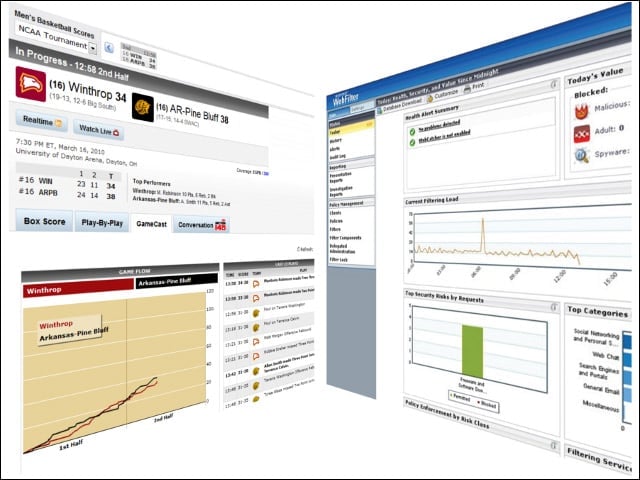
Employees’ visits to NCAA.com, CBSSports.com, ESPN.com and even less sport-specific sites such as Twitter to check scores and update their brackets can be curtailed with the effective use of Web filtering software. Make network restrictions more palatable by allowing short visits to sports sites and letting employees know the official policy.
Streaming Web Video
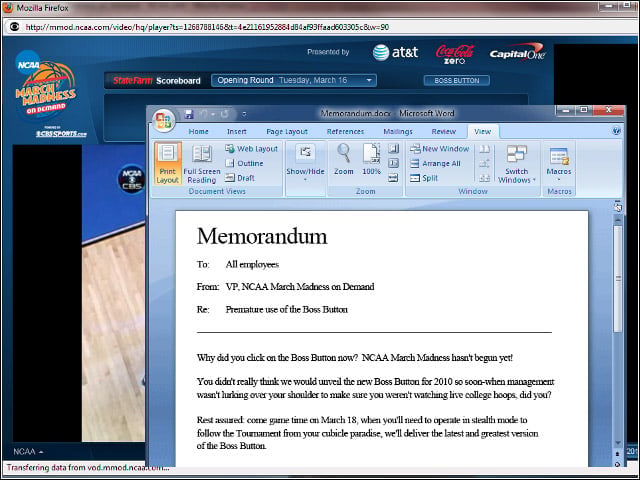
Sites streaming tournament video can tax bandwidth and sap productivity. Cleverly deployed “boss buttons,” like this Word document-themed example offered at mmod.ncaa.com, can foil manager walk-bys, so employee policies, Web filters and, if you want to get fancy with it, port 80-busting packet inspection can be deployed to deal with Web video.
Desktop Apps
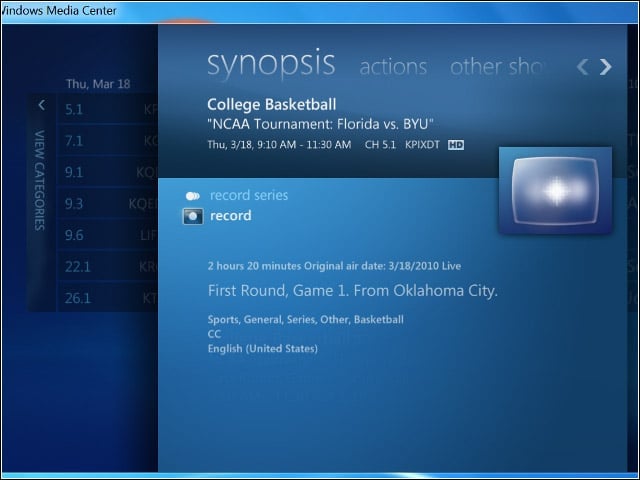
Slingbox, Windows Media Center, MythTV, SageTV, MediaPortal … and the list goes on of software that enables TV viewing on a computer. If your organization already uses a locked-down desktop, with least-privilege users, then you may have a chance. Use desktop application management and inventory tools to root out these bandwidth-hogging applications, or employ application whitelisting tools to bring the hammer down.
Mobile Devices vs. Mobile Device Management
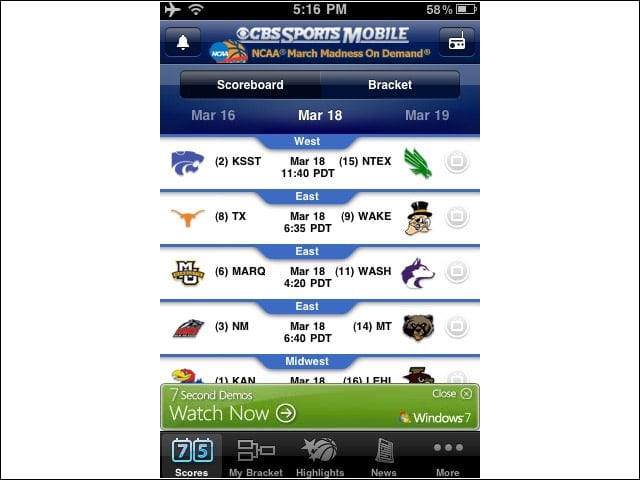
For $10 CBS Sports is making available an iPhone and iPod Touch app for watching NCAA March Madness over any network connection. Better ratchet up your mobile device management strategy.
The Office TV
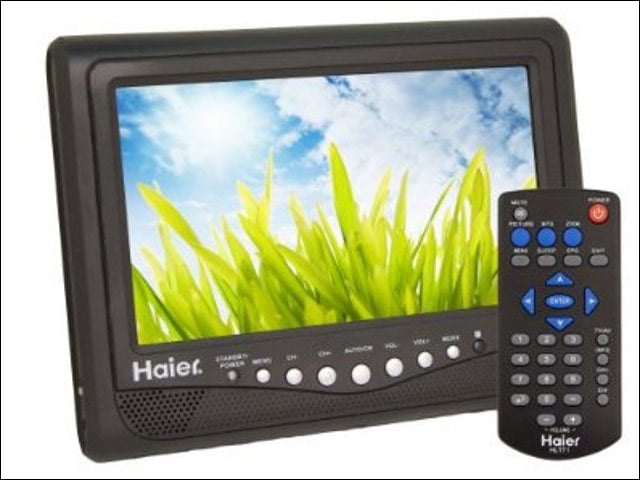
It’s gotten a little harder since analog broadcasting went off the air in 2009, but if your office (like ours) is within range of a TV tower, a small over-the-air antenna makes for a nice HD picture on small TV panel. Probably the best defense is to announce a policy limiting viewing time, put the TV in a common area and use peer pressure.
The Long Lunch
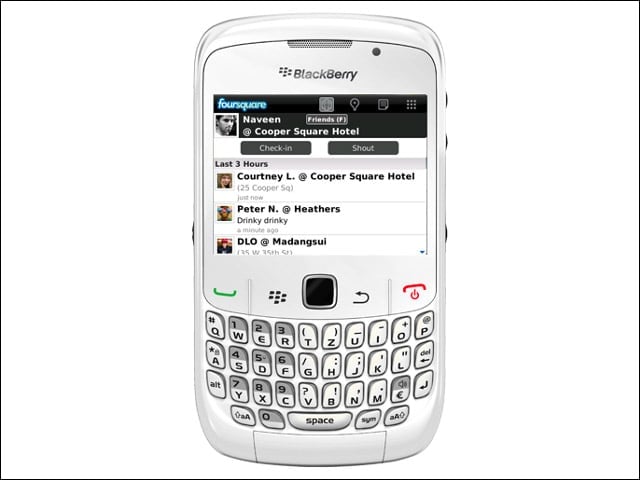
If workers seem to be taking longer lunches at the local sports bar, GPS location tracking on cell phones probably won’t help your organization. But likely more than one sports fan will be busted by social media apps that let users report their location. Try texting work-related questions to employee cell phones. Monitor response time to control March Madness lunch extensions.
Working from Home vs. Webcam Conferencing
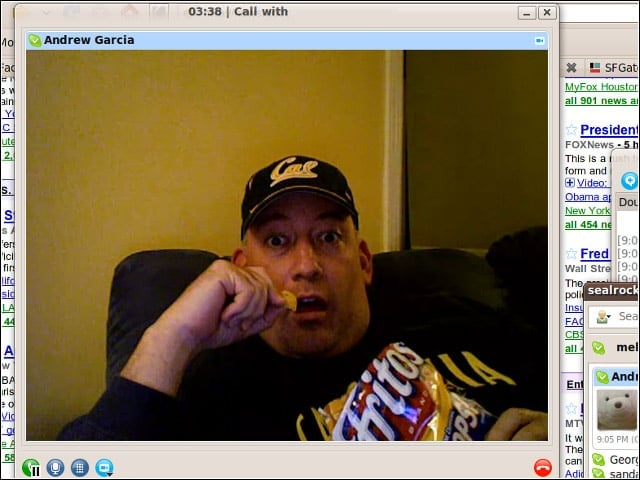
Use video conferencing and work questions sent via IM to keep home workers focused on the job and not the game. It didn’t work for us but maybe your organization will have better luck.