Opera 11 Web Browser Extends User Controls - Web Services Web 20 and SOA - News & Reviews - eWeek.com | eWeek

Opera 11 Web Browser Extends User Controls
Opera 11 Web Browser Extends User Controls
Dec 29, 2010
1 minute read
eWeek content and product recommendations are editorially independent. We may make money when you click on links to our partners. Learn More


Opera 11 Web Browser Extends User Controls

Opera 11 Web Browser Extends User Controls

by Cameron Sturdevant


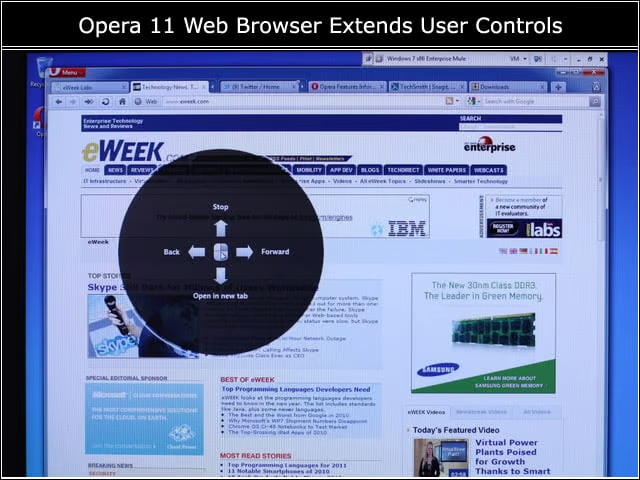
Visual Navigation
2

Using the right mouse button I activated the visual navigation page to quickly perform common tasks such as opening a new tab.


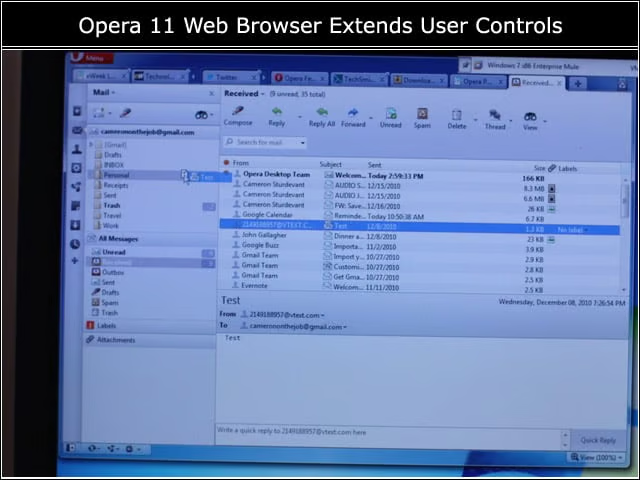
Drag and Drop
3

The Opera 11 e-mail client gained the ability to drag and drop messages and folders.


Ready
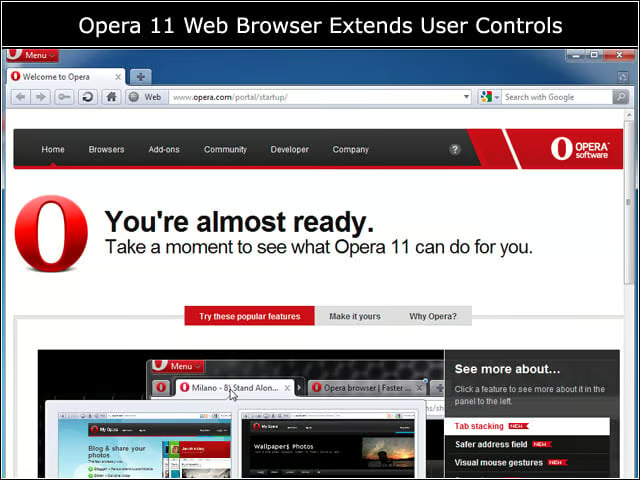
4

Opera 11 provides a number of tools to demonstrate the new features of the product so that users can get up to speed quickly.


Flash
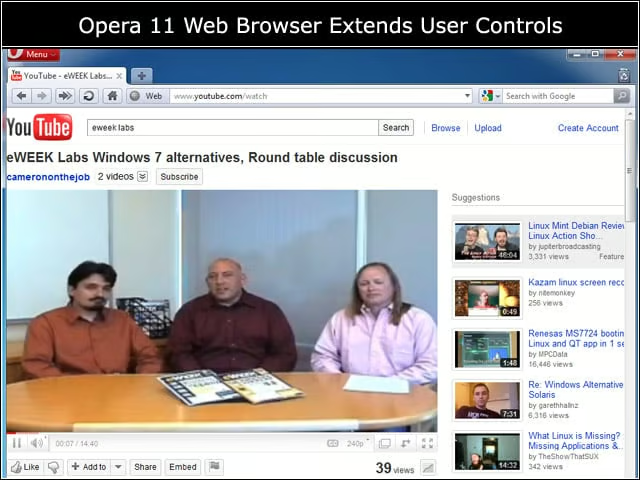
5

After downloading the latest version of Adobe Flash, I was able to watch YouTube videos. There are also extensions for downloading video available with Opera 11.


Tab Stack
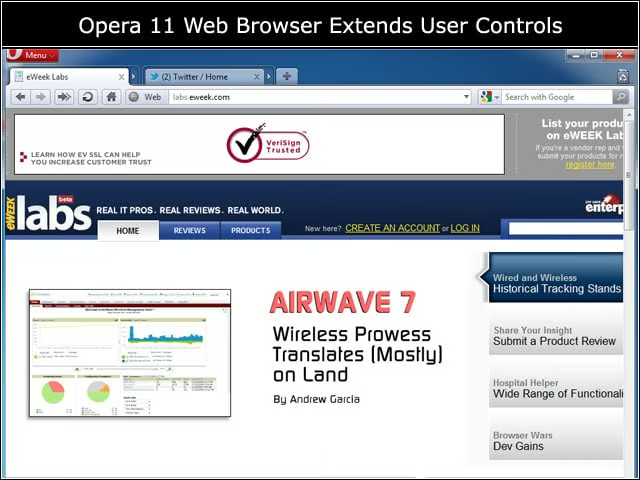
6

Here you see what looks like two tabs, one related to eWEEK and one for social media.


Advertisement

Expanded

7

When the tabs stacks are expanded, the various underlying sites are exposed but still neatly organized.


Clean Security
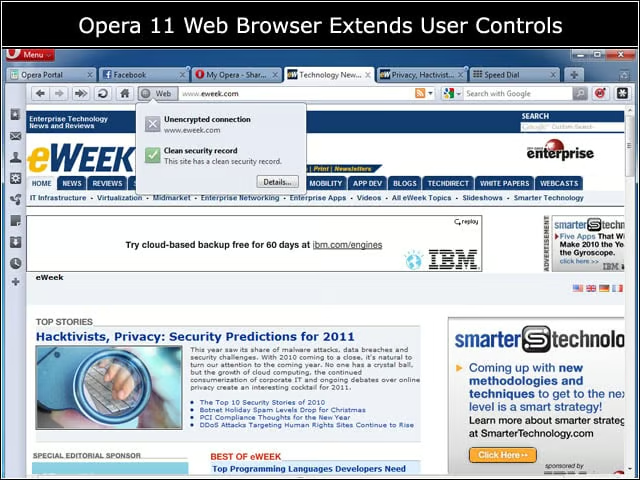
8

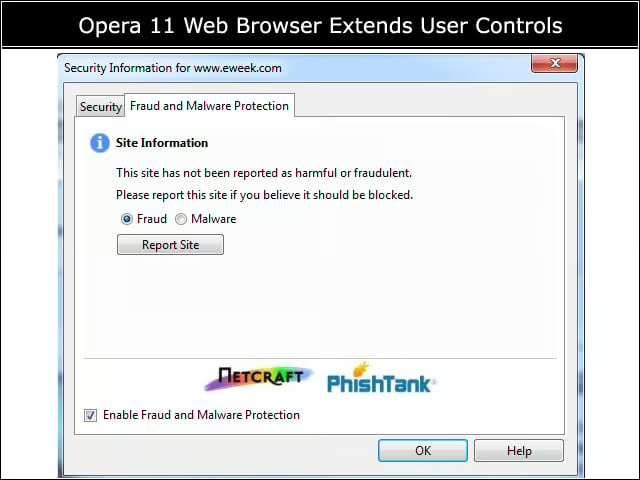
Opera 11 has a URL checker that vetted eweek.com with a clean security record.


Security information
9

Site security information is based on external reputation information providers.

eWeek Logo

eWeek has the latest technology news and analysis, buying guides, and product reviews for IT professionals and technology buyers. The site's focus is on innovative solutions and covering in-depth technical content. eWeek stays on the cutting edge of technology news and IT trends through interviews and expert analysis. Gain insight from top innovators and thought leaders in the fields of IT, business, enterprise software, startups, and more.

Property of TechnologyAdvice. © 2026 TechnologyAdvice. All Rights Reserved

Advertiser Disclosure: Some of the products that appear on this site are from companies from which TechnologyAdvice receives compensation. This compensation may impact how and where products appear on this site including, for example, the order in which they appear. TechnologyAdvice does not include all companies or all types of products available in the marketplace.