







- AARP’s RealPad Tablet Makes Technology Easier for Nascent Users
- Bright Screen and Powered by Intel
- Low Price, Good Component Mix
- Dual Cameras for Great Photos
- Long Battery Life and Expandable Storage
- Face-to-Face Video Made Easier
- A Real, Printed How-to Manual Is Included
- Plenty of Preloaded Apps to Explore
- RealPad Means Real Support
- Tablet Includes Free Remote Help as Needed
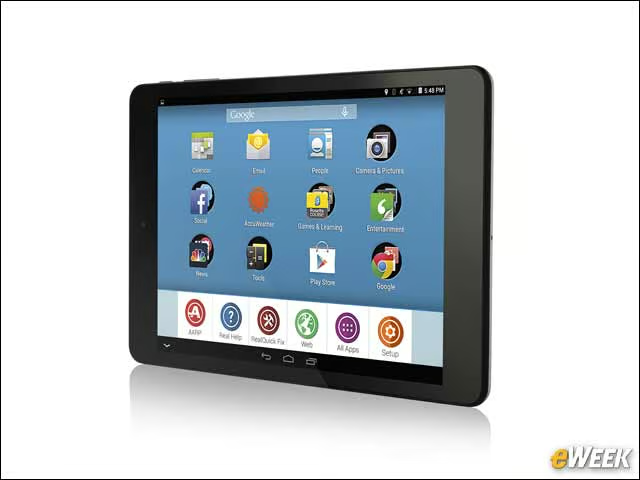
AARP’s RealPad Tablet Makes Technology Easier for Nascent Users
by Todd R. Weiss
Bright Screen and Powered by Intel
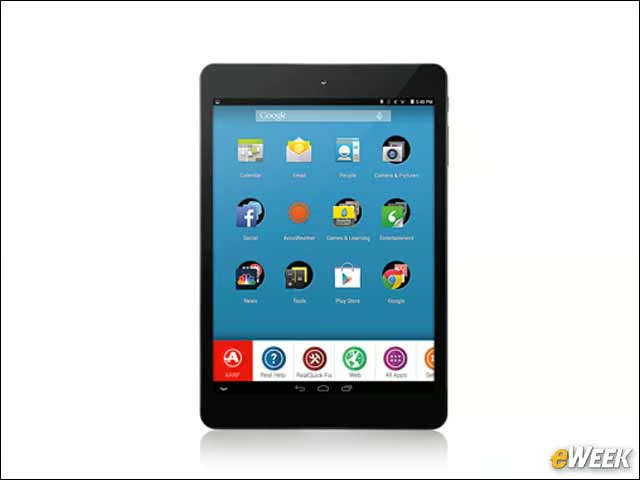
The RealPad includes a bright, clear 7.85-inch HD display and is powered by a dual-core 1.5GHz Intel Atom Z2520 processor. The tablet weighs only 14 ounces, making it easy to hold and handle.
Low Price, Good Component Mix
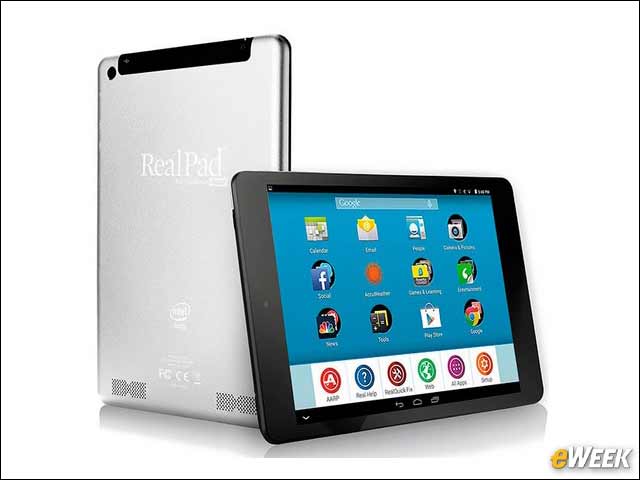
The $189 RealPad comes equipped with 16GB of internal storage, WiFi and Bluetooth connectivity, and runs on the Android 4.4 KitKat operating system. It also provides a one-year warranty on parts and labor.
Dual Cameras for Great Photos
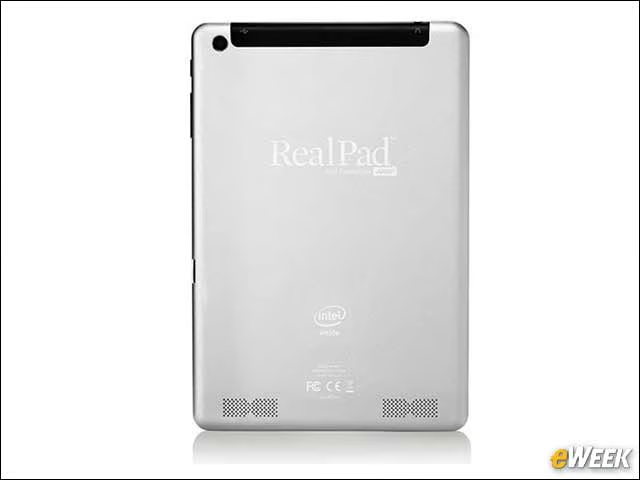
Photos can be easily taken using the RealPad and its 2-megapixel front-facing camera or its 5MP rear-facing camera, then stored or shared with others.
Long Battery Life and Expandable Storage
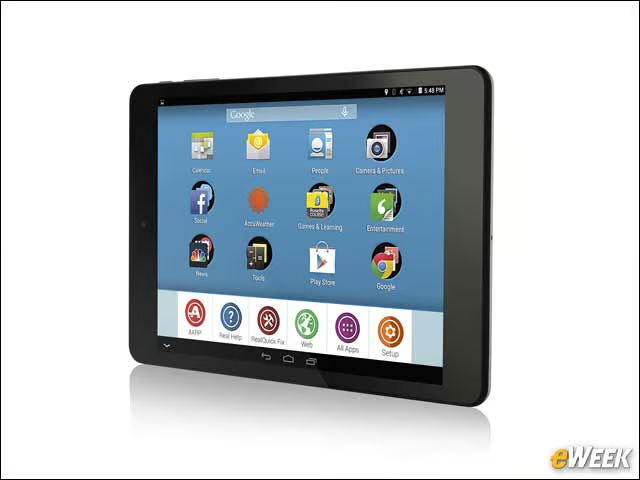
The RealPad includes a built-in 4,510-mAh battery for long life between charges and a micro SD slot to increase the tablet’s internal storage of photos, music and other content.
Face-to-Face Video Made Easier
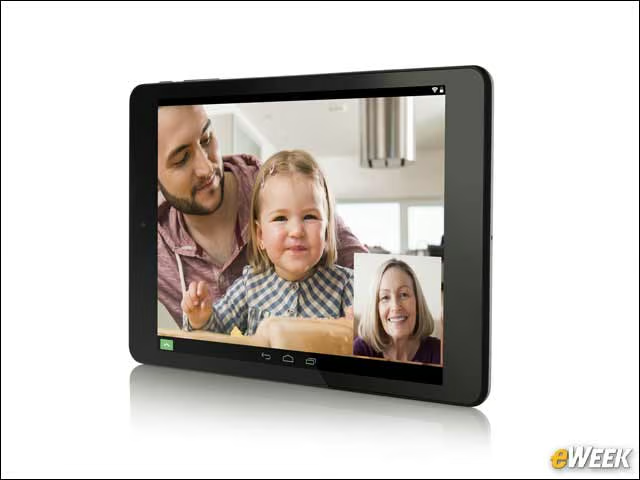
The RealPad includes the Google Hangouts app and a detailed built-in video that explains how to set up and make online video calls to friends and family members anywhere in the world.
A Real, Printed How-to Manual Is Included
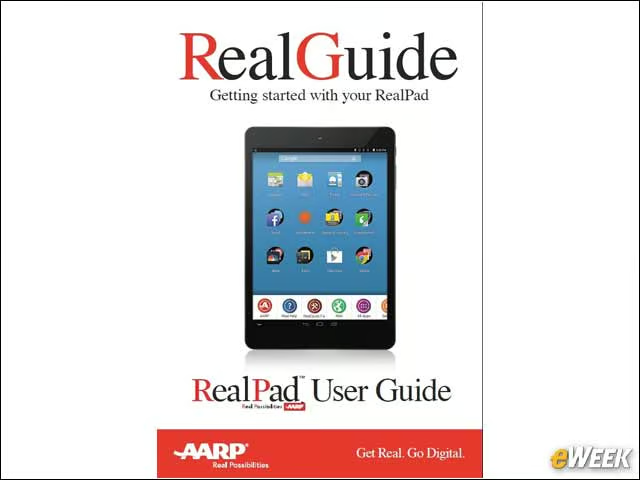
The RealPad also includes a helpful 29-page paper manual with color illustration to make it easier to begin using the device. AARP designed the tablet so that buyers could be using it within 10 minutes or so of setting it up.
Plenty of Preloaded Apps to Explore
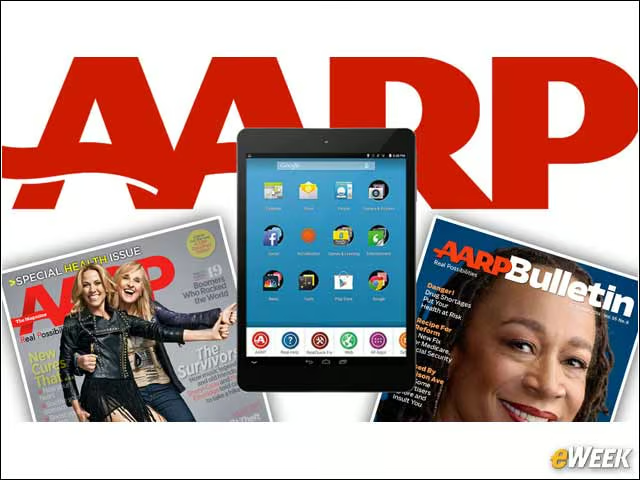
About 40 preloaded apps—from games to a calculator, Internet browsers, movie sites, Facebook, LinkedIn and more—are included, as well as online versions of AARP publications that can be read on the tablet.
RealPad Means Real Support
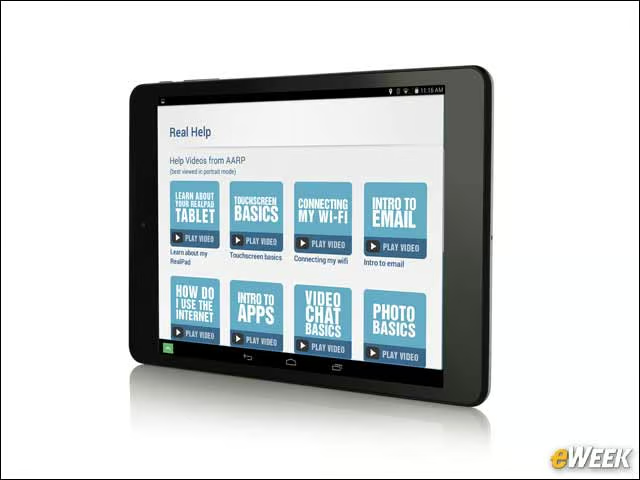
One of the key features of the RealPad is its unlimited, one-on-one, 24/7 telephone customer service and technical support provided by specially trained personnel. Also included are more than 20 step-by-step video tutorials covering many RealPad functions.
Tablet Includes Free Remote Help as Needed
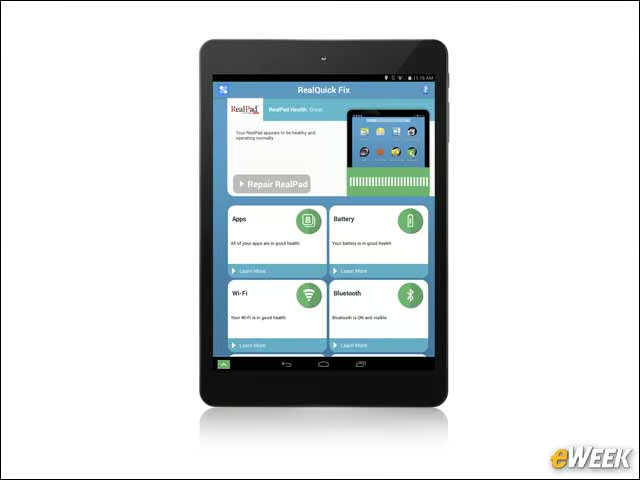
RealPad users have instant access to remote help from support personnel who can get onto the device via the Internet and fix things for users. Callers can get through directly without being placed on long holds and can ask any questions about technology, not just about the RealPad.