






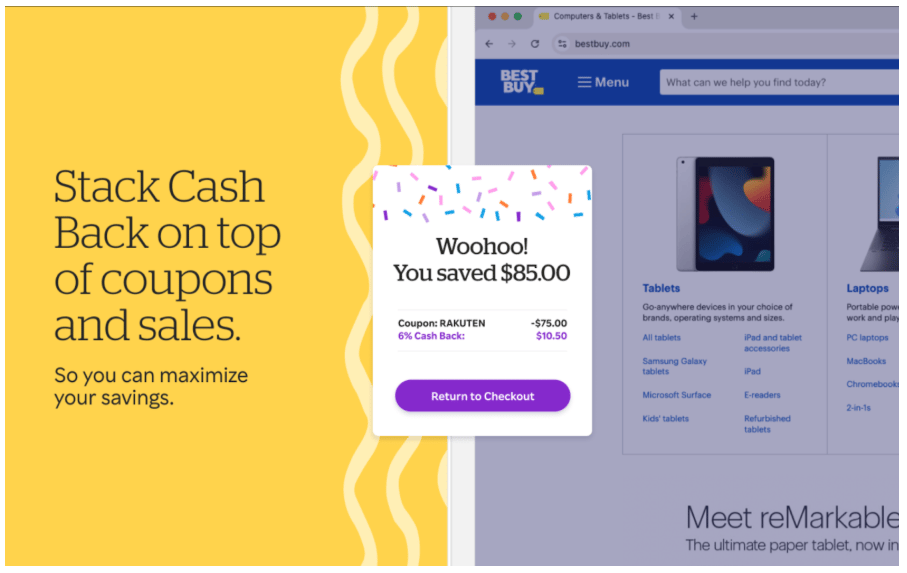


Shopping smarter is no longer about clipping coupons or waiting for Black Friday sales; AI shopping assistants can cut real money from your cart when you use them with intent. An AI shopping assistant watches prices, tests coupons, and flags cash back offers while you browse, so you do less searching and more saving. If you’re comparing the best AI for shopping, look for tools that compare prices in real time, time purchase with alerts, and layer rewards you would otherwise miss.
Here’s a quick rundown of the best AI tools for bargain shoppers.
Capital One Shopping: Best for real-time price comparison and price-drop alerts
Think of this AI tool as the friend who alerts you when the same product is cheaper across town. As you browse, Capital One Shopping checks other sellers, flags lower totals, and can try coupons at checkout. If you would rather wait, set a price-drop alert and let it monitor the item for you. Rewards can be layered on select stores, which is handy when a coupon fails but the extension still finds value.
Plus, setup is simple; you don’t need a Capital One account because it works on Chrome, Edge, and Firefox. Use Capital One Shopping alongside your favorite retailer to avoid paying today’s price when tomorrow’s price is likely better.
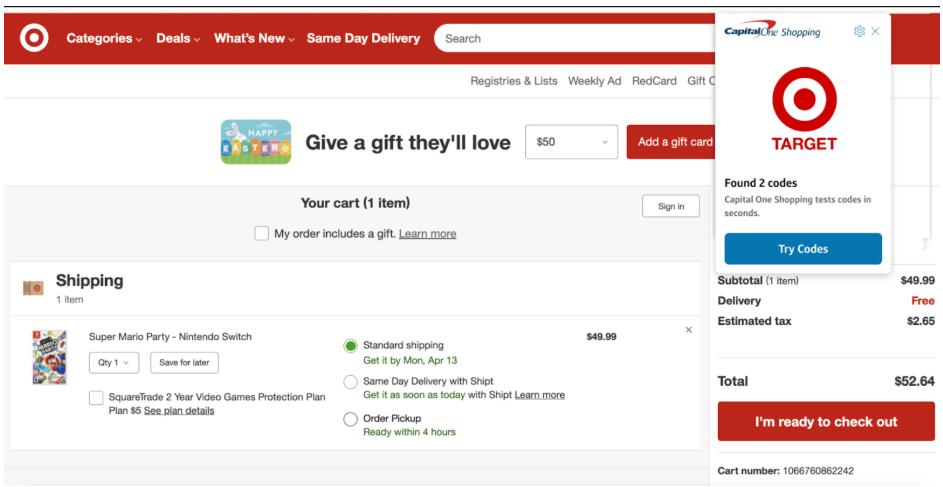
Capital One Shopping provides AI-powered price comparisons, coupon testing, and price-drop alerts that direct you to the lowest checkout total. Source: Capital One Shopping
Microsoft Copilot Shopping: Best for guided picks and smarter comparisons
When product pages blur together, Copilot behaves like a patient clerk who actually knows the aisle map. Ask in plain language for what you want, like “a compact air fryer under $100 that cleans easily,” then use Copilot’s shopping view to compare prices, track products, and narrow the list to options that fit. In Microsoft Edge, you can pull up price comparisons without juggling tabs, then add tracking so you buy when the number is right. The AI assistant that turns vague needs into shortlists, and then shortlists into confident purchases.
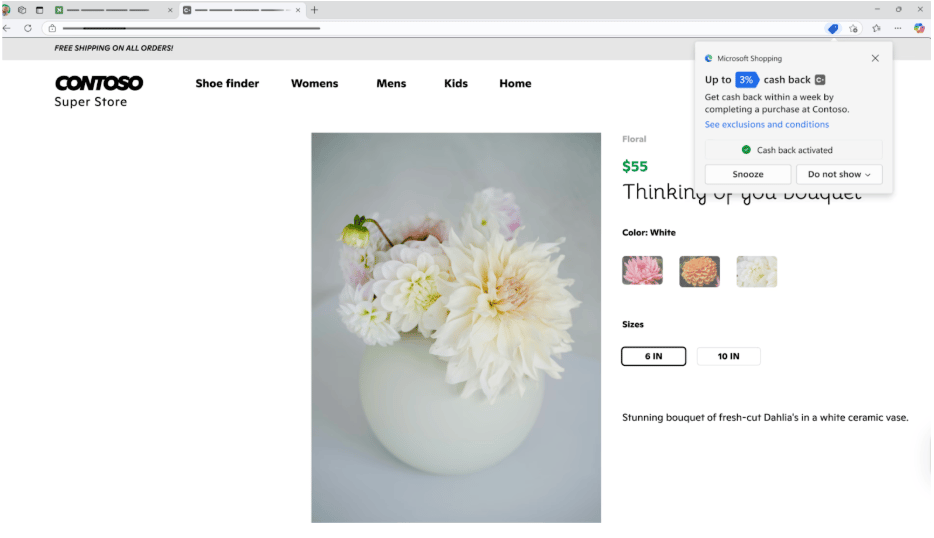
Microsoft Copilot delivers tailored picks, price context, and eligible cash back offers right in the browser. Source: Microsoft
Rakuten Cash Back button: Best for coupon auto-apply with cash-back stacking
Rakuten is the easy “set it up and stop overpaying” pick for online shopping. Install the browser extension, shop as usual, and the Button lights up on supported sites. Click once to activate cash back, then at checkout, it tests available codes and applies any that work, so your total drops. You’ll also see cash-back rates in Google or Bing results, helping you choose the store that gives more before you click through. For in-store cash back, use the Rakuten mobile app with a linked card.
The process is simple: pick the merchant with the better rebate, tap to activate, let Rakuten auto-apply coupons, then pay with your favorite cash-back card for a tidy double dip. It works across thousands of retailers and runs on Chrome, Edge, Firefox, and Safari, so you can add it to your stack in minutes. If you want savings that behave like a background service, this one earns its keep.
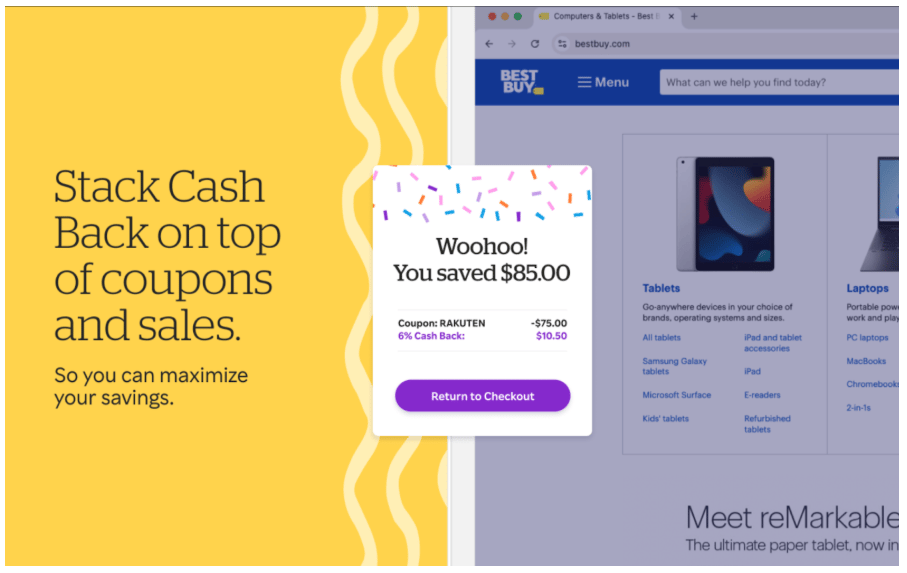
The Rakuten Cash Back button allows you to activate cash back, auto-test coupons, and let an AI assistant surface the store with the highest rebate as you shop. Source: Rakuten
Bottom line: Shop smarter with AI assistants
Traditional tools still help you spot sales and promo codes, but AI assistants make the process of bargain shopping smoother and more personal. You can speak naturally, ask for exactly what you want, and get tailored picks with price context and alerts.
Before you choose an AI shopping assistant, decide what matters most: coupon testing, real-time price comparisons, or decision help. Then let AI do the heavy lifting.
Whether you’re tracking prices, chasing a specific product, or looking for the best nearby deal, switch on your AI helper and start stacking savings at checkout.
Bargain shoppers, check out some of my favorite free AI tools.