








Siri, Apps and a New Remote Help Apple TV Grow Up
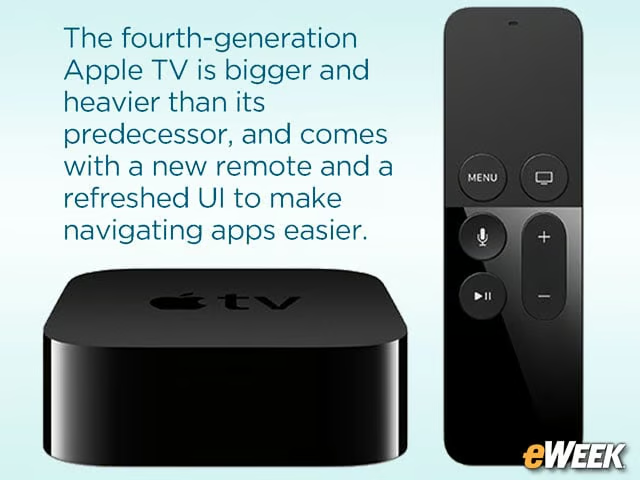
The fourth-generation Apple TV is bigger and heavier than its predecessor, and comes with a new remote and a refreshed UI to make navigating apps easier.
Make a Little More Room
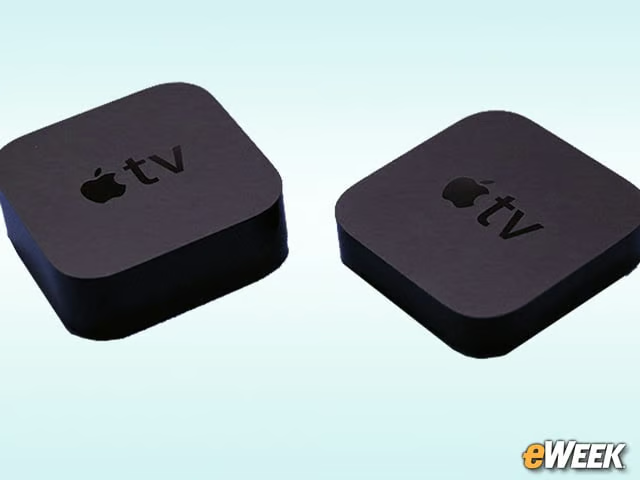
The new Apple TV is bigger than its puck-like predecessor. Luckily, the only direction it has grown is up (1.4 inches versus 0.9 inches), meaning that it will fit in the same footprint as the old model. Design-wise, it stays true to tradition with its familiar black plastic casing and singular white LED status indicator.
An Improved Remote
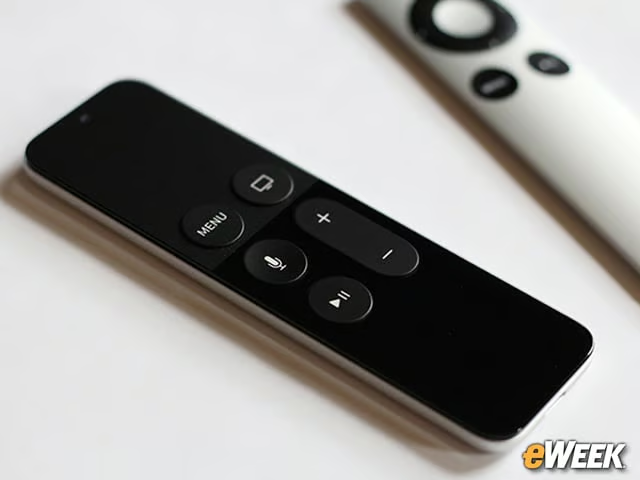
The bundled Siri Remote is a major improvement over the sleek but limited controller that shipped with older versions of Apple TV. It’s Bluetooth-enabled and packs a clickable touch-pad, gyroscope and accelerometer. A dual-remote design helps Siri pick up commands and questions well. It also charges with a Lightning cable (included) so finding replacement batteries is less of a concern. In hand, it’s much more comfortable to use than the tiny, hard-edged remote it replaces.
Super Simple Setup
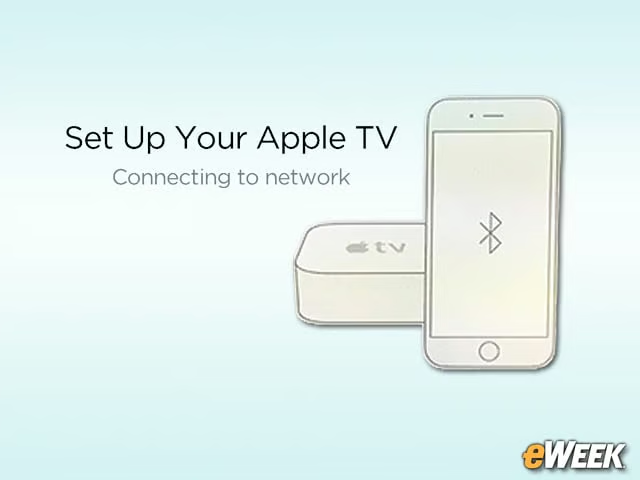
Have an iPhone? By turning on Bluetooth and holding it near the new Apple TV, users can shave several minutes off the set-up process by grabbing WiFi network and Apple account settings. It’s similar to the automatic set-up option in the third-generation Apple TV and worked flawlessly in this case.
No Remote App Support
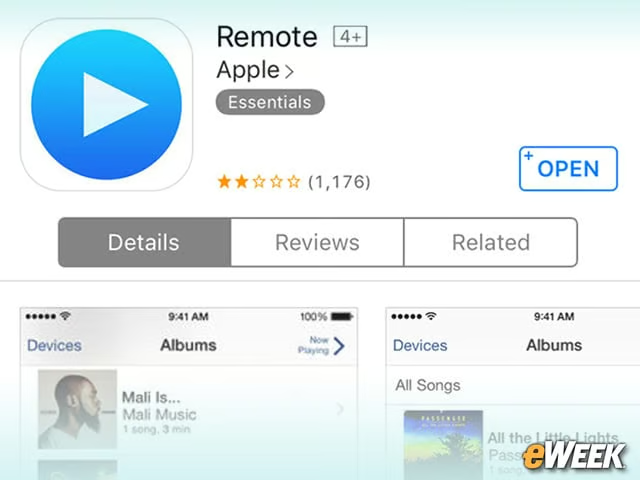
Bad news if you need to set up your Apple TV from scratch. Text input is still a pain, made worse by Apple’s decision not to support the new hardware in its Remote app for iOS devices. Though swiping the touch-pad on the new remote makes nearly everything better on the new Apple TV (more on that later), it doesn’t help much in entering passwords or search terms.
Fresh-Faced UI
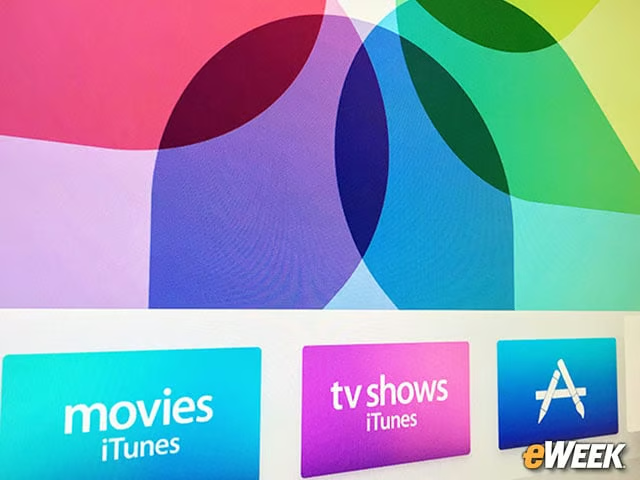
The new user interface (UI) is similar to the old one, except that it now features a lighter color palette, smoother transitions and an all-round more modern look. It’s a pleasant place to binge-watch the day away.
Smooth Operator
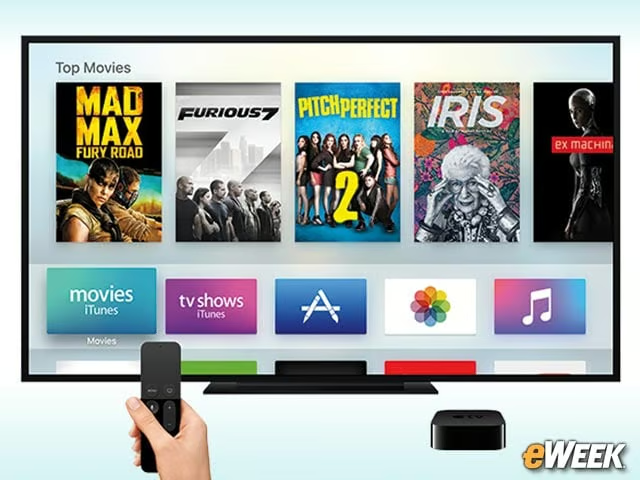
A snappy UI aside, so far the new Apple TV has delivered rock-solid video and audio streaming, though your mileage may vary, depending on broadband and network conditions. Apps load quickly, and jumping between modes has yet to elicit an on-screen progress indicator.
All About the Apps
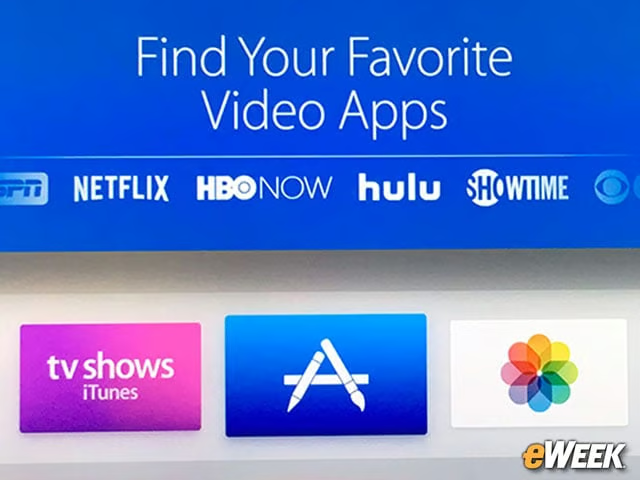
Admittedly, it’s early days, and the app selection is limited. Plus, it’s debatable whether apps translate well to TV. There are some glimmers of hope. Travel apps like Airbnb and TripAdvisor are particularly well-suited for couch-based consumption, and a smattering of fitness apps are available for those looking for guided workouts at home. Watch this space.
A Capable Games Machine

It’s no PlayStation 4, but it’s up to the task of delivering good casual gaming experiences. Its showcase title, Crossy Road, works well with Siri Remote. For those who like more tactile controls in some games, the new Apple TV supports some Bluetooth controllers like the SteelSeries Nimbus.
Siri’s Here to Help
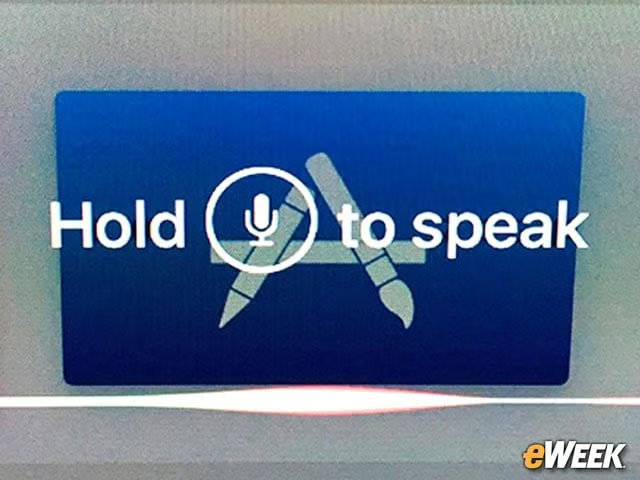
Siri is a major time-saver on the new Apple TV, allowing users to launch apps with a simple command. She can search movies by genre and even steer users clear of duds and box-office bombs by basing her recommendations on Rotten Tomatoes ratings.
No 4K
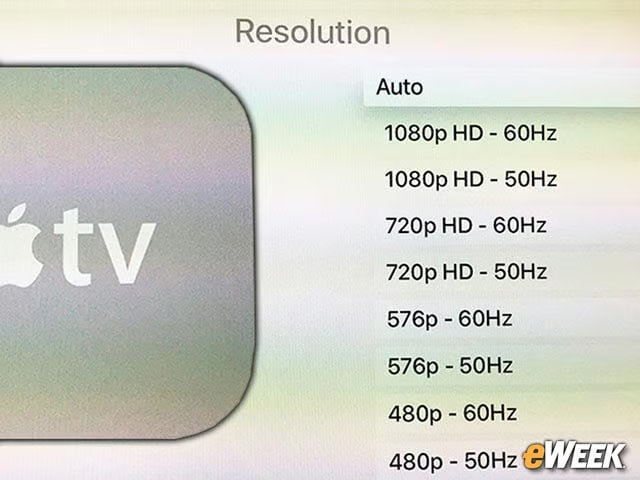
The Apple TV supports 1080p TVs, not the newer, more affordable 4K models flooding the market. This is disappointing, considering the company has embraced 4K resolution in its latest 21.5-inch iMac. On the bright side, buyers won’t be missing much since 4K streaming content is still rare.