







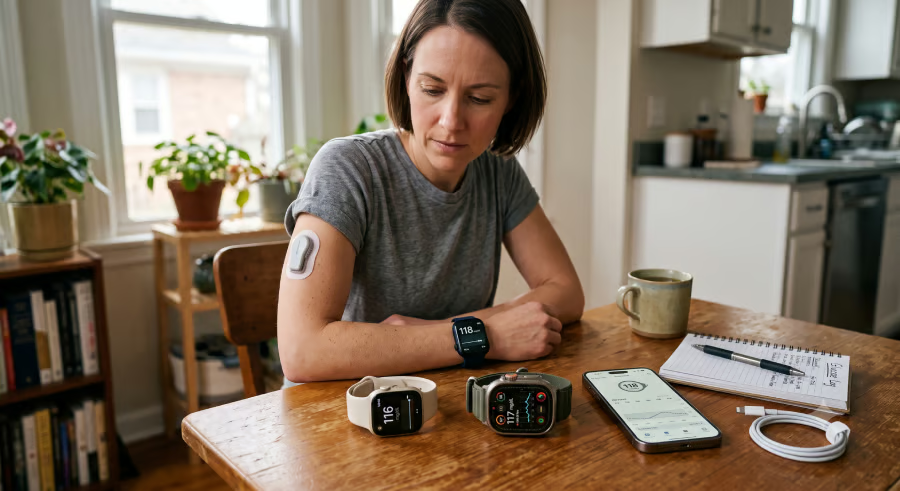
An Apple Watch can make it easier to monitor glucose throughout the day, but choosing the right model depends as much on your continuous glucose monitor (CGM) as the watch itself.
Every current version can run third-party health apps, but some are better suited to longer wear, a larger display, or a lower budget. Your continuous glucose monitor, or CGM, is just as important because each provider sets its own compatibility rules and decides whether the iPhone must remain nearby.
Apple Watch does not measure blood glucose on its own. Instead, it displays data from compatible continuous glucose monitoring (CGM) systems.
This cheat sheet covers the equipment you need, the Apple Watch models supported by major CGM apps, and the differences that should guide your purchase.
Glucose setup requirements
An Apple Watch glucose setup has four main parts:
- A compatible CGM: The sensor supplies the glucose readings.
- The CGM’s iPhone app: This is generally used to activate the sensor, manage settings, and begin watch setup.
- A supported watch: The model and watchOS version must meet the CGM provider’s requirements.
- The CGM provider’s Apple Watch app: When available, this brings supported readings, graphs, alerts, or complications to the watch.
Check the CGM provider’s current compatibility list before buying. Running a supported version of watchOS does not guarantee that a particular glucose app will work.
CGM app compatibility by watch model
CGM app | Apple Watch requirements | iPhone dependence | Watch experience |
| Dexcom G7 | Series 6 through Series 11, SE 2 or SE 3, or any Ultra model, running watchOS 10 or later | The iPhone is needed for setup, but readings can travel directly from the sensor to the watch when Direct to Watch is active | Current reading, trend direction, graph, and supported alerts |
| Libre watch app | Series 4 or later running watchOS 10 or higher | The watch must remain in range of the sensor and paired iPhone | Reading, trend information, alarms, and supported complications |
| Eversense 365 or E3 | Selected models on Eversense’s current compatibility list | The watch acts as a secondary display and does not connect directly to the transmitter | Glucose data from the Eversense phone app |
A cellular Apple Watch will not make a tethered CGM app phone-independent. The connection method is set by the glucose system: Dexcom G7 can send readings directly to supported watches, while Libre and Eversense still depend more heavily on the paired phone.
For a fuller comparison of the features, sensor wear, and phone requirements of these systems, refer to the separate guide to Apple Watch CGM apps.
Older watch models that remain compatible
Apple supports watchOS 26 on Series 6 and later, SE 2 and later, and all Ultra models. The latest watchOS support can help an older watch continue receiving current app and security updates.
CGM support does not always match Apple’s watchOS cutoff. A glucose app may support an older watch running an earlier watchOS release, or it may impose a narrower list than Apple does.
If your current watch still runs the required app and its battery lasts through your routine, upgrading solely for glucose viewing may offer little benefit.
Apple Watch SE 3 vs Series 11 vs Ultra 3
Current model | Starting US price | Case sizes | Apple battery claim |
| Apple Watch SE 3 | $249 | 40 mm or 44 mm | Up to 18 hours |
| Apple Watch Series 11 | $399 | 42 mm or 46 mm | Up to 24 hours |
| Apple Watch Ultra 3 | $799 | 49 mm | Up to 42 hours |
Source: Apple. US pricing, case sizes, and battery estimates were accurate as of writing. Prices may change, and actual battery life varies with app use, notifications, connectivity, settings, and other factors.
Which model fits your routine?
The comparison becomes simpler once you decide which compromise matters least.
- Apple Watch SE 3 covers the essential companion-app experience for the lowest price. Its shorter battery estimate may require planning for people who wear the watch overnight or want alerts available across a long day.
- Apple Watch Series 11 is the best fit for many buyers. It offers more battery room and larger case options without the price or 49 mm size of the Ultra.
- Apple Watch Ultra 3 suits people who place the highest priority on battery endurance or prefer Apple’s largest watch. Its higher price does not unlock exclusive CGM apps or override a provider’s iPhone requirement.
The smarter choice is not automatically the top model, but the one you are most likely to keep wearing and using consistently.
How glucose alerts reach Apple Watch
Apple generally sends a notification to either the iPhone or Apple Watch, not both. When your iPhone is unlocked, the notification appears there. When the phone is locked or asleep, it normally goes to the unlocked watch.
An alert that appears missing from your watch may therefore have gone to the active phone. If notifications are inconsistent, check the CGM app’s permissions, Apple Watch notification settings, and any active Focus mode. The smartwatch apps mirror the phone’s notification settings by default, although some apps provide separate controls.
The CGM app may also have its own controls for high, low, or urgent alerts.
Make the watch work for your routine
The right Apple Watch depends less on buying Apple's most expensive model than on choosing one that works reliably with your CGM and fits comfortably into your daily routine.
Apple Watch remains a companion to a compatible CGM, not the source of the measurement. Follow the CGM app, your treatment plan, and your healthcare provider’s guidance when making care decisions.
Related News: Learn what Apple Watch can track for diabetes management, from connected CGM readings to reminders and heart-health alerts.