







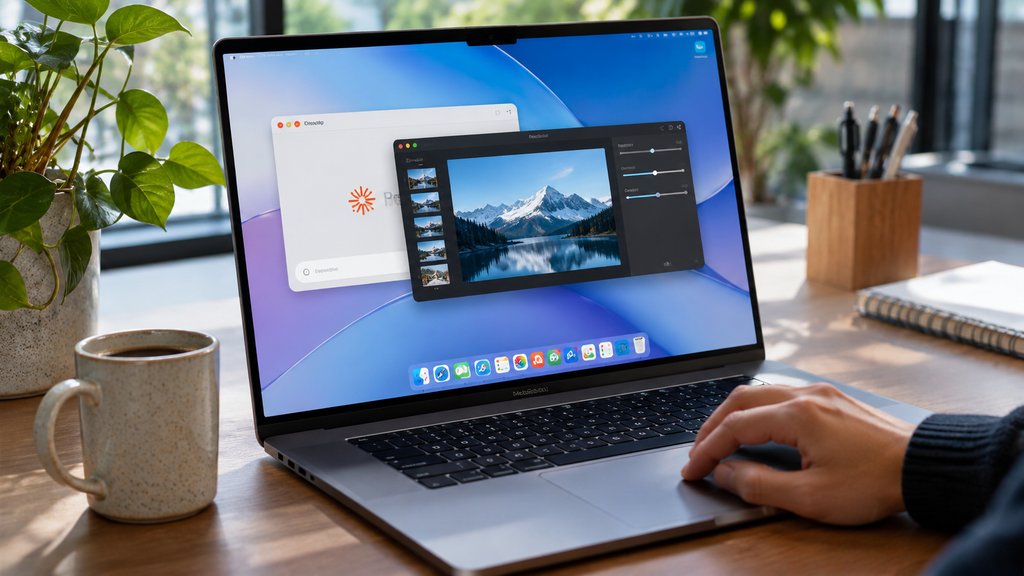
You can now ask Claude to build a tool and open it from your computer like any other app. No digging through old chats or figuring out how to package software. The tool gets its own window and icon on your desktop.
Anthropic introduced the feature, called Install as app, on Nov. 24. It's rolling out in beta across all Claude plans, allowing people to turn AI-generated artifacts into desktop applications on Mac and Windows.
Think of a meeting reminder that pulls from your calendar or an order tracker you open every morning. Claude already creates interactive tools and visuals, but now those creations can become part of someone's everyday desktop workflow.
There's a catch: These apps still depend on Claude, and some can request considerable access to your computer.
How to turn a Claude artifact into a desktop app
According to Anthropic's announcement, users can describe what they want, test the result as an artifact, and install it without writing packaging scripts or setting up a separate API key.
Here's how to get started:
- Update Claude Desktop on Mac or Windows to version 6.28899.0 or later.
- Open the artifact and select Install as app from its title menu, right-click menu, or Share menu.
- Confirm installation. On Mac, find the app in your Claude Apps folder. On Windows, launch it from the Start menu or desktop shortcut.
Anthropic has demonstrated a layered image editor, a file manager, and a system-monitoring utility. Depending on their permissions, installed apps can also send notifications, respond to keyboard shortcuts, or appear in the menu bar or system tray.
The experience isn't quite the same as installing conventional standalone software. Apps require an internet connection and an active Claude sign-in. Any requests they send to Claude count against the user's existing plan limits.
Changes to the original artifact automatically update the installed app, with fresh permission requests after each update.
Not everything qualifies. Claude Docs, Slides, Sheets, legacy artifacts, and live Cowork artifacts cannot currently be installed this way.
The feature also differs from Claude's computer-use capabilities. Those let Claude operate existing applications, while Install as app turns something Claude created into an application users can launch themselves.
What eWeek found
Making an app is easier, but deciding what it should be allowed to do still requires some judgment.
Anthropic offers three permission levels:
- Default: Apps can do what they could already do in a browser.
- App permissions: Apps can request notifications, keyboard shortcuts, and floating windows.
- Full computer access: Apps can run programs and read, change, or delete files without asking before every action.
A simple timer shouldn't need access to personal files. A photo-organizing tool might, but trying it on copies of a few images is safer than handing it an entire photo library.
Anthropic doesn't review apps before installation. Full computer access is generally restricted to apps users create themselves or those made within their Team or Enterprise organization.
Its administrator guide confirms that installation is enabled by default on Team plans but disabled on Enterprise until an owner activates it. Full computer access starts disabled on both.
Administrators can also restrict permissions through Mac and Windows device-management policies.
Monitoring has limits. Anthropic's Compliance API records app openings and access checks, but not installations, permission decisions, or local actions. And while artifact updates trigger fresh consent requests, externally loaded code can change without another prompt.
Users sharing these tools should also consider who can access the underlying artifact. Earlier concerns about shared Claude artifacts becoming searchable illustrate why sharing settings deserve attention.
HIPAA-ready organizations and hybrid deployments cannot use the beta.
Install as app removes much of the technical work between describing a useful tool and running it on a desktop. But before relying on one for everyday work, users still need to know what it can access, how it changes, and whether it performs reliably.
Thinking about putting AI agents to work on your team? Explore courses from The Neuron Academy to build the skills to evaluate where agents can help and where you still need a human in the loop.